CRM API: Connect Your Stack Without Rebuilding Everything
You’ve got a CRM, a dozen internal systems, and customer data trapped in silos. Every small change demands another brittle script, another one-off connector, another late-night rollback. What starts as a quick fix becomes a fragile glue layer that no one wants to touch — and everyone depends on.
The costs are immediate and compounding:
- Slower releases as teams coordinate cron windows and patch failing jobs.
- Duplicate or stale records that mislead sales, success, and finance.
- Hidden errors that only appear when a renewal is missed or a report is wrong.
- Compliance risks from manual exports and data drifting across untracked tools.
Bitrix24 CRM REST API gives you an open, stable surface designed for real-world operations. You get predictable endpoints, event-driven webhooks, batching for high-volume syncs, and pragmatic patterns that hold up under load. Connect Bitrix24 to ERP, billing, BI, support, or your custom apps without rewrites or lock-in. When integrations keep pace with change, your teams can focus on features — not firefights. Start with the docs: https://training.bitrix24.com/rest_help/
Enterprise control without friction: authentication, scopes, and governance
Security and governance are table stakes for IT.
Operational recommendations that prevent 3 a.m. incidents:
- App-per-service: create separate apps (or inbound webhooks where appropriate) for each internal service — billing, data warehouse loader, provisioning — so scopes map 1:1 with duties.
- Least privilege: request only the crm-related scopes you need. Don’t grant blanket access across products you don’t touch.
- Environment isolation: use distinct apps and callback URLs per environment (dev, staging, prod) to avoid cross-talk and accidental data mixing.
- Token hygiene: store refresh tokens securely, rotate secrets on a schedule, and monitor for anomalous usage patterns.
Stop integration drift with a stable, well-structured CRM REST API
Integration drift is what happens after the first week in production.
Core entities — contacts, companies, deals, leads, products, activities, pipelines, and stages — share a consistent resource model with predictable list/get/add/update/delete methods.
- Schema introspection: methods such as entity fields endpoints let you programmatically discover available attributes, including custom fields (for example, UF_CRM_*). You can map at…
- Batch operations: group many reads/writes in a single request to reduce round trips and minimize sync windows during backfills.
- Event subscriptions: bind to CRM events so downstream systems update immediately when data changes, rather than relying on fragile polling.
- Consistent pagination: traverse large datasets predictably, avoiding off-by-one errors and missed records during high-change periods.
Go event-driven: real-time CRM webhooks without the polling tax
Polling is the tax you pay when your CRM won’t talk first.
You react in real time with lean infrastructure, and your downstream systems stay accurate without brute force.
- Lower latency: push updates to BI dashboards or entitlement services within seconds of a CRM event.
- Lower cost: eliminate aggressive polling and the infrastructure it requires.
- Higher reliability: event-driven flows are easier to reason about, test, and scale.
Ship faster with repeatable integration patterns that hold up under load
Most integrations fail not because they’re hard, but because teams rebuild them from scratch under deadline pressure.
Core patterns you can rely on:
- Incremental syncs: query only what changed since your last checkpoint to reduce transfer and contention. Store your last-seen update time; use list filters to fetch records where…
- Batching: group reads/writes into batched requests to cut chattiness. During backfills, batch by entity type and time window to prevent memory spikes and API thrash.
- Upsert logic: make connectors self-healing. Look up by external key, then add or update accordingly. Use deterministic keys so retries don’t create forks.
- Field mapping: standardize common CRM attributes (name, email, phone, stage, pipeline) and layer in support for custom UF_CRM_* fields. Store mappings centrally so multiple services…
Migrate and synchronize CRM data without downtime or guesswork
Whether consolidating CRMs or wiring Bitrix24 into finance, billing, and support, the hard part is the in-between: keeping data accurate while business continues.
Recommended approach:
- Discover: inventory objects (deals, contacts, companies, activities, products), enumerate fields — including custom UF_CRM_* — and document dependencies (pipelines, stages,…
- Map: define the system of record per attribute. For example, finance owns invoice numbers; CRM owns deal stage. Establish external keys for join safety; many teams use dedicated…
- Backfill: import historical data in bounded windows (by month or ID range). Use batch reads/writes, handle pagination consistently, and checkpoint progress so you can resume mid-stream.
- Dual-run: enable event-driven sync or dual-write during cutover. Capture all changes made during the migration window so records don’t drift.
Cloud or on-premise: integrate on your terms, not your vendor’s
Your architecture and regulatory posture shouldn’t force integration rework.
Common deployment scenarios:
- Hybrid: connect a cloud Bitrix24 portal to an on-prem ERP via a secure gateway. Events flow from CRM to your gateway, which forwards to internal services; outbound calls to Bitrix24…
- On-prem: keep all CRM data local and expose selected operations to internal microservices only. You control TLS termination, certificates, and network policies complete.
- Multi-portal: standardize integration templates so subsidiaries reuse the same patterns while mapping their own custom fields and pipelines.
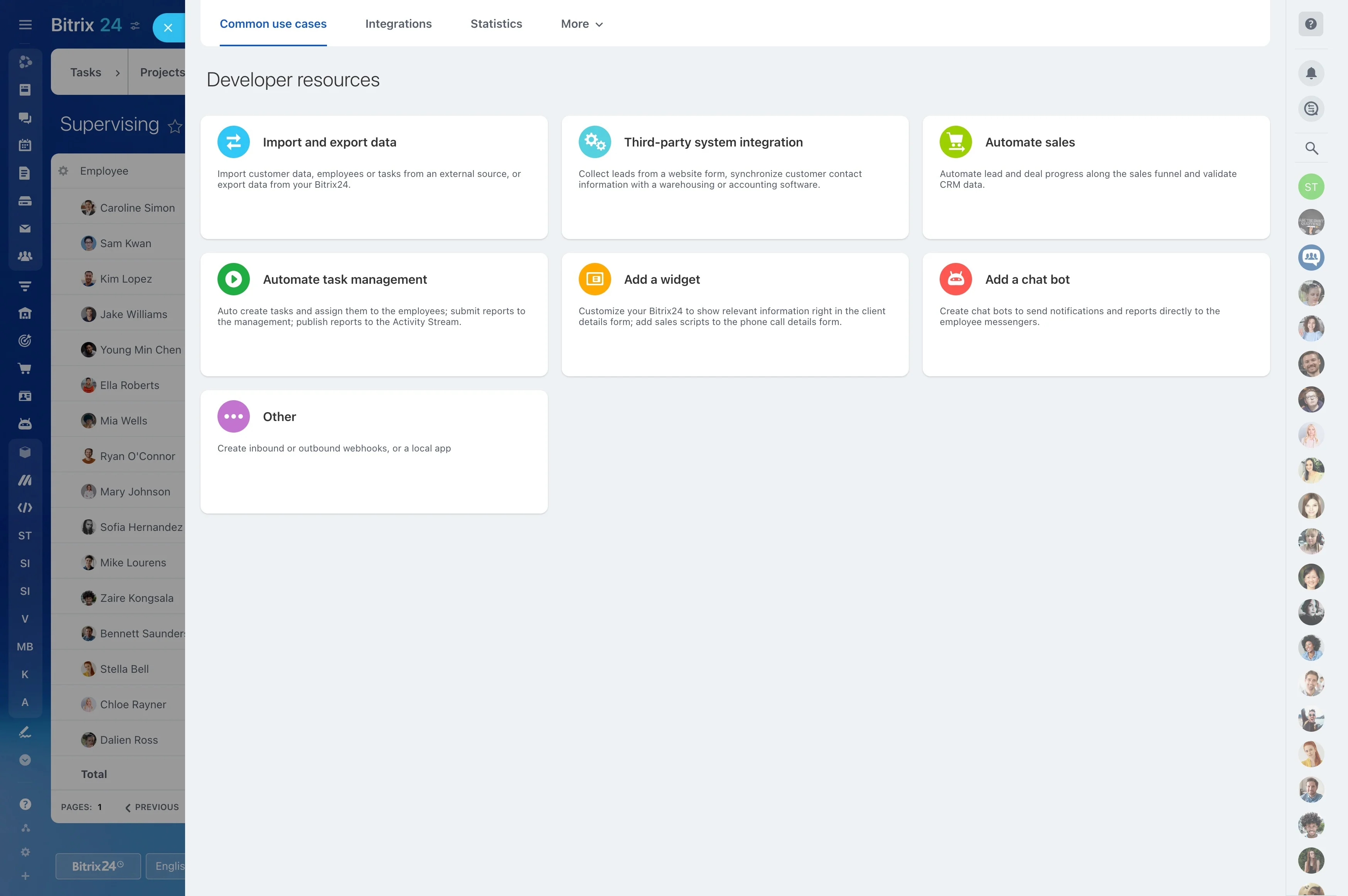
- REST endpoints for core CRM entities and operations.