Customer Account Management: Happier Customers Without Ticket Overload
Your customers don’t care which inbox you’re watching. They care that someone understands their issue and fixes it — fast. But when requests arrive via email, chat, social DMs, forms, and phone, your team burns hours hunting missing context, pasting updates between tools, and asking for information you already collected somewhere else. Work fragments, accountability blurs, and customers repeat themselves while the clock keeps ticking.
You see the signs every day:
- Agents alt-tab through inboxes, spreadsheets, and chats to assemble a full picture.
- Handoffs happen in DMs, so status and ownership are unclear.
- Duplicate contacts and scattered notes create conflicting truths.
- Simple follow-ups slip because reminders live in personal calendars.
The cost is real. Slower first responses and resolution times mean missed SLAs. Renewals get shaky when support feels chaotic. Upsell opportunities vanish because no one connects issues to revenue risk. And your best agents burn out triaging avoidable chaos instead of solving meaningful problems.
Bitrix24 brings it all together. It’s online customer account management software that unifies conversations, customer profiles, workflows, and analytics in one place — so you can support customers, manage service operations, and protect revenue without adding more tools or manual steps. One inbox for every channel. Automated pipelines for consistent outcomes. Self-service that actually deflects. Real-time dashboards to run the floor. And a 360° account view shared by support, success, sales, and finance — so everyone acts on the same facts.
Know What’s Happening Now, Not Next Week
Leaders can’t steer support with rearview-mirror reporting.
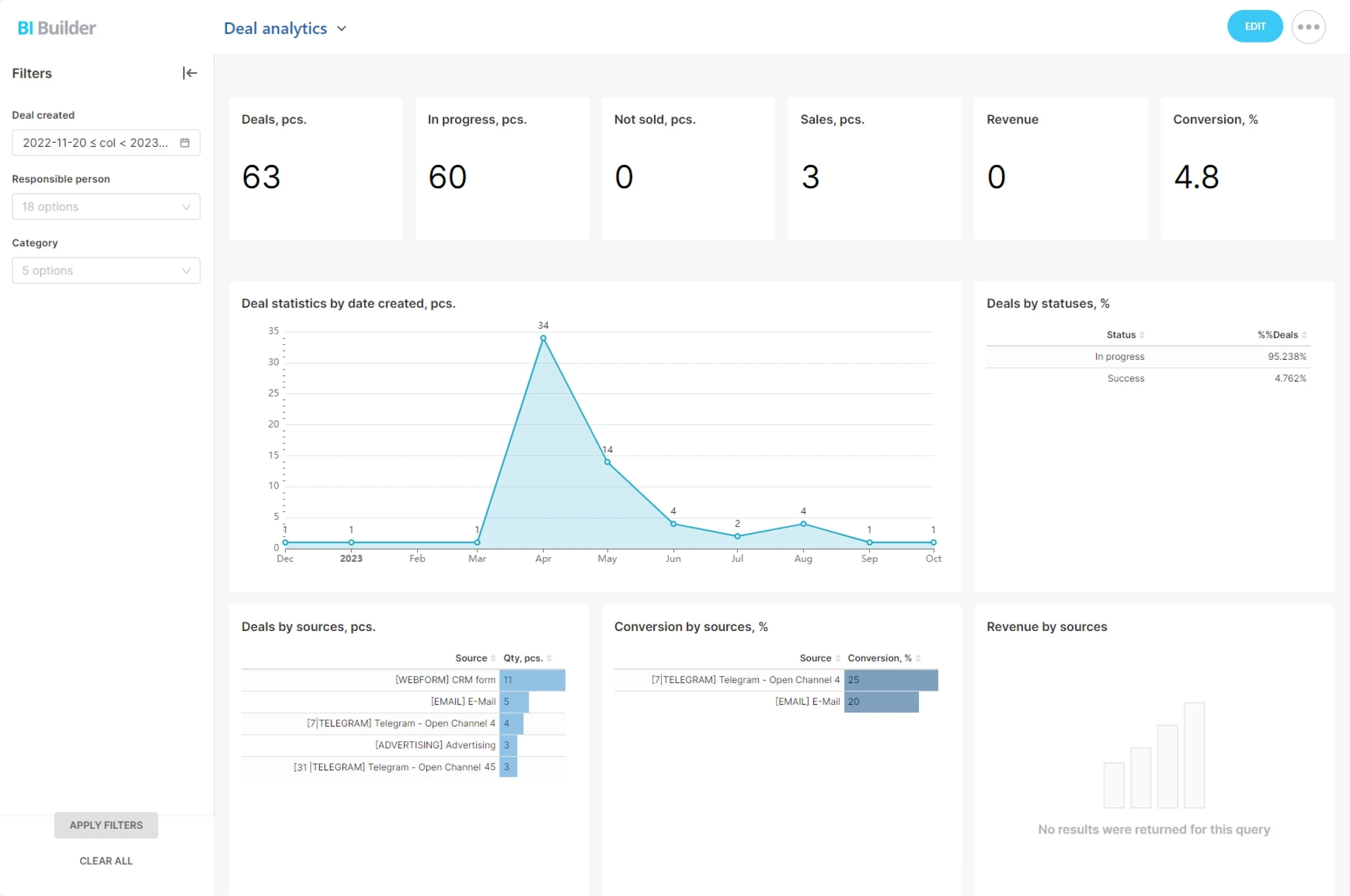
Track volumes by channel, first response and resolution times, reopen rates, deflection from self-service, and customer satisfaction — down to the account and case level.
- Dashboards: At-a-glance metrics for agents, teams, and management — queue depth, FRT, CSAT, aging cases, and breaches.
- Workload views: Live assignment and capacity views show who’s overloaded. Rebalance in a click to prevent burnout and misses.
- Pipeline analytics: Compare performance by stage (e.g., Waiting on Customer vs. Engineering Review) and across products or regions to fix process gaps where they occur.
- Custom reports: Slice by channel, priority, customer tier, or timeframe. Filter to see enterprise accounts approaching renewal with open issues. Export and share with stakeholders.
One Inbox for Every Customer Conversation
Scattered channels create scattered service.
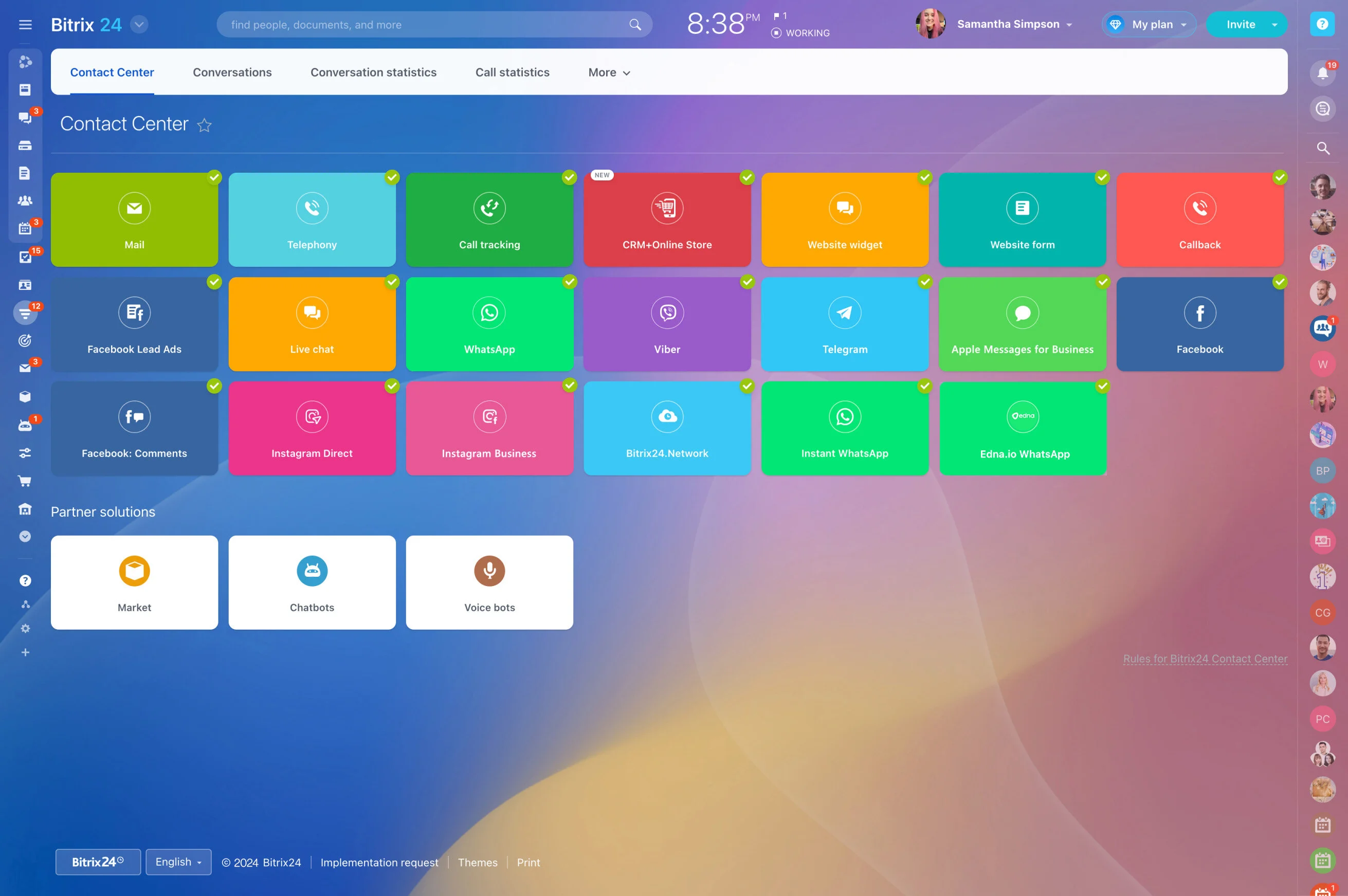
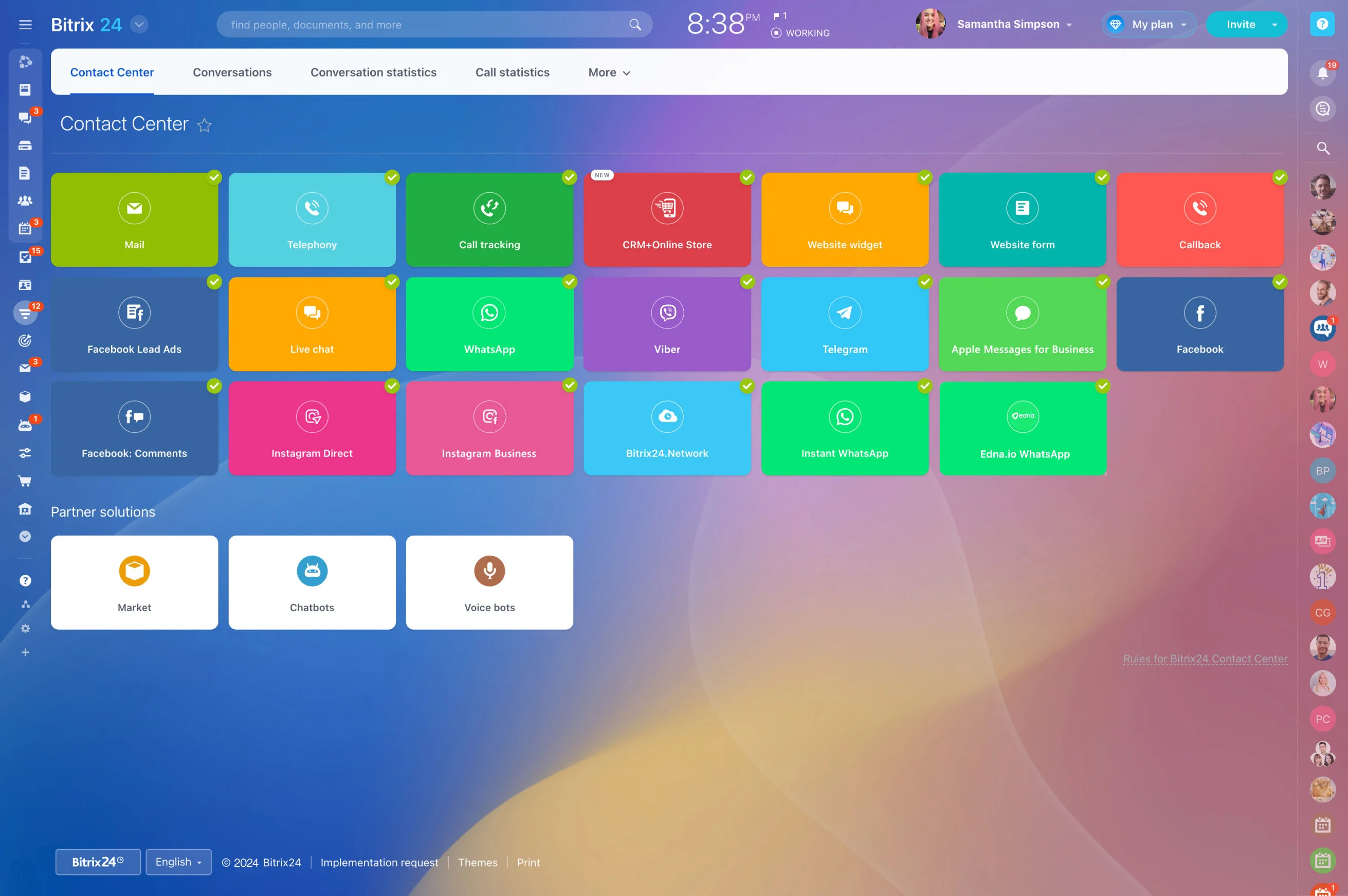
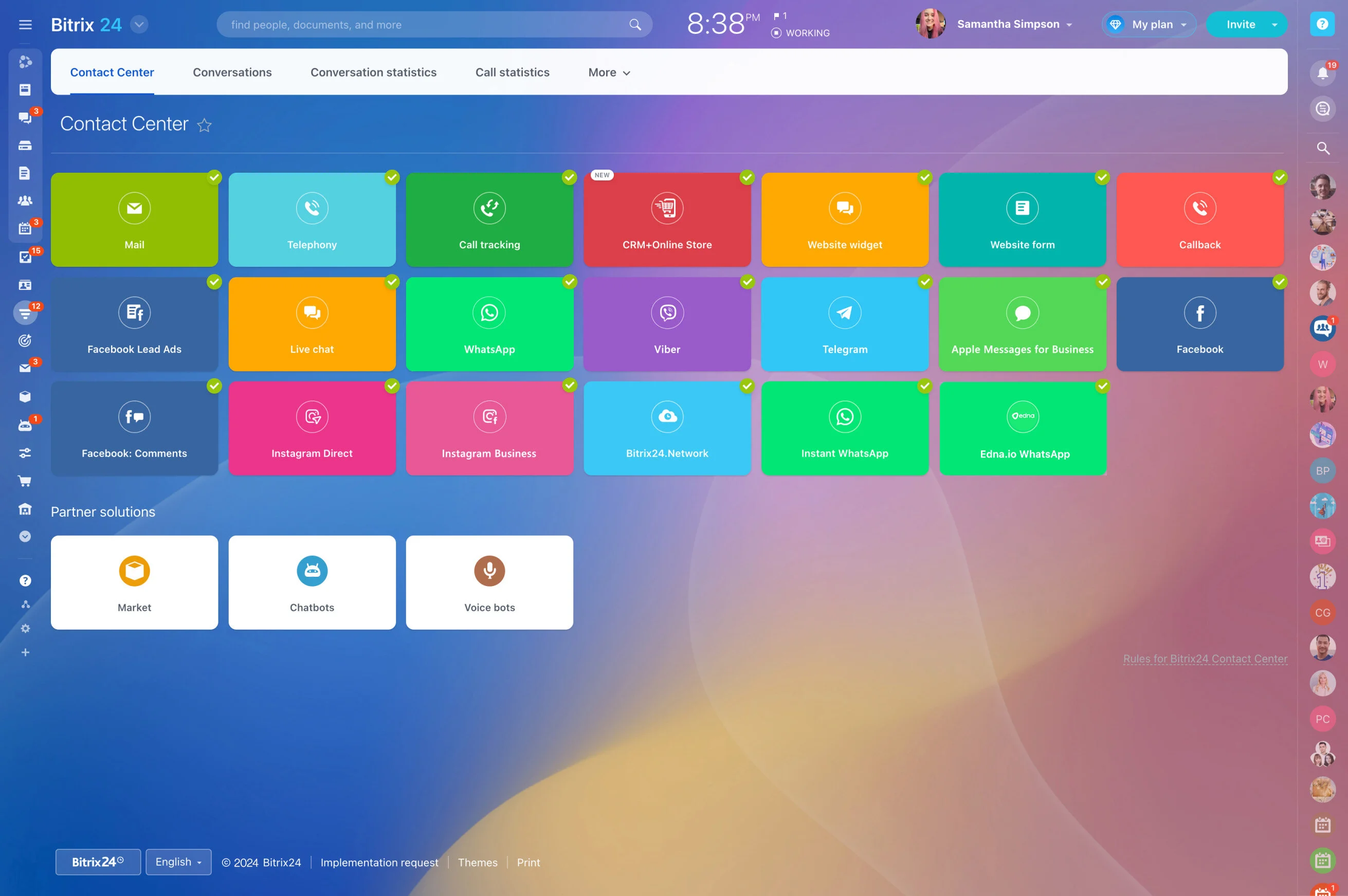
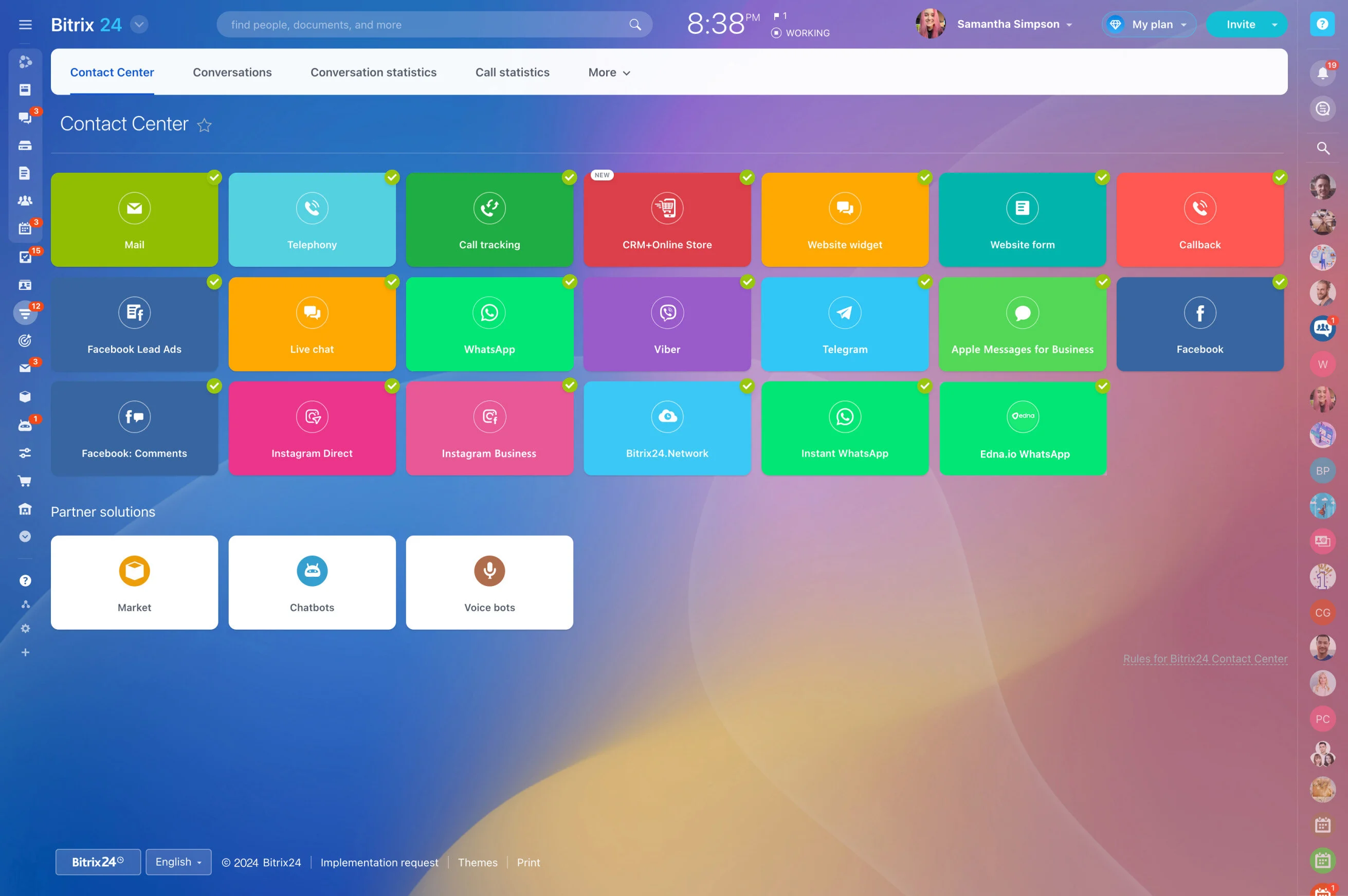
Route email, live chat, website forms, social messages, and calls into a single collaborative inbox tied to the customer’s account.
- Omnichannel capture: Support@, contact forms, popular messengers, and social DMs all feed one queue. Telephony connectors log call details, recordings, and outcomes.
- Smart routing: Auto-assign by topic, language, product line, client tier, or current workload. If an agent is offline, the inquiry rebalances without manual juggling.
- In-thread collaboration: @mention a specialist, drop in a file, or add an internal-only comment without leaving the conversation. No more side threads hidden in chat apps.
- Complete history: See who said what, when, and why — plus related tasks, orders, and approvals — on one unified timeline. New agents can ramp mid-case without slowing customers down.
Automate Service Workflows, Not Just Tickets
Manual triage and follow-ups crumble under pressure.
Organize requests into clear pipelines (New, In Progress, Waiting on Customer, Resolved) and attach automation rules to each stage so the next step always happens on time and with the right context.
- Routing: As soon as a request arrives, assign by skills, product, or client tier. Auto-tag priority and set the service pipeline. No more guessing who should handle it.
- Deadlines and reminders: Apply due dates by priority with business-hour calendars. Nudge assignees before time lapses and escalate if tasks approach breach.
- Status updates: Notify customers when their case moves stages or needs more info. Keep internal watchers informed without CC storms.
- Escalations: Reassign stalled cases, alert managers, or open a parallel task for senior review if a request idles beyond defined thresholds.
Let Customers Help Themselves (And Love You For It)
Your agents shouldn’t spend their day answering the same five questions.
Deflect and delight with:
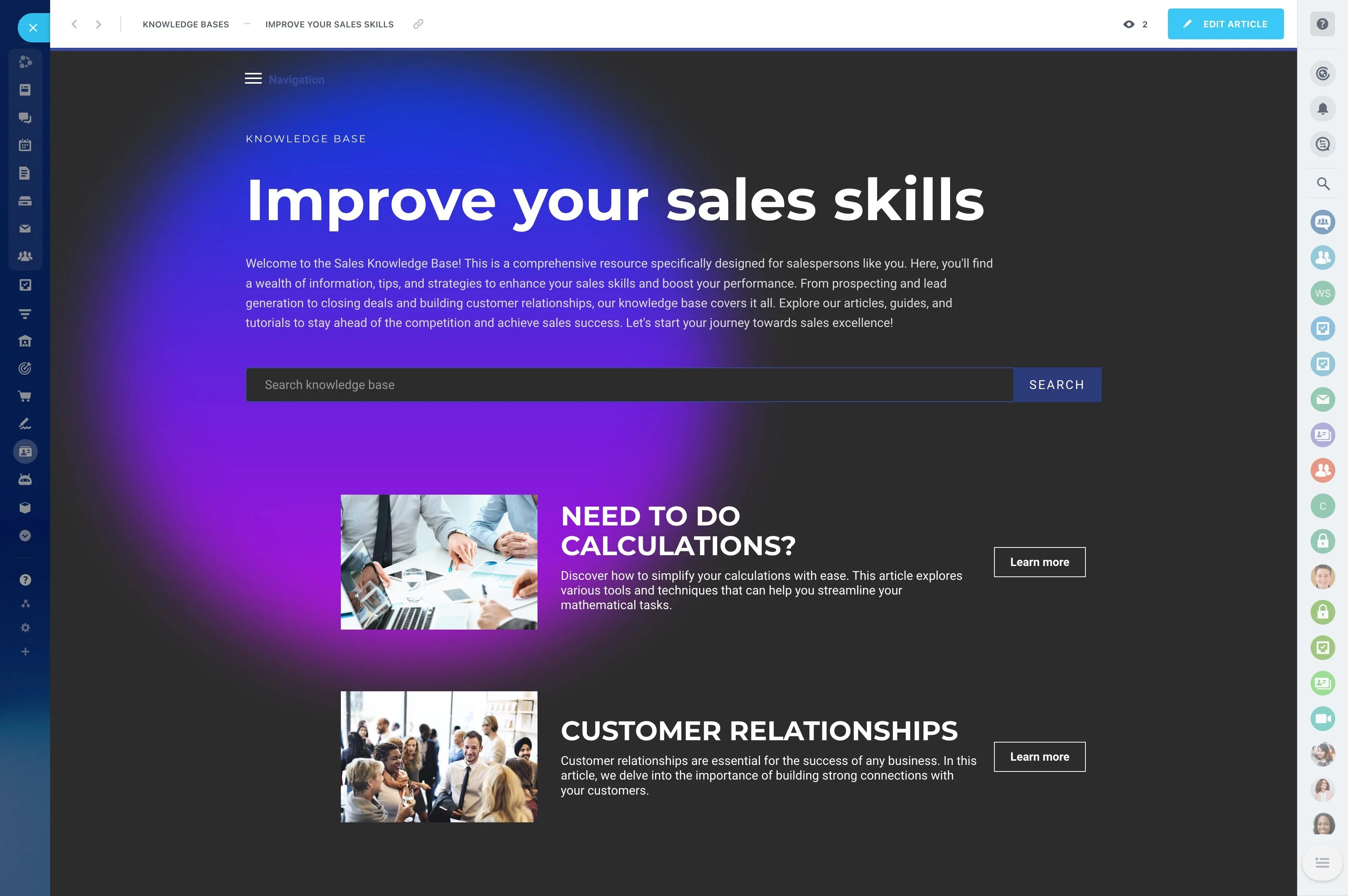
- Knowledge base: Publish step-by-step guides, FAQs, and troubleshooting flows with images and videos. Organize by product and audience, control visibility, and link articles directly…
- Smart forms: Collect the right details up front — order ID, device, plan level, impact, attachments — using conditional fields so agents start with the full picture. Validate inputs…
- Live chat and callbacks: Offer instant help on your site. Route chats to queues, schedule callbacks, and save full conversation history to the account.
- Client collaboration: Share tasks, files, and status updates with customers in a secure space to reduce email ping-pong for complex engagements like onboarding or custom work.
A 360° Account View That Sales and Support Share
Customers don’t think in departments.
Support timelines sit alongside deals, invoices, orders, subscriptions, documents, and project tasks, giving anyone — agent, account manager, billing — a true 360° view.
- Faster resolutions: An agent sees the customer’s plan, last invoice, previous cases, and special terms instantly. No hunting across tools to verify eligibility or promises.
- Better handoffs: After support fixes a recurring integration error, success picks up with a postmortem and a health check task already linked to the account.
- Revenue protection: Low CSAT plus “renewal in 60 days” triggers a playbook — alert the AE, schedule an exec check-in, and create a remediation project with milestones.
- Compliance and control: Fine-grained permissions restrict who can view or edit sensitive fields. Internal-only comments let teams collaborate without exposing private notes.
Fast to Launch, Easy to Integrate, Built to Scale
You shouldn’t need a six-month project to help customers better.
Launch in days, not months:
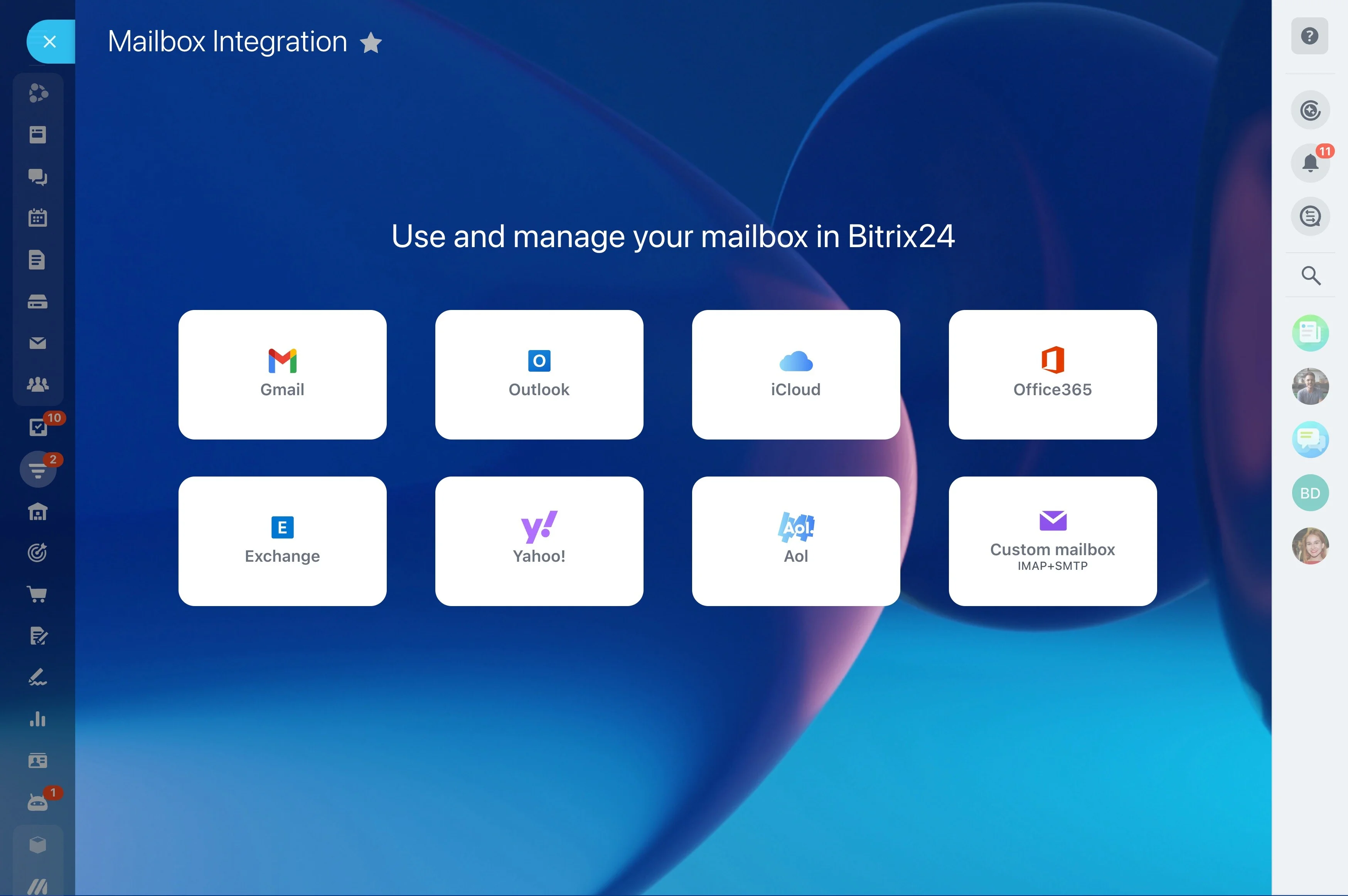
- Connect channels: Hook up your support email, website chat/widget, and social pages. Map categories and queues so inquiries land in the right place.
- Import accounts and contacts: Use CSV import or APIs to bring history along. Deduplicate by email, phone, or custom keys to start clean.
- Define workflows: Map pipelines, SLAs, and automation rules. Start with a simple New → In Progress → Waiting on Customer → Resolved flow and iterate.
- Train fast: Intuitive inbox, Kanban boards, and timelines minimize ramp time. Publish quick-start guides in your built-in knowledge base and shadow live cases with internal comments.