Customer Portal Software: Solve Customer Requests Without Tool-Switching
Your customers do not care which inbox, spreadsheet, or chat app their request lives in. They care about a fast, correct answer. But when support runs across separate systems, you pay a tax on every interaction: agents re-ask basics you already know, managers cannot see patterns, and customers repeat their story across channels.
That hidden tax shows up on the bottom line. You lose hours to swivel-chair work and copy-paste. SLAs slip because triage lives in someone’s head. Context-free replies drive repeat contacts and escalations. And without a single history of the relationship, it is impossible to prove how service protects renewals and expansions. Typical costs include:
- Longer time to first response because context has to be gathered manually
- Duplicate replies from uncoordinated tools that confuse customers
- Missed handoffs between teams that turn small issues into churn risks
- Dirty CRM data that undermines reporting and planning
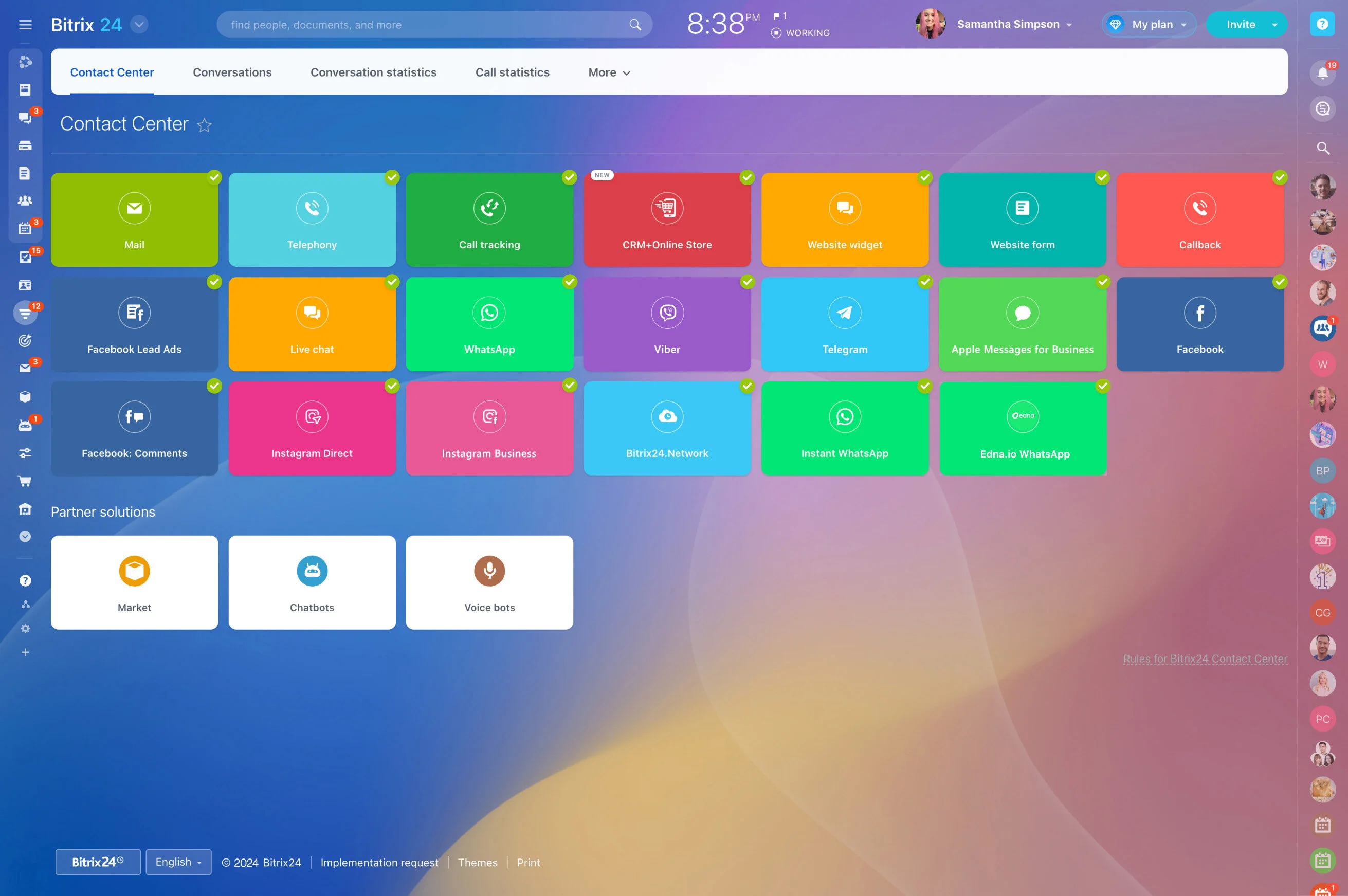
Bitrix24 brings it all together. It is free CRM + customer portal software that unifies cases, conversations, knowledge, and automation in one workspace. Every request sits on a living CRM profile. Customers get a self-service hub and clear status. Agents get full context, smart routing, and collaboration. Leaders get real-time analytics tied to revenue.
The result: fewer tools to manage, faster answers with fewer escalations, cleaner data by default, and a support operation that finally runs like a system — not a patchwork.
Start Free. Scale Without Rebuilding.
Choosing new software is risky when you are not sure it will fit next quarter’s volume.
A simple way to get started this week: 1) Connect your support email and add the chat widget to your site.
- Cloud or self‑hosted deployment as your security and data residency needs evolve.
- Roles and permissions to separate internal notes from client‑facing replies and limit who can view, edit, or export data.
- Templates for tickets, automations, SLAs, and KB articles to standardize quickly and onboard new agents consistently.
- Marketplace and APIs to connect billing, ERP, or custom apps when you are ready — keep data flowing, not duplicated.
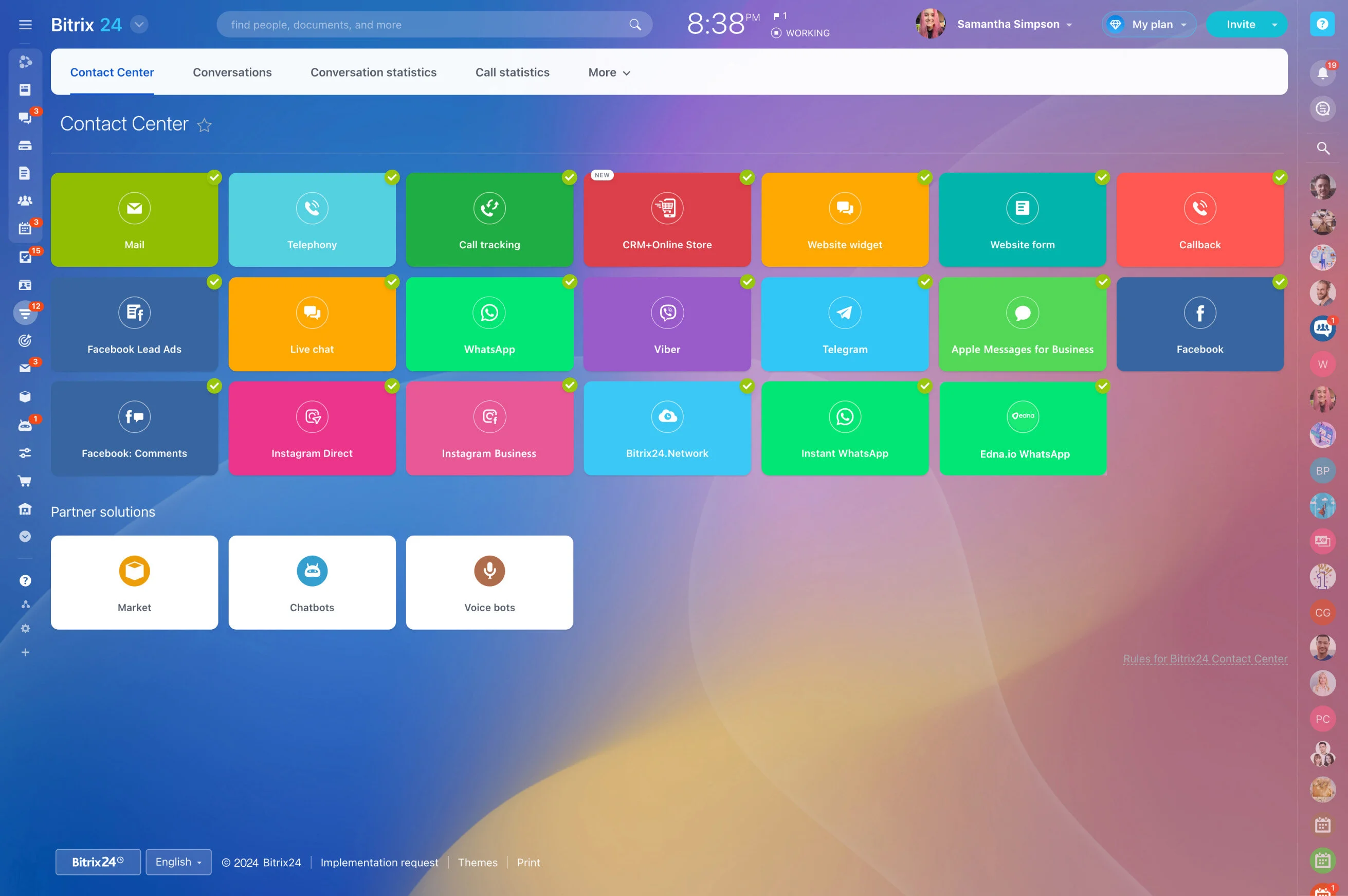
Support Everywhere Your Customers Are
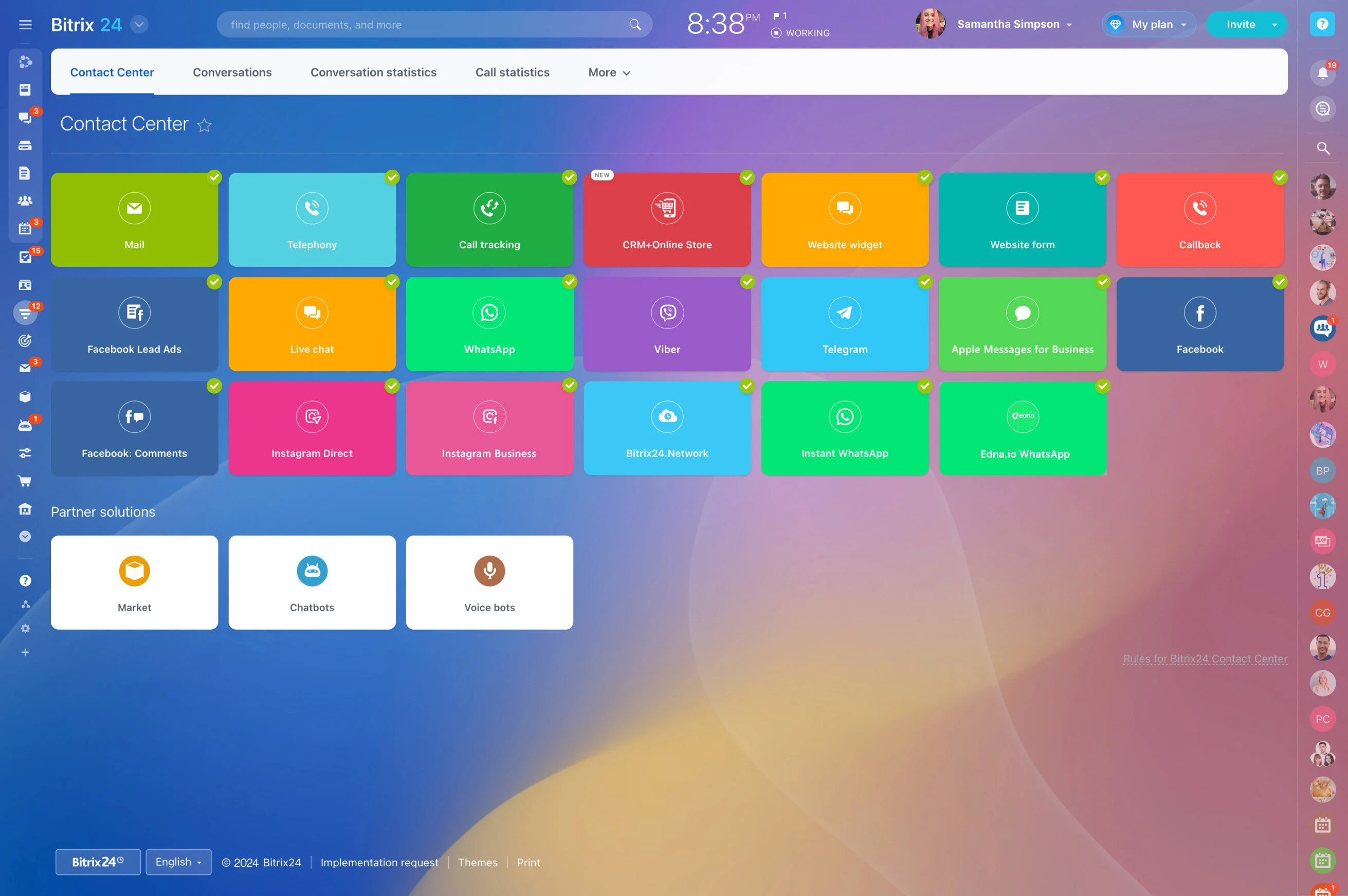
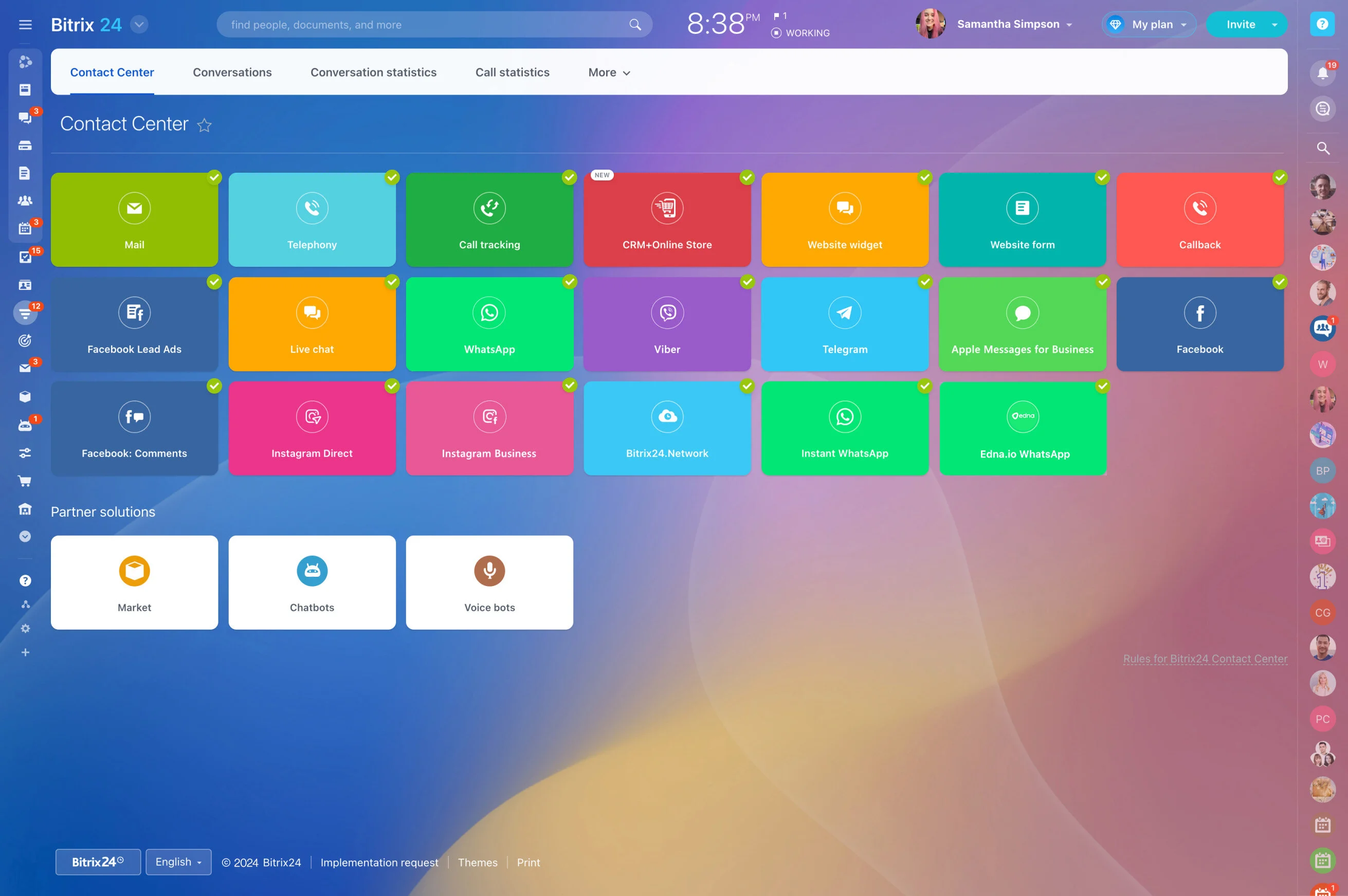
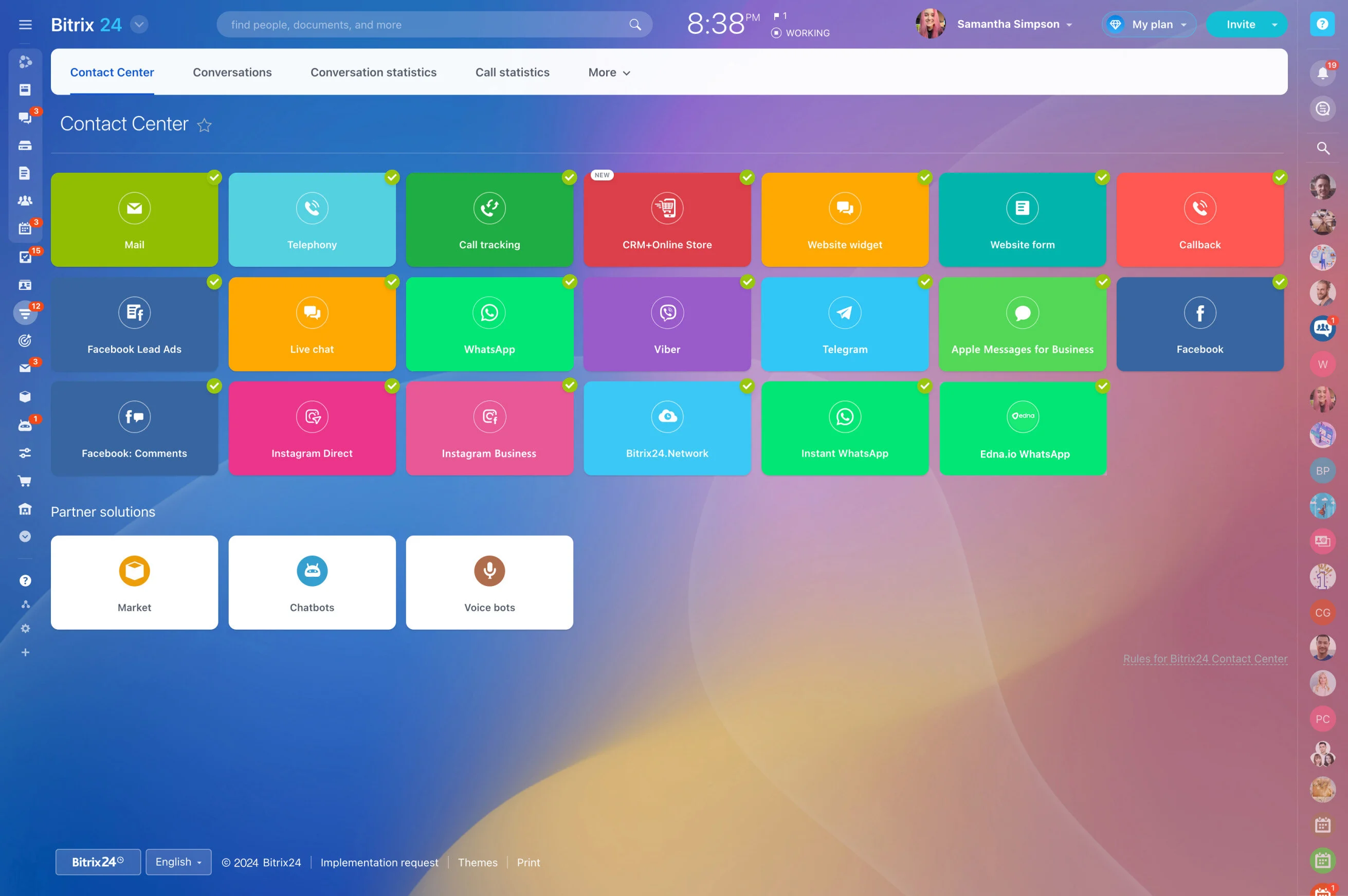
Your customers write, call, and chat from wherever they are.
Supervisors manage with data, not hunches.
- Email support addresses with threading, collision detection, and saved replies.
- Website live chat and chatbots that capture leads and cases directly into CRM.
- Web forms for issues, returns, onboarding requests, and feedback.
- Telephony for inbound and outbound calls, with call recording and notes linked to the case.
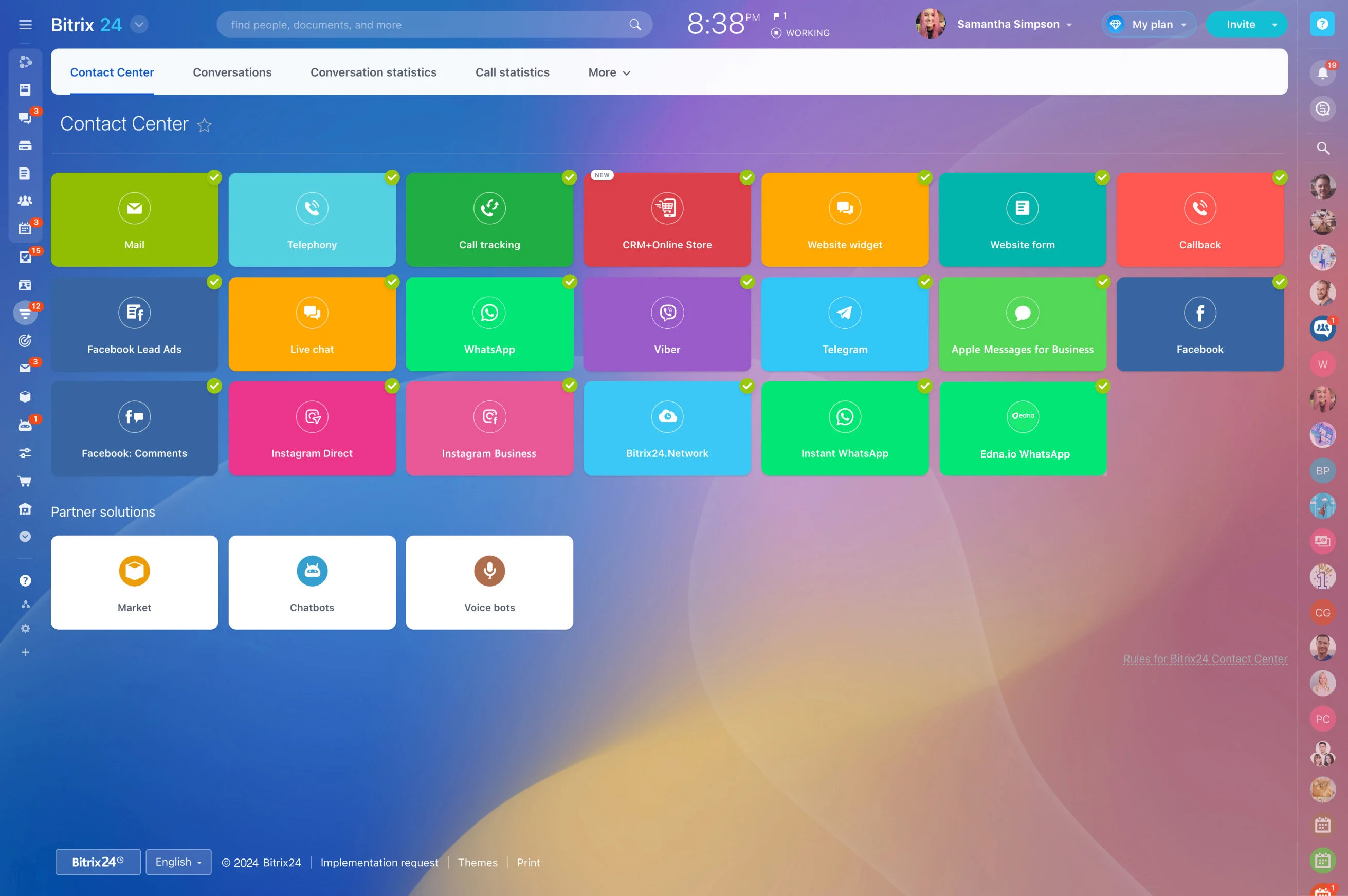
One Workspace for Support, CRM, and the Customer
Support is harder than it needs to be when the ticket lives in one tool and the customer story lives in another.
The real cost of split systems is not just time.
- Unified timeline: Emails, calls, portal messages, and internal tasks are auto-logged to the contact and company record.
- Linked work: Attach tasks, approvals, and documents to the case with internal vs public notes so you can collaborate without exposing back-and-forth.
- Clean handoffs: Tag account owners, loop in success, and transition from support to sales without losing history or duplicating updates.
- Governance by design: Required fields, templates, and standardized stages keep data consistent and reporting trustworthy.
Let Customers Help Themselves—Without Feeling Abandoned
Customers want control and clarity.
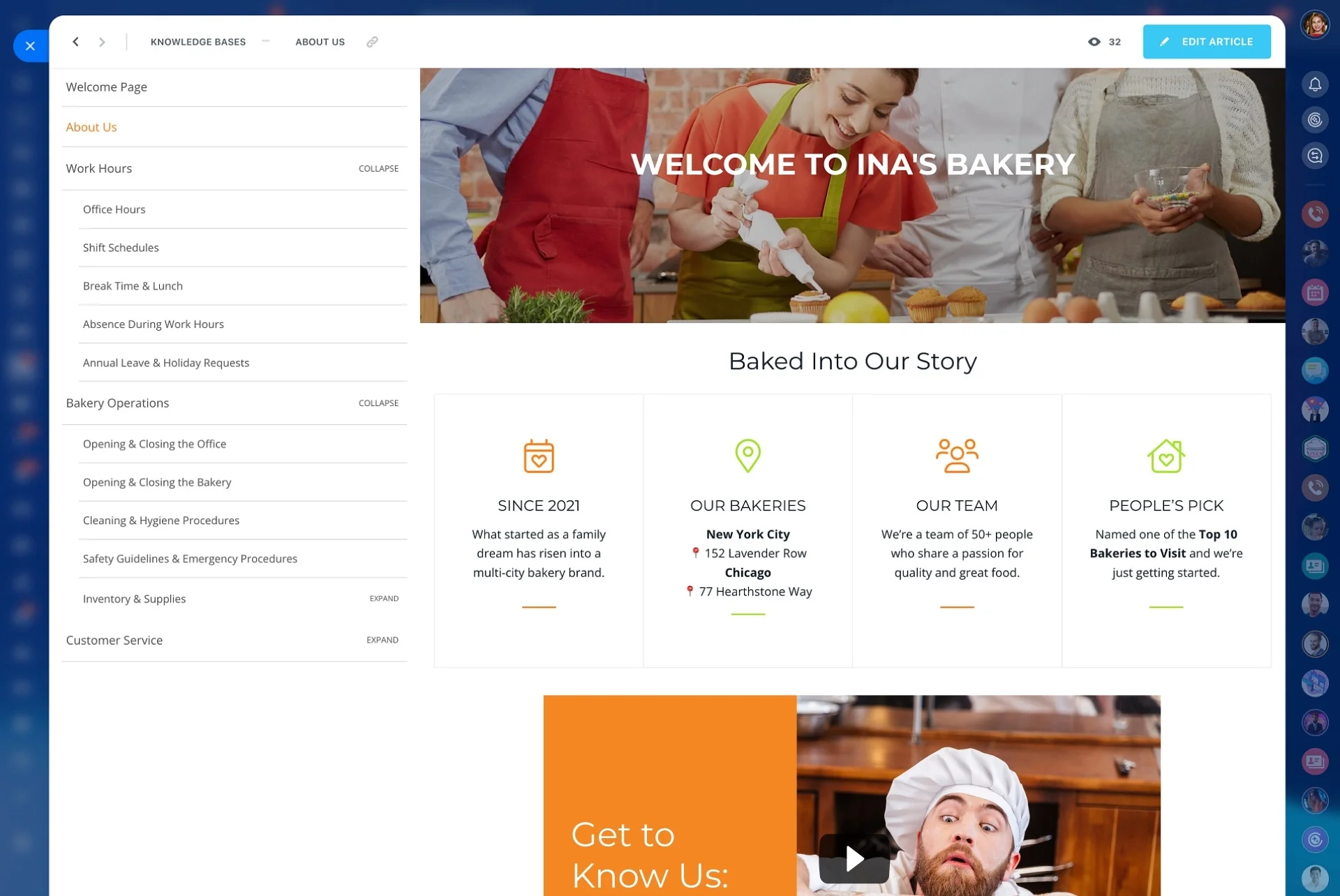
Three ways a portal reduces load without hurting experience: 1) Smart deflection: When a customer types “reset password,” the portal suggests the exact article and macro steps.
- Guided intake: Forms that capture the right details on first contact (product, version, order ID, severity, screenshots, logs).
- Transparent status: Customers see where their request sits (new, in progress, awaiting info, resolved) and receive email or portal notifications for every update.
- Searchable knowledge: Articles, FAQs, and how‑tos organized by category, with suggested content during ticket creation to deflect repeats.
- Secure collaboration: Share quotes, statements of work, release notes, or approvals in one place with fine‑grained visibility.
Automate the Mundane. Protect Every SLA.
The most expensive minutes in support are the ones spent on work software should do: triaging, routing, tagging, reminding, escalating, and nudging.
Build service workflows with simple if‑this‑then‑that logic — no code.
- Route new tickets by product, language, priority, region, or customer segment.
- Assign VIP clients to senior agents and set stricter SLA timers automatically.
- Auto‑acknowledge receipt with dynamic fields (name, order number, ETA) and attach relevant articles.
- Add checklists for repetitive fixes and auto‑create subtasks for dependencies across teams.
From Tickets to Insights: Real-Time Service Analytics
You cannot improve what you cannot see.
Metrics that matter, ready out of the box:
- First‑response time, average handle time, and resolution time by queue, agent, and segment.
- SLA attainment and breach risk trending, with drill‑downs to specific stages.
- Backlog growth and aging, so you spot queues silently slipping.
- Knowledge base and portal deflection rates, article views, and search gaps.
Work as One Team: Swarm, Collaborate, Close the Loop
Great service is a team sport.
Collaboration where the ticket lives:
- Internal comments and @mentions visible only to your team keep coordination out of the customer’s view.
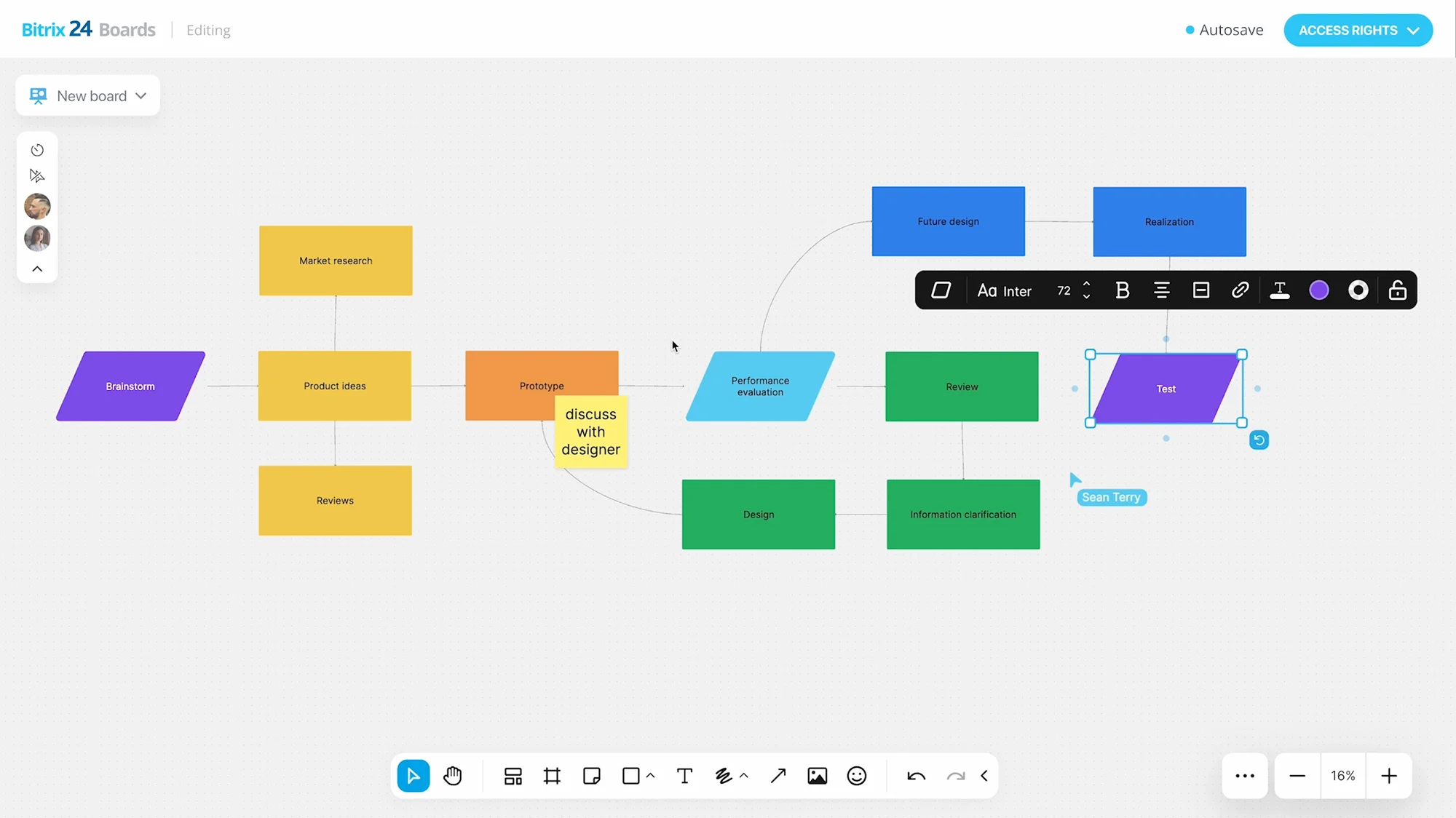
- Tasks and checklists with due dates and owners manage cross‑functional work without separate project tools.
- File sharing and co‑editing mean the latest doc — RCA, workaround, release note — is always attached to the thread.
- Quick huddles with voice or video help resolve ambiguity fast when typing is too slow.