CRM for Education: Enrollment Pipelines Without Missed Follow-Ups
Prospective students don’t wait. They submit a form after a webinar, call during lunch, DM on Instagram at night, or send a WhatsApp message over the weekend. When your admissions follow-up depends on spreadsheets, shared inboxes, and memory, even a short delay feels like being ignored. A single slow reply becomes a quiet no. Multiply that by dozens or hundreds of daily inquiries across campuses and programs, and you feel it in every intake.
The cost of inconsistent follow-up is larger than one lost lead. You see it as:
- Wasted ad spend and event budgets that never turn into applications.
- Low inquiry-to-application conversion and unpredictable yield.
- Advisors firefighting their inbox instead of advising.
- Missed deadlines, no-shows, and cold handoffs between marketing and admissions.
- Cohorts that miss target numbers — and urgent, last-minute pushes to fill seats.
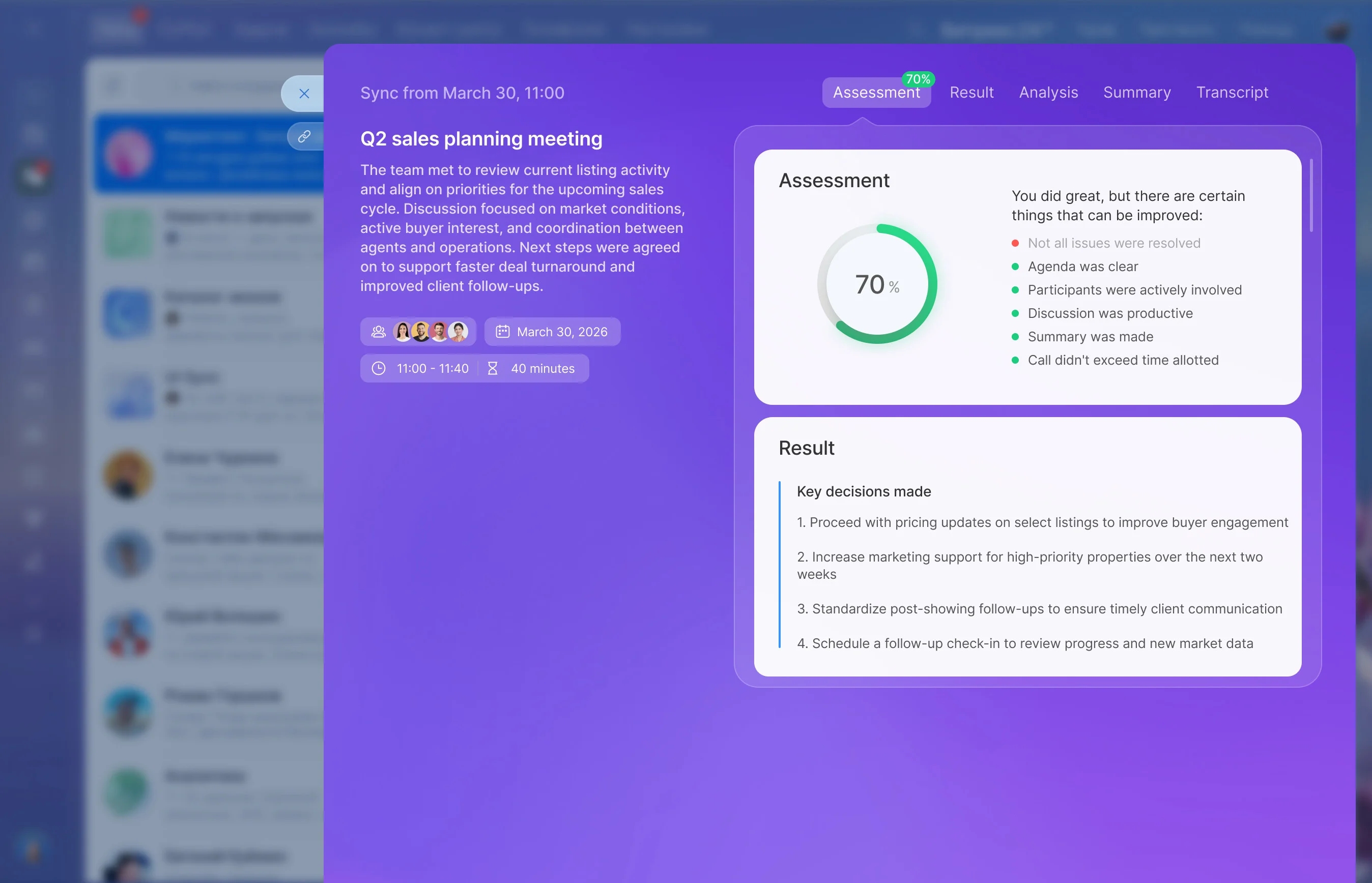
Time-to-first-response and disciplined, human follow-up are the difference between an eager applicant and a lost opportunity. Each handoff is an opening for data, context, and momentum to leak away. Bitrix24 closes the gaps. It centralizes every inquiry, automates timely follow-up that still feels personal, and gives you end-to-end visibility from first touch to enrolled — so universities, online schools, and training centres can run consistent admissions at scale. Your team spends less time chasing and more time enrolling.
Start fast. Scale smoothly. Support every cycle
You need results this cycle, not after a long IT project.
A practical path to go-live:
- Import historical leads and applicants to preserve context and keep conversations continuous.
- Train advisors quickly with an intuitive workspace, student timelines, and mobile apps for on-the-go work.
- Week 1: map stages and SLAs, connect forms and email, configure routing, and build a new-inquiry sequence.
- Week 2: import historical data, create application and deposit workflows, set dashboards for capacity and conversion.
Marketing-to-enrollment handoff without leaks
Great campaigns lose value if context evaporates at handoff.
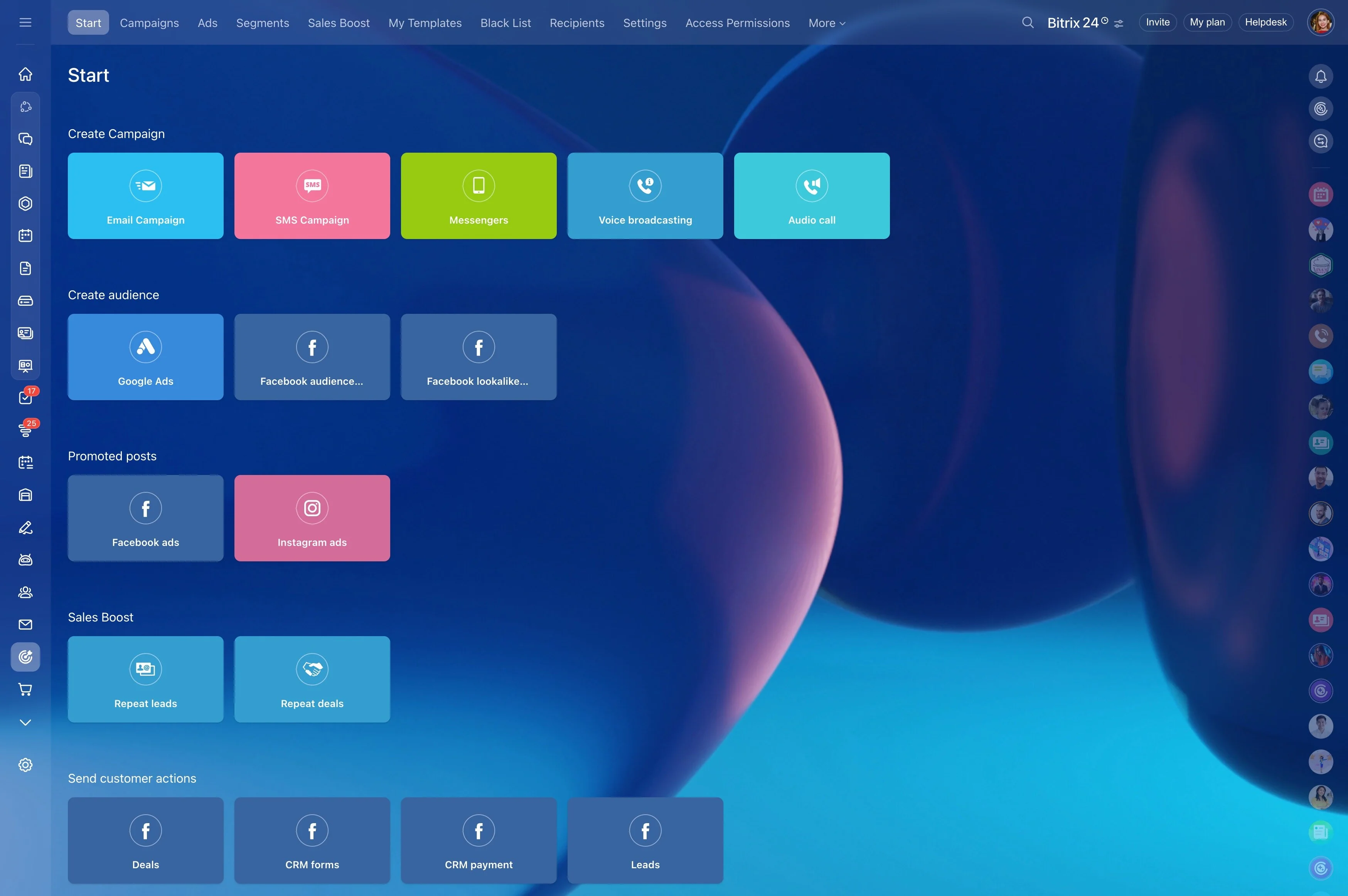
Lead capture tools — web forms and landing pages — collect inquiries with hidden UTM and campaign data.
- Segment by program interest, geography, intake, engagement level, or event attendance.
- Trigger drips that feel timely: campus tour invites based on location, webinar reminders with calendar attachments, application countdowns as deadlines approach.
- Use built-in live chat and chatbots to answer FAQs 24/7 and book calls directly into advisor calendars.
- Apply lead scoring to highlight who’s ready now (multiple site visits, high-intent page views) versus who needs nurture.
Every inquiry answered in minutes, not days
Speed wins in admissions because students compare options in real time.
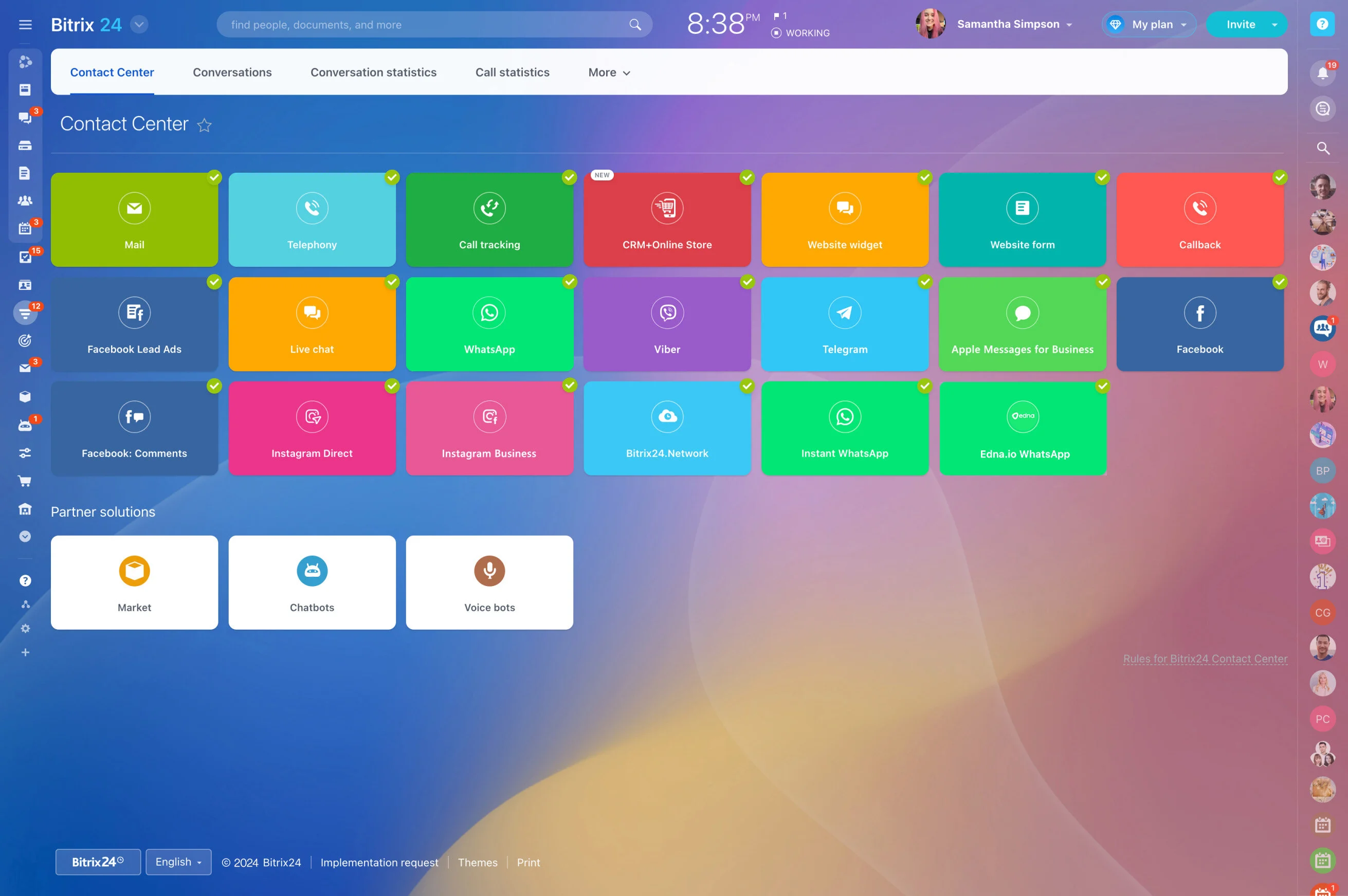
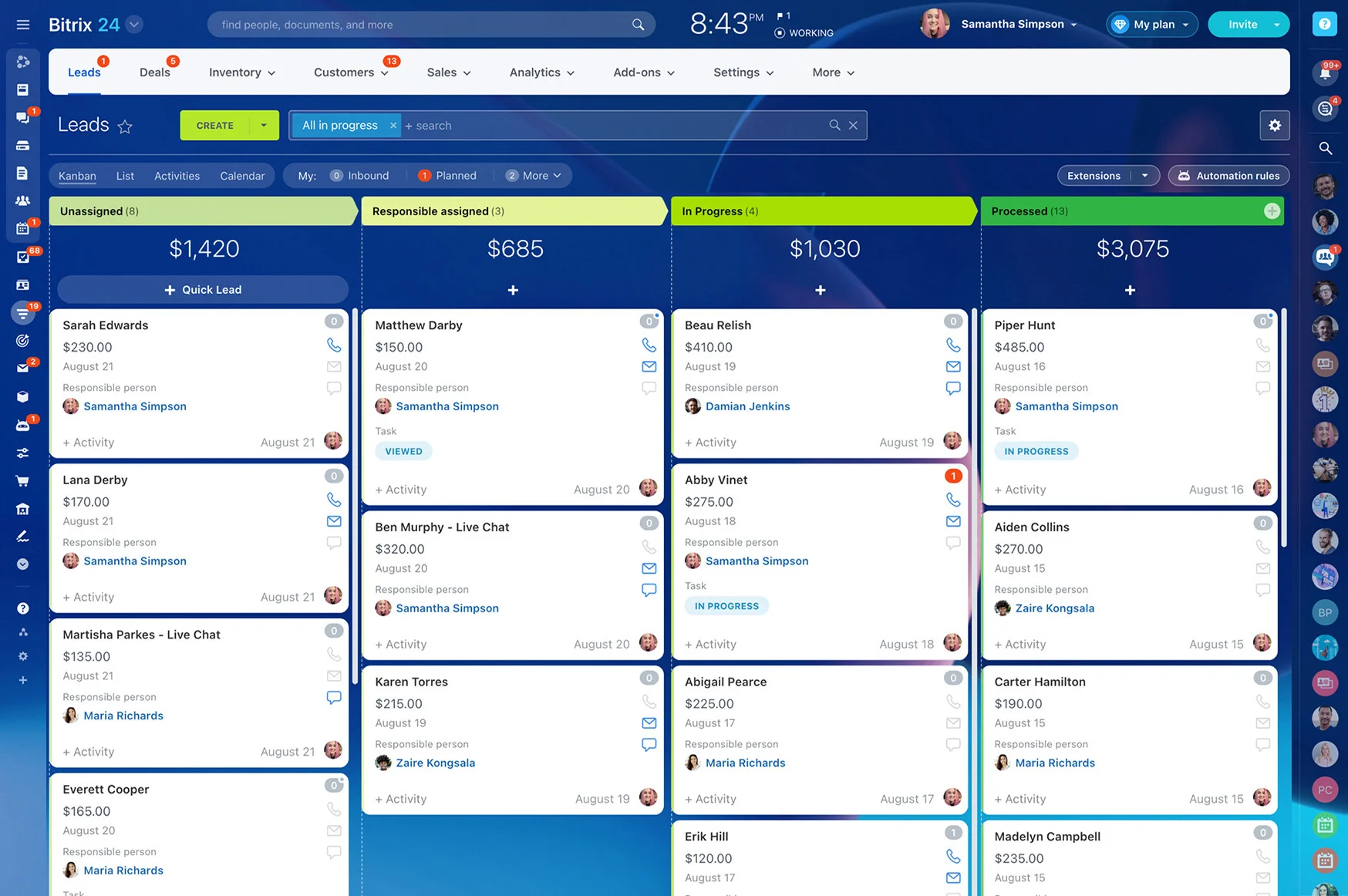
Web forms, email, telephony, live chat, Facebook/Instagram DMs, and WhatsApp (via available integrations) land in a single admissions queue with full source detail.
- Unified inbox for admissions: no tab-hopping, no copy/paste; every channel in one queue.
- SLA timers and alerts: set a 10-minute first-response target; auto-escalate if at risk, notify a lead if it’s been idle.
- Duplicate detection and merge: keep one clean record for the same prospect across campaigns and channels.
- Mobile app for on-the-go replies: call, text, WhatsApp (via integrations), or email anywhere; notes sync to the CRM.
Automate admissions follow-up that feels personal
Your team shouldn’t have to choose between consistency and authenticity.
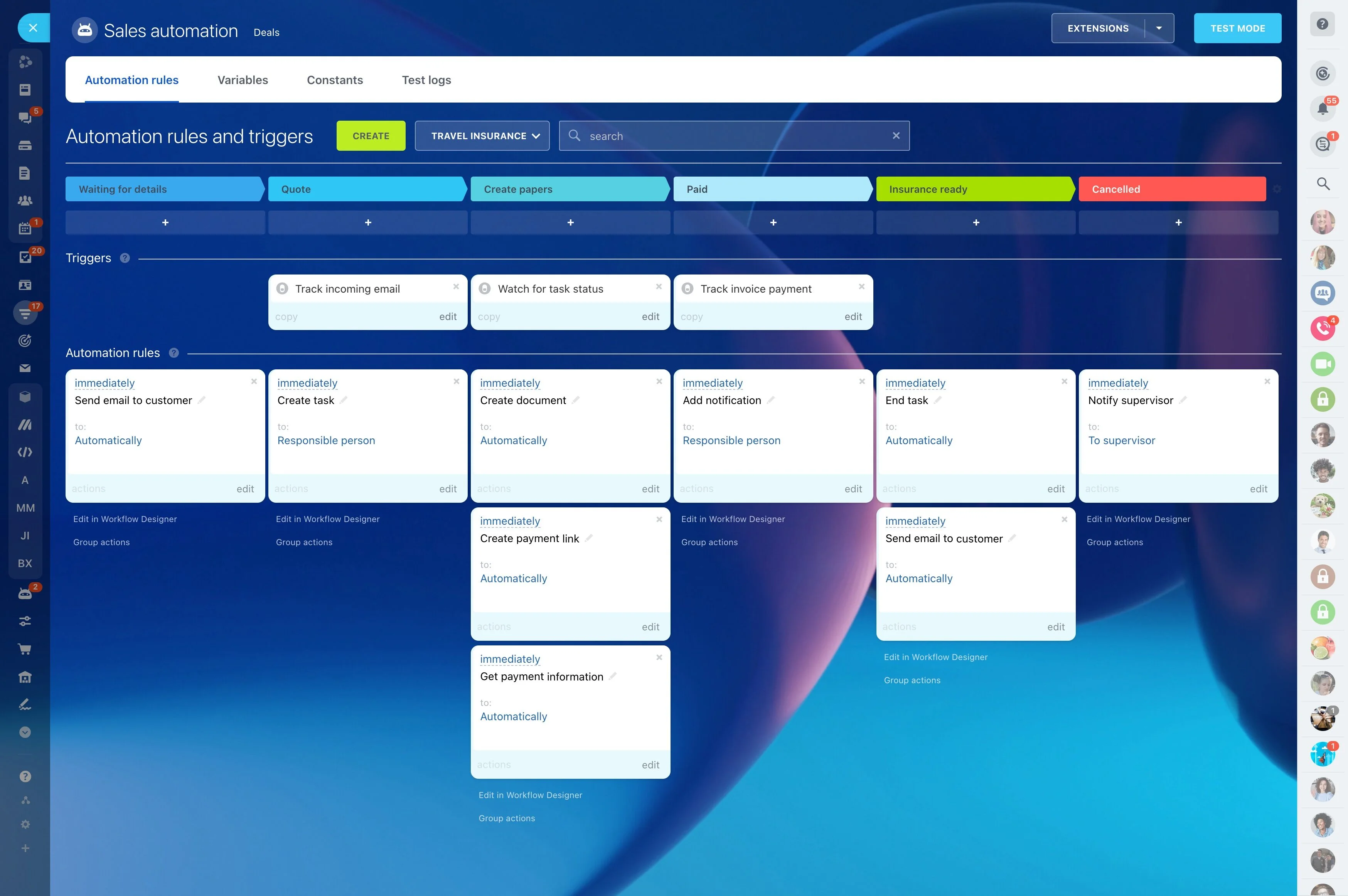
Build workflows for each step of your process and tweak by program, intake, or audience type.
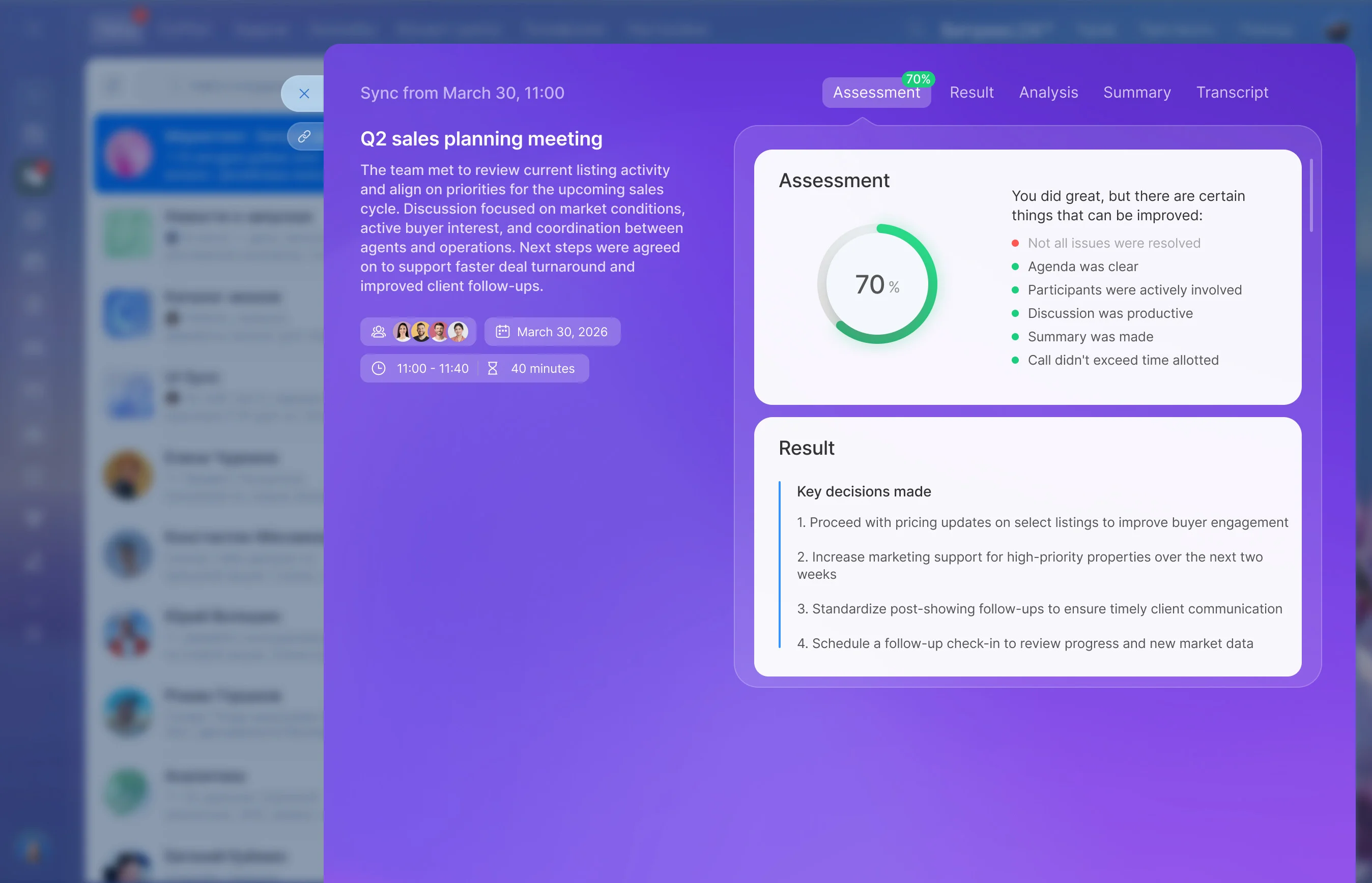
- New inquiry: send a warm introduction from the assigned advisor, include next steps and a self-serve calendar link; create a task to call within your SLA if there’s no reply in 2 hours.
- Application started: trigger email/SMS reminders, share a personalized document checklist, and schedule an advisor follow-up call.
- Interview scheduled: auto-confirm time, send preparation tips, and — if no-show — rebook options with one click and a kind note.
- Accepted: generate an offer letter from CRM data, set deposit reminders spaced to your deadlines, escalate to a manager as the date approaches.
See your pipeline. Forecast your cohorts with confidence
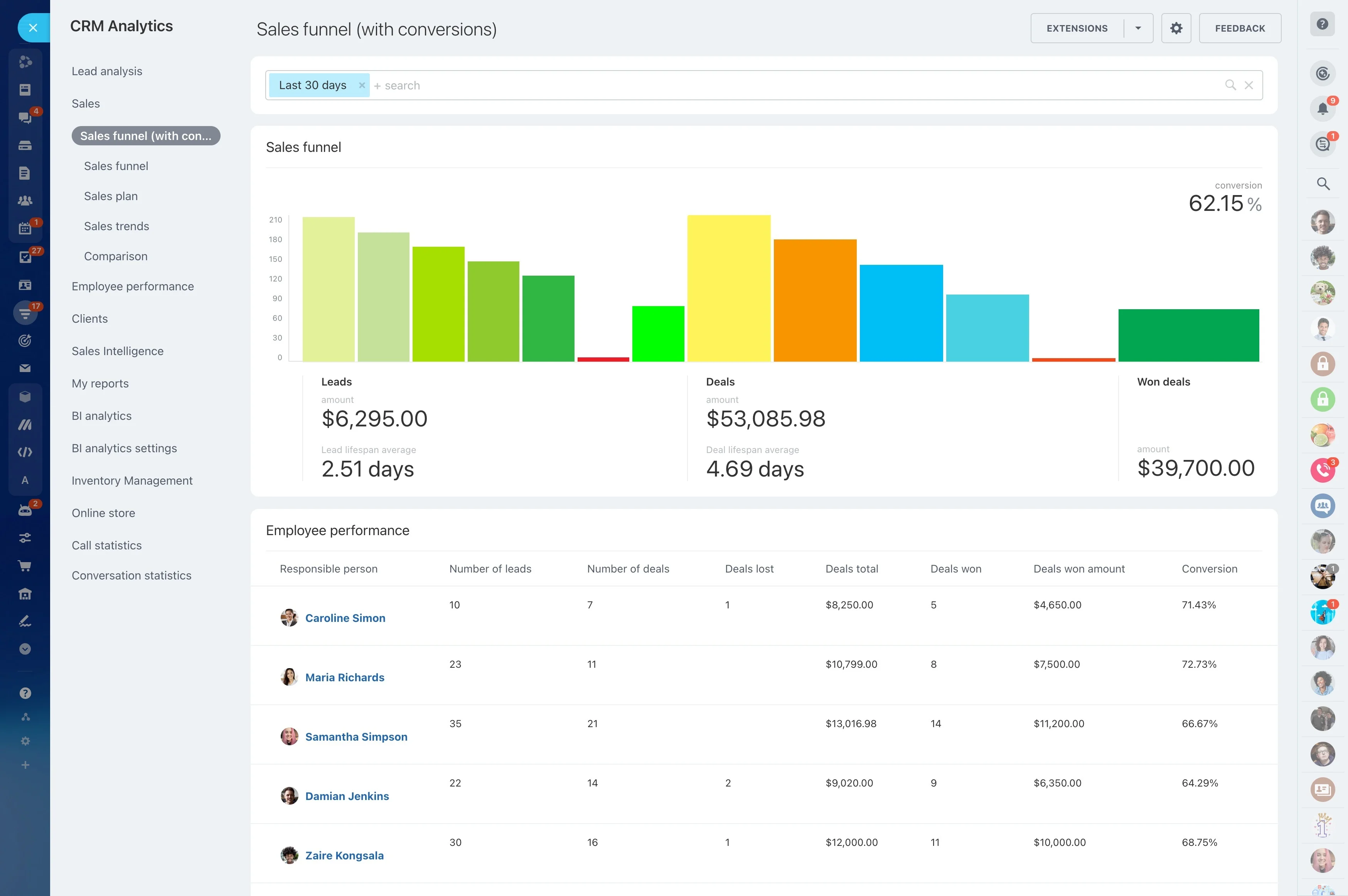
If you can’t see your pipeline, you can’t steer your intake.
Build visual boards that mirror how you actually enroll — by campus, program, modality, intake, or geography.
- Drag-and-drop to move candidates; bulk-update after events or calling sprints.
- Log calls and notes with one click; every interaction builds a single activity timeline.
- Create tasks from the record (e.g., “Call after interview,” “Verify passport for visa”) with due dates and owners.
- Handle waitlists and deferrals without losing history or next steps; retain full context across cycles.
Built for higher education complexity
Higher education isn’t a one-size-fits-all sales process.
Configure the data model to match how you actually operate:
- Custom fields for program, cohort, campus, visa status, funding source, scholarship tier, agent, or residency.
- Separate pipelines per program, school, or region with distinct stages, automations, and SLA targets.
- Role-based permissions so advisors, program managers, finance, and leadership see exactly what they need — and nothing more.
- Shared calendars, tasks, and checklists keep interviews, open days, and committee reviews organized.
Integrate your SIS and protect applicant data
Your CRM is most valuable when it plays well with the rest of your stack — and when sensitive applicant data is governed, not scattered.
Integration options you can use from day one:
- Embed Bitrix24 forms on your site to auto-create leads with full source and campaign data.
- Sync email and calendars (Google Workspace, Microsoft 365) so conversations and meetings log to the right student record.
- Connect telephony providers for inbound/outbound calling with automatic call logging and caller recognition.
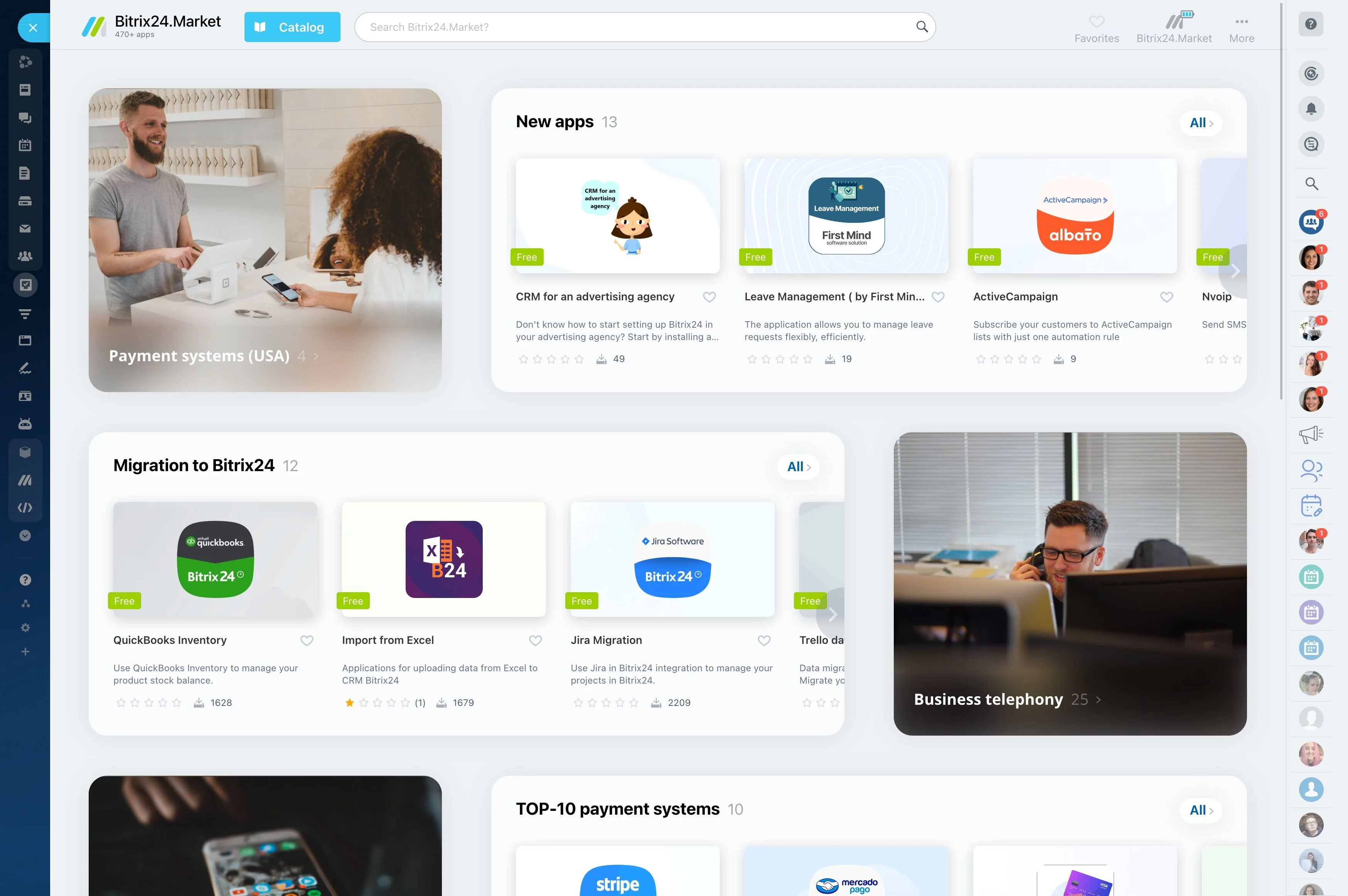
- Use the REST API, webhooks, and marketplace apps to exchange data with SIS/ERP or learning platforms; schedule imports/exports when batch is better.