CRM with VoIP: Every Call Logged, Linked, and Ready for Follow-Up
Your reps make 50 calls a day, and almost none of them end up in your CRM. That’s not laziness — it’s physics. When the phone is one app and the CRM is another, logging falls to the bottom of the pile. The results are predictable: deals slip, follow-ups get missed, and you can’t tell which activities actually move pipeline. You’re managing with gaps where data should be.
The cost shows up everywhere. Sales spends minutes per call hunting records and typing notes. Marketing can’t prove call-driven ROI. Revenue leaders can’t see connect rates or call-to-meeting conversion until it’s too late. Finance asks, “Are we getting enough activity?” and no one can answer with confidence. Meanwhile, buyers who raised their hands never get a second touch because the first one wasn’t captured.
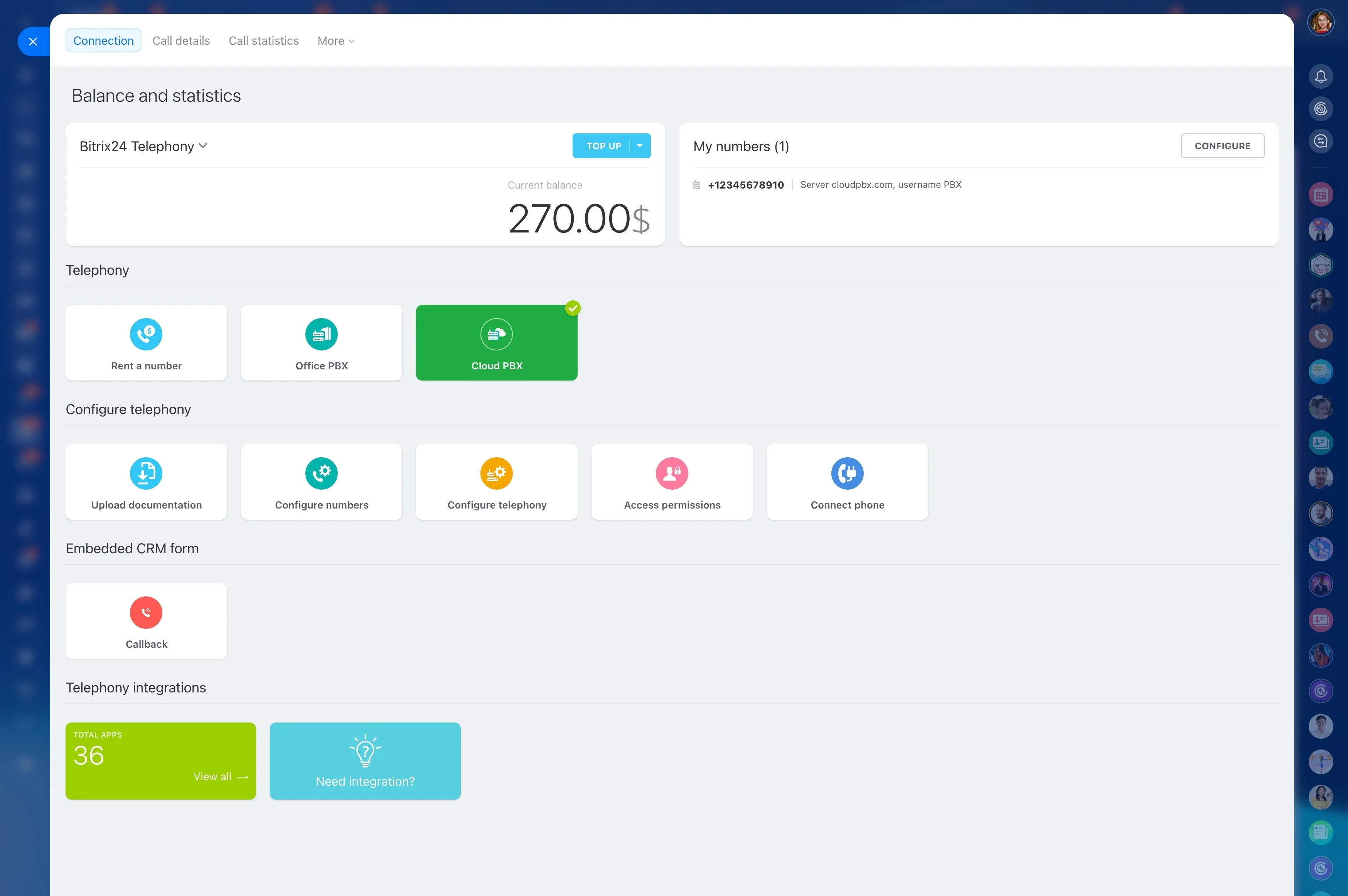
Bitrix24 fixes this with native telephony inside your CRM. Call from your browser, desktop, or mobile app, and every call — outbound or inbound — logs itself to the right lead, contact, or deal. A live call pop-up brings context, notes, outcomes, and follow-up tasks onto one screen while the conversation is happening. No duplicate tools. No swivel-chair. No excuses.
With Bitrix24 you get:
- Built-in VoIP: click-to-call from any record, no add-on dialer required
- Automatic logging and recordings attached to the correct timeline
- Smart routing, IVR, and queues for inbound, plus list dialing for outbound
- A call pop-up with history, notes, outcomes, and one-click follow-ups
- Clear analytics to coach reps and forecast with confidence
From blind spots to benchmarked performance
You can’t coach a blank page.
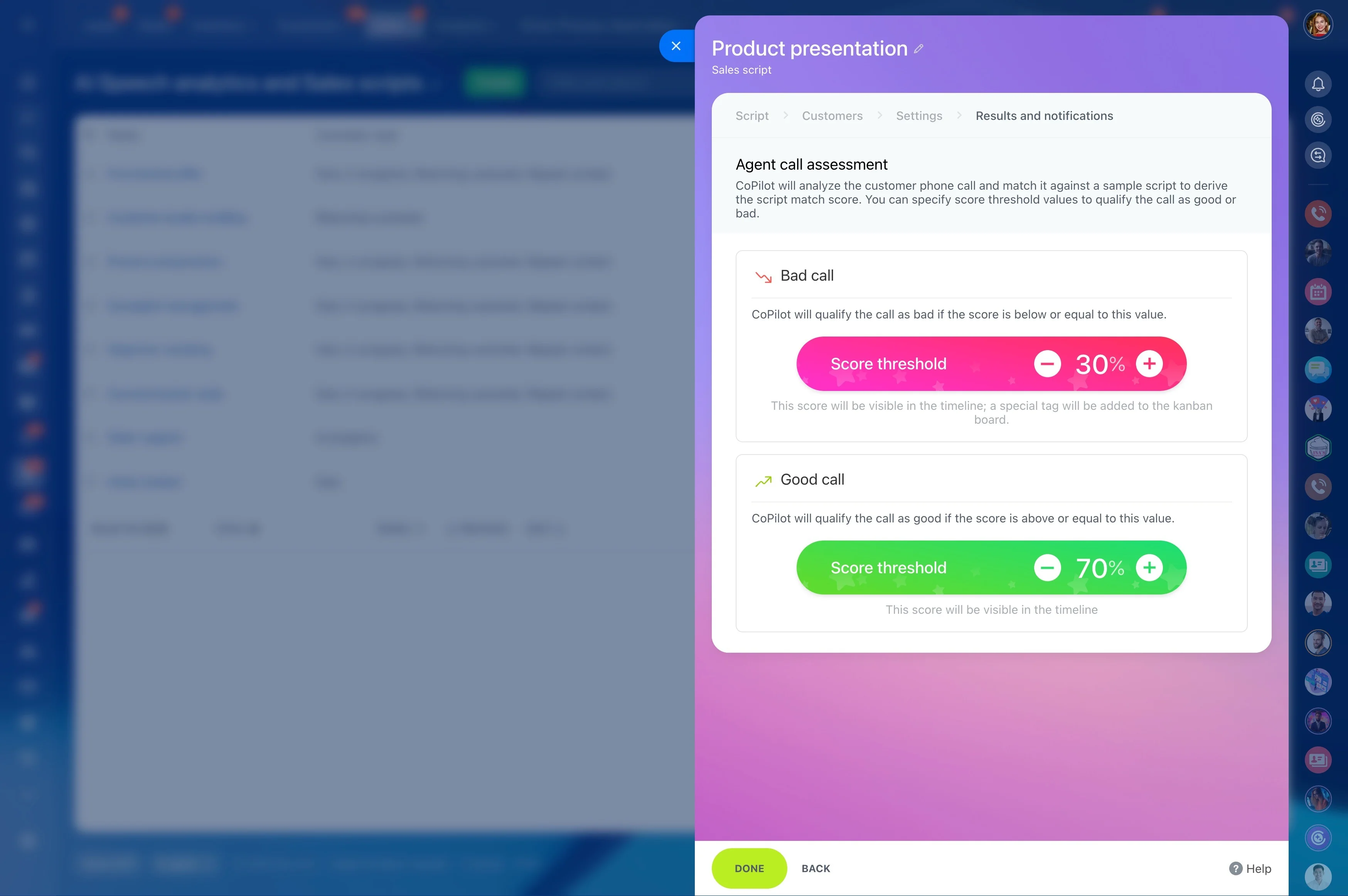
With Bitrix24, every call becomes measurable activity inside CRM analytics.
- Activity coverage: calls per rep, segment, and pipeline stage so you know if the top of funnel is actually getting worked
- Efficiency: connect rates, talk time, first-call reach, average wrap time, and time-to-follow-up
- Effectiveness: call-to-meeting, meeting-to-deal, and revenue influenced by calling — by team, campaign, or source
- Timing insights: best times to dial by timezone, weekdays vs. weekends, and contact type (inbound vs. outbound)
Every conversation, captured — automatic logging that just works
If a call isn’t in your CRM, it may as well not have happened.
Make or receive the call inside Bitrix24, and the system does the rest.
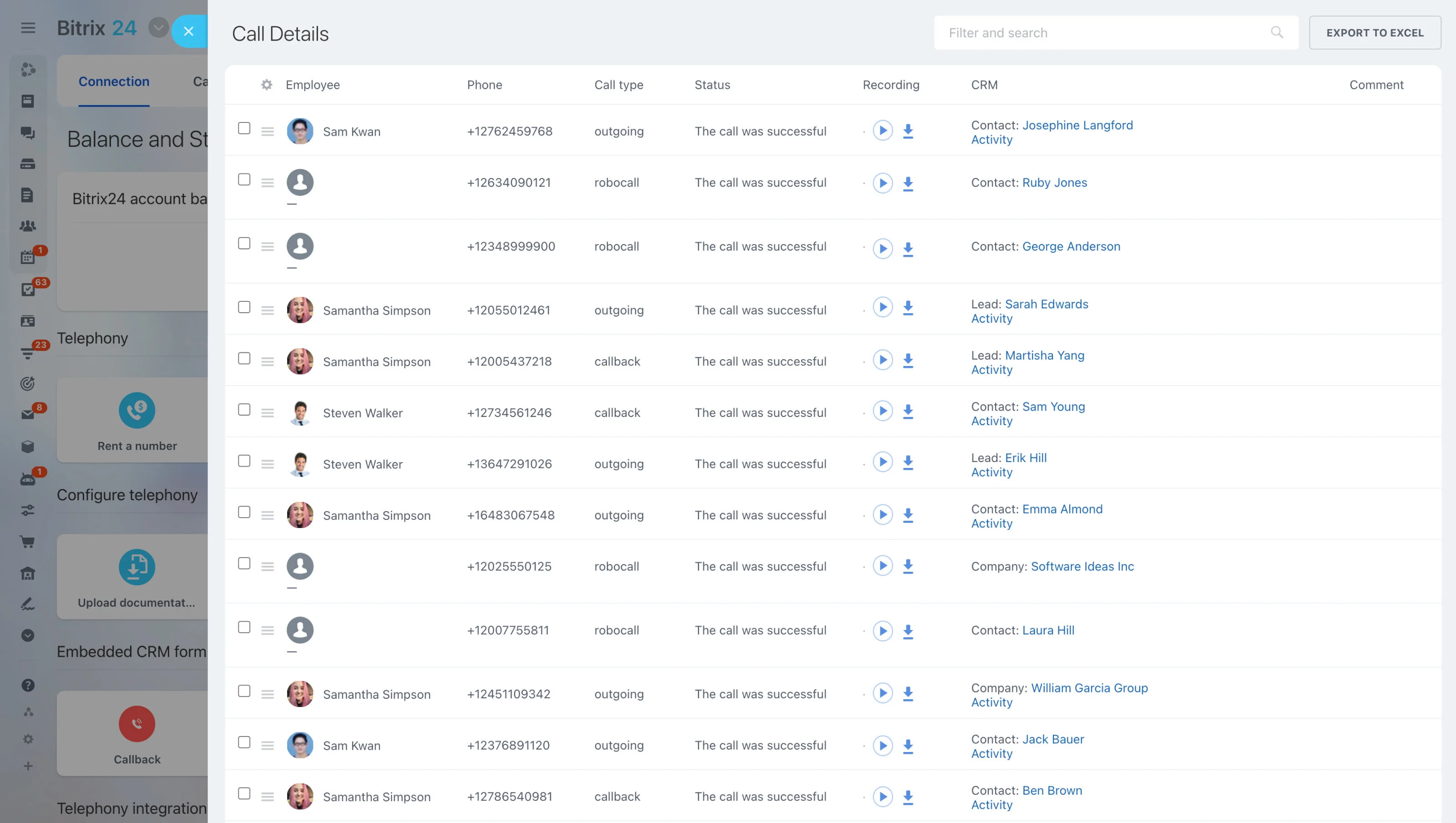
- Outbound and inbound calls are auto-logged with direction, duration, agent, and timestamp.
- Unknown numbers trigger your chosen rule: create a new lead with the call attached, or link to an existing record after a quick search.
- Recordings (where enabled) save to the call and play back directly from the CRM record — no shared drives or mystery links.
- One-click dispositions and next steps: “Left voicemail,” “No answer,” “Qualified,” “Disqualified,” or your custom outcomes. Wrap the call and auto-create a follow-up task, meeting,…
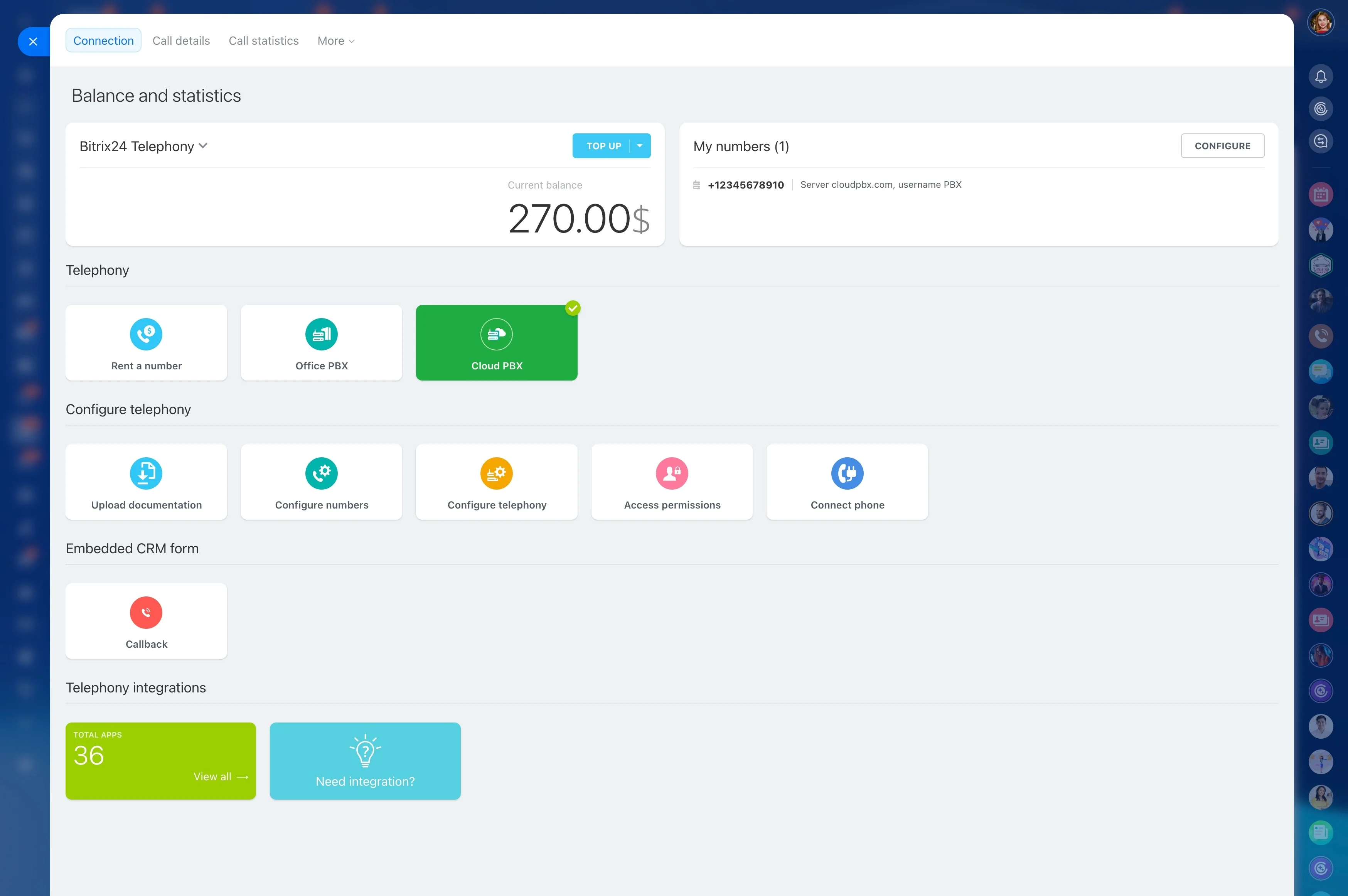
Native VoIP in your CRM — no fragile add-ons
Add-on dialers promise easy calling — until a browser update breaks an extension, an API rate limit drops logs, or recordings never attach because a background task failed.
Your team dials from the same place they manage pipeline.
- Reliability: Fewer integration points mean fewer ways for data to go missing. No third-party cookie issues, no extension conflicts, no “we’ll sync it later.”
- One screen to sell from: Caller data, deal stage, past activity, and scripts are right there during the conversation — no toggling.
- Instant context for inbound: Route by IVR or queue, pop the matching record on screen, and greet customers by name.
- Browser, desktop, and mobile app calling for on-the-go teams
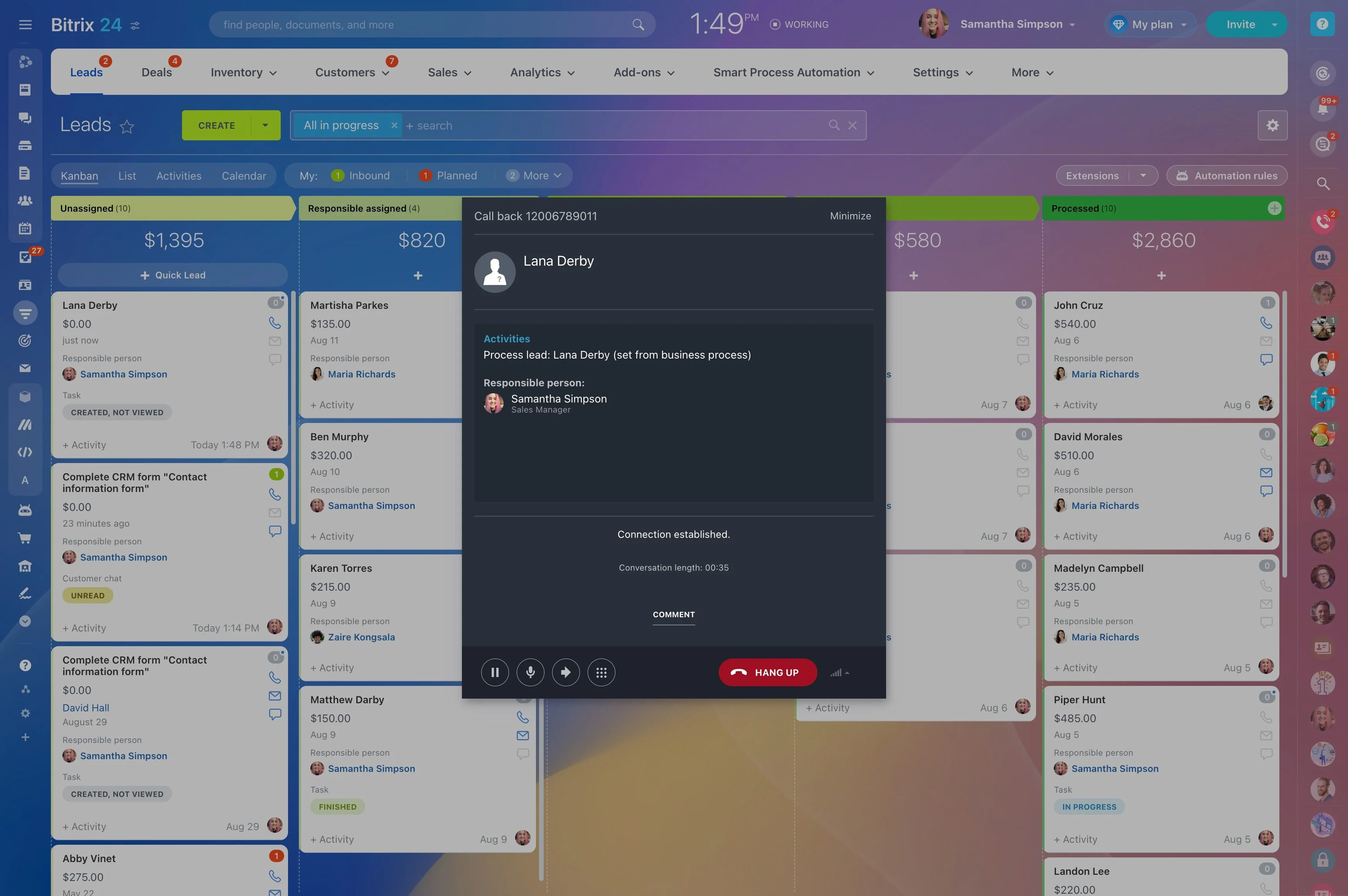
The call pop-up your reps actually use
Most softphones give you a dial pad and a timer.
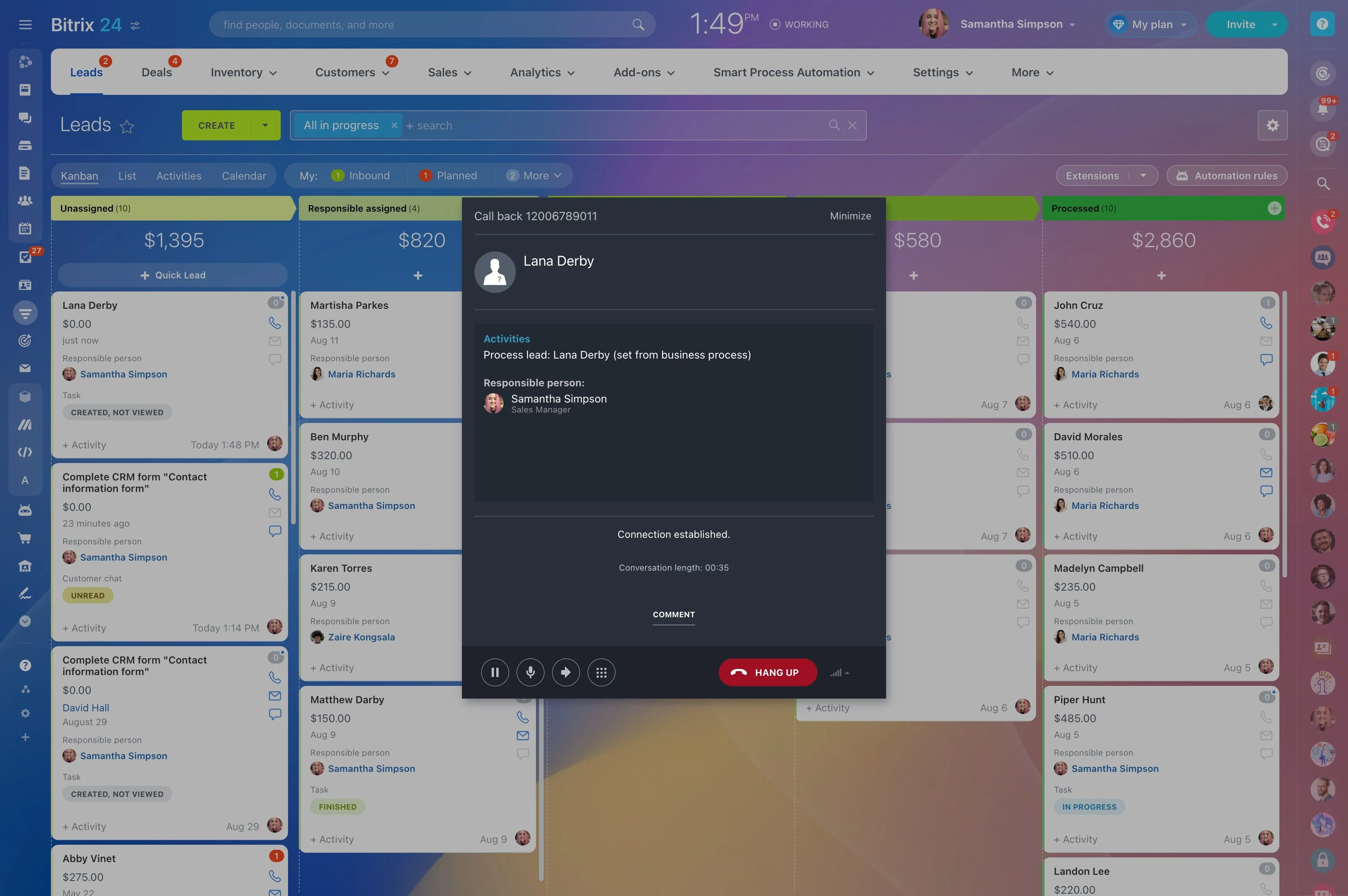
The call pop-up floats over your workspace and shows what matters while there’s still time to act.
- Caller profile: name, company, deal stage, value, owner, and SLA indicators
- Recent activity: last emails, previous calls with recordings, notes, and tasks due today
- Quick notes: type while you talk — autosaved to the timeline on hang-up
- Follow-up: schedule a callback, create a task, send an email, or start a deal without leaving the pop-up
Onboard fast, integrate once, scale safely
Getting telephony off the ground shouldn’t take a sprint.
A typical rollout looks like this: 1) Import your contacts and deals via CSV or direct migration from common CRMs.
- Add users and teams with role-based permissions and separate pipelines by region or brand
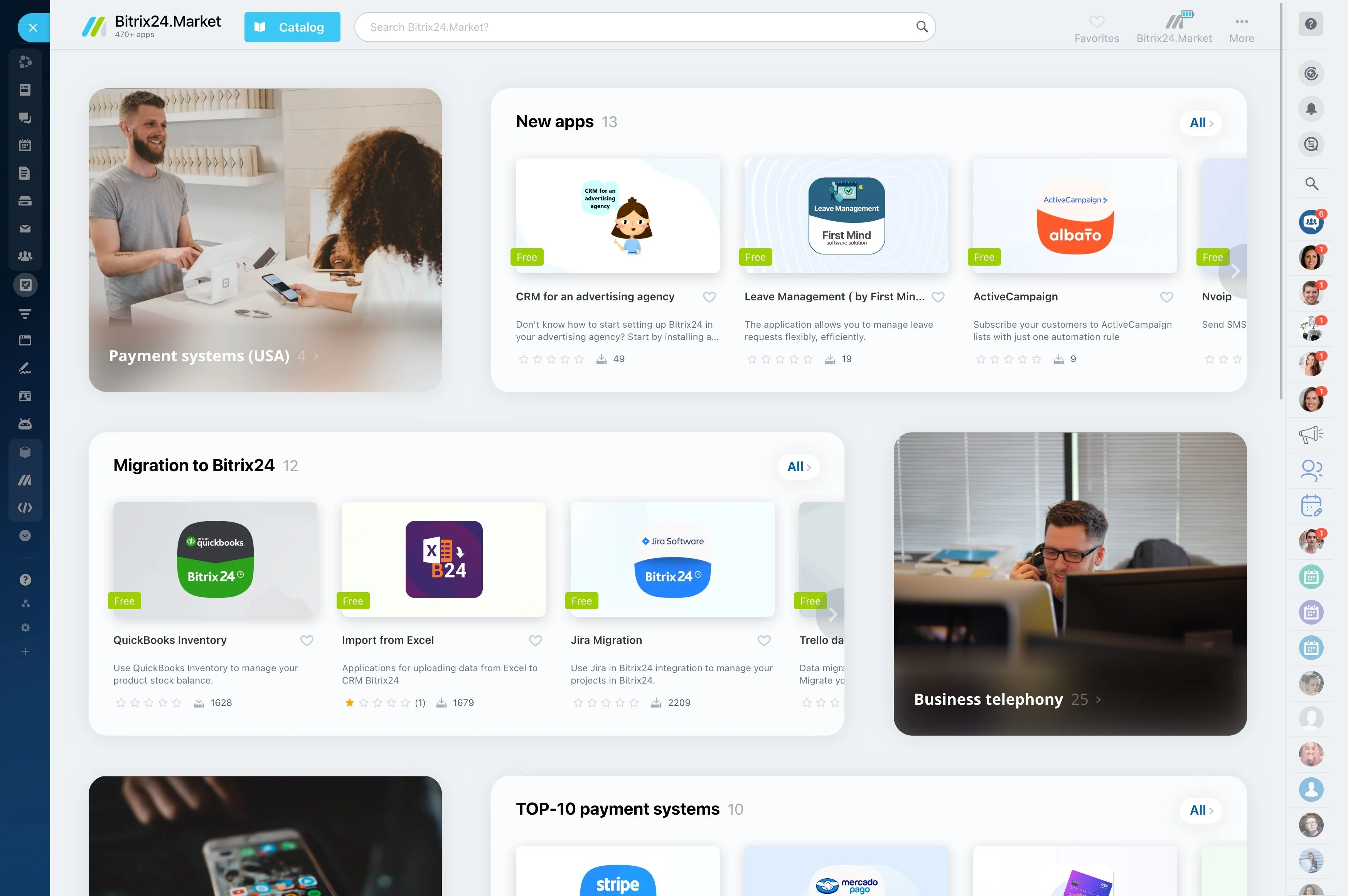
- Assign numbers per team, connect additional SIP trunks, or rent new country codes as you expand
- Use the mobile app so remote reps make and receive calls with automatic logging
- Integrate other channels (email, chat, forms) so every touch lands on a unified timeline
The real costs of manual logging — and how Bitrix24 pays it back
Manual logging hides in plain sight.
Time isn’t the only cost.
- 45 seconds to log each call (find the record, type notes, set next steps)
- That’s roughly 37 minutes per rep, per day — over 3 hours per week
- At a conservative fully loaded cost of $40/hour, that’s $120 per rep, per week
- A 10-rep team burns roughly $1,200 weekly on typing instead of talking — over $62,000 a year