Switch From Salesforce: Lower Costs Without Losing Enterprise CRM Power
You invested in Salesforce to scale. Now it’s running the show — and the bill. By the time you stack licenses, add-ons, consultants, storage, API overages, and “just one more cloud,” your CRM line item can push $80k+/year for a mid-sized team. Meanwhile, reps fight complexity, adoption stalls, and your pipeline slows because the system creates work instead of removing it.
The true cost isn’t just the invoice. You pay in slow rollouts, manual workarounds, inaccurate dashboards, and deals that slip because nobody wants to click through six screens to log a call. Leaders ask for a credible Salesforce alternative when the math and momentum no longer work: admin hours creep up, change requests take weeks, and your tech stack sprawls to cover basics that should have been included.
Bitrix24 is the practical answer. It delivers powerful CRM, sales automation, contact center, projects, documents, and collaboration in one platform — available in the cloud or as a self-hosted edition for full control. You switch without losing enterprise-grade capability, and you put predictable, sane pricing back on the table.
What you stop paying for:
- Per-seat sticker shock and AppExchange sprawl for basics like telephony, chat, forms, quotes, and projects
- Multiple “clouds” to cover sales, service, and marketing fundamentals
- Consulting retainers for simple field, flow, or layout changes
- Brittle integrations just to unify a 360° customer view
Own Your Data: Cloud Convenience or Self-Hosted Control
The strongest counter-argument you will hear when moving off Salesforce is control — and it is valid.
Cloud (fastest start):
- Provision in minutes with global infrastructure and uptime SLAs
- Automatic updates, security patches, and backups handled for you
- Ideal when you want to standardize on best practices and minimize maintenance
- Install Bitrix24 On-Premise on your own infrastructure or private cloud (AWS, Azure, GCP, or co-located hardware)
Cut TCO Dramatically—Without Compromising Capability
If you are evaluating a move from Salesforce, start with total cost of ownership, not list price.
A realistic mid-market example (40 users):
- Licensing cascade: Sales + Service + Marketing add-ons to reach “complete,” plus role-specific upgrades for a subset of users
- AppExchange dependence: telephony, chat, quoting/CPQ, web forms, scheduling, and project tools pieced together with separate contracts
- Consulting and admin: monthly retainer for Flow/Apex tweaks, report rebuilds, and release-cycle break-fixes
- Limits that bite: API caps that throttle integrations and storage fees once you cross bundled quotas
A Safe, Painless Salesforce-to-Bitrix24 Migration
You need to move without losing data, momentum, or sleep.
Capture dependencies like assignment rules, SLA timers, email templates, and web-to-lead forms.
- History that matters: records, notes, emails (via connectors), activities, and stage maps so reps keep context
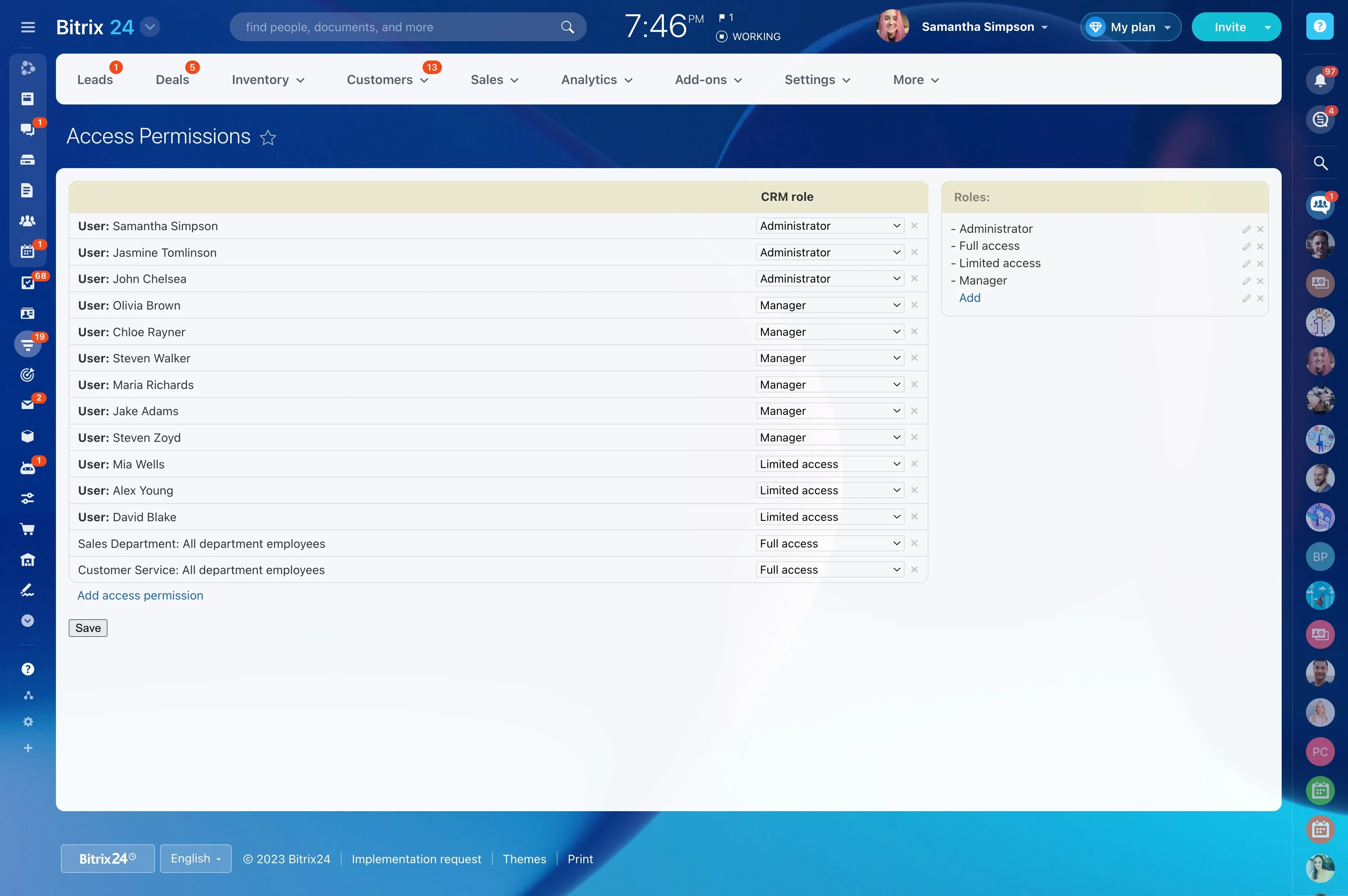
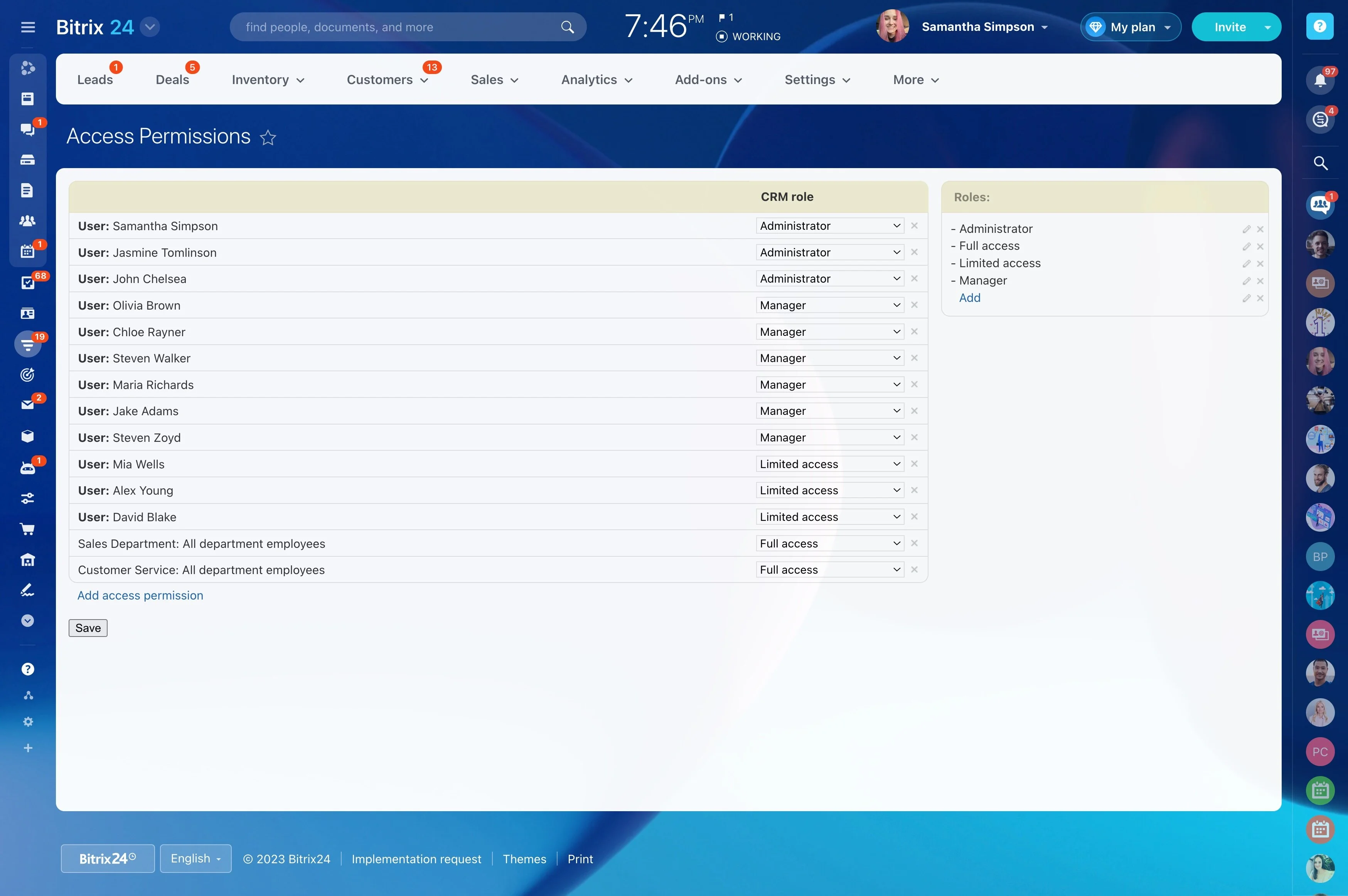
- Ownership and permissions: territories and teams remapped to Bitrix24 roles and access rights
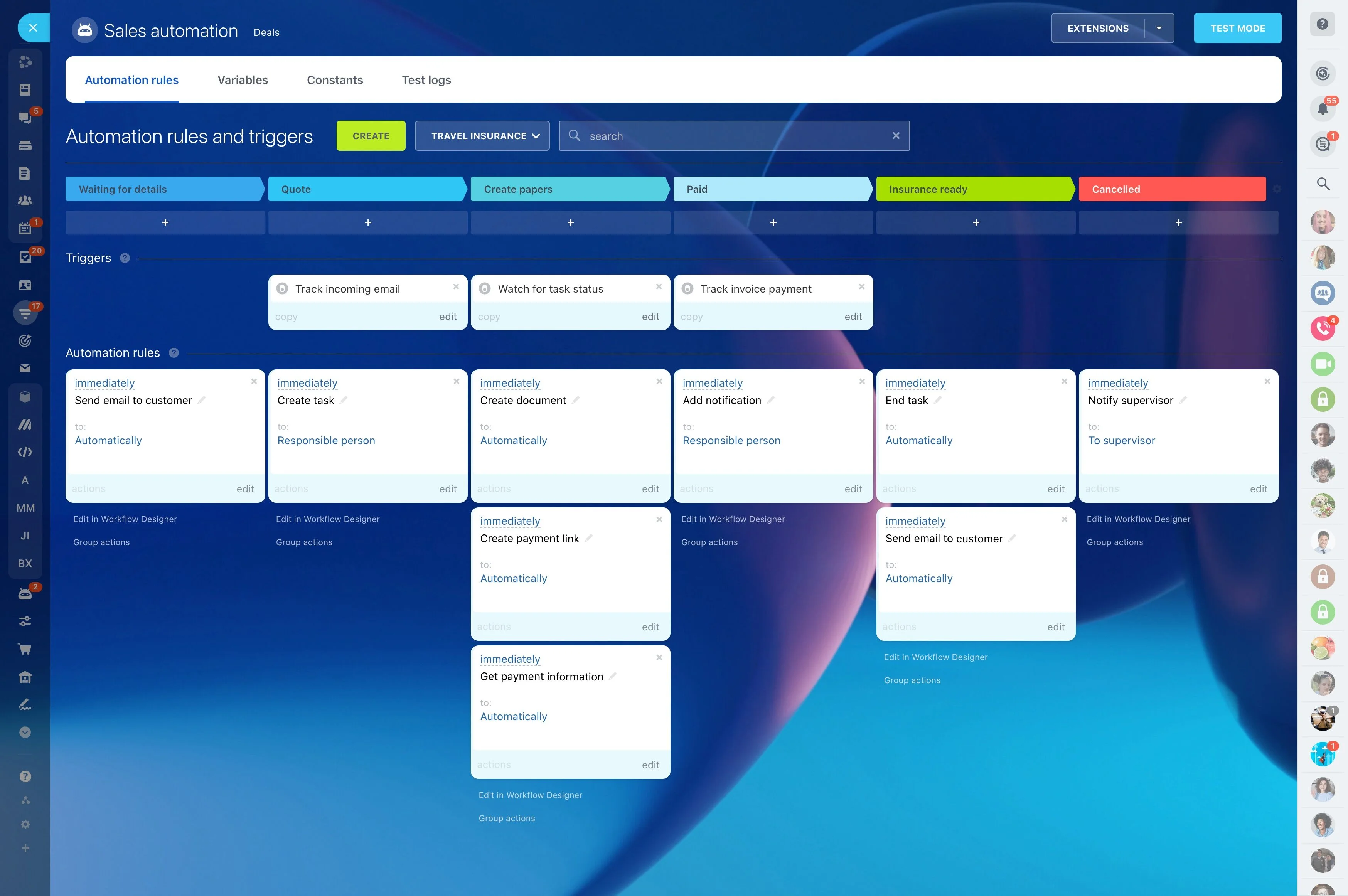
- important logic: rebuilt as no-code workflows — lead routing, SLA timers, stage-based alerts, and approvals
- Most teams achieve near-zero downtime by running in parallel for several days and flipping by region or function
One Platform for Sales, Service, Marketing, and Work
Replacing Salesforce is often a chance to simplify your entire go-to-market stack.
Day-in-the-life, unified:
- CRM and pipelines: Kanban or list views, custom stages, products, quotes, and invoices — plus multiple pipelines for different motions (new business, renewals, upsell)
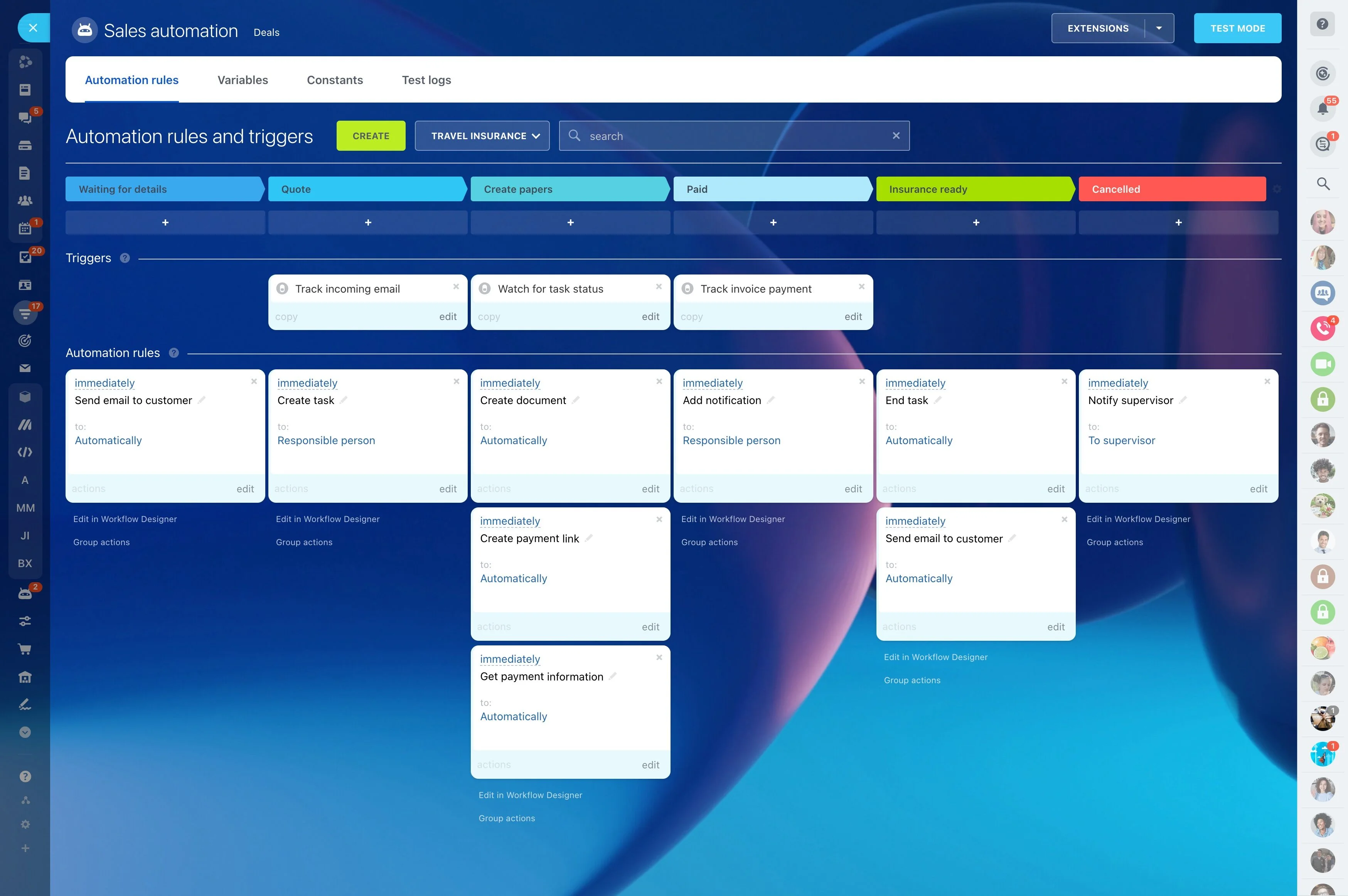
- Automation: visual workflows for lead routing, deal progression, SLAs, and notifications — triggered by events, fields, or time
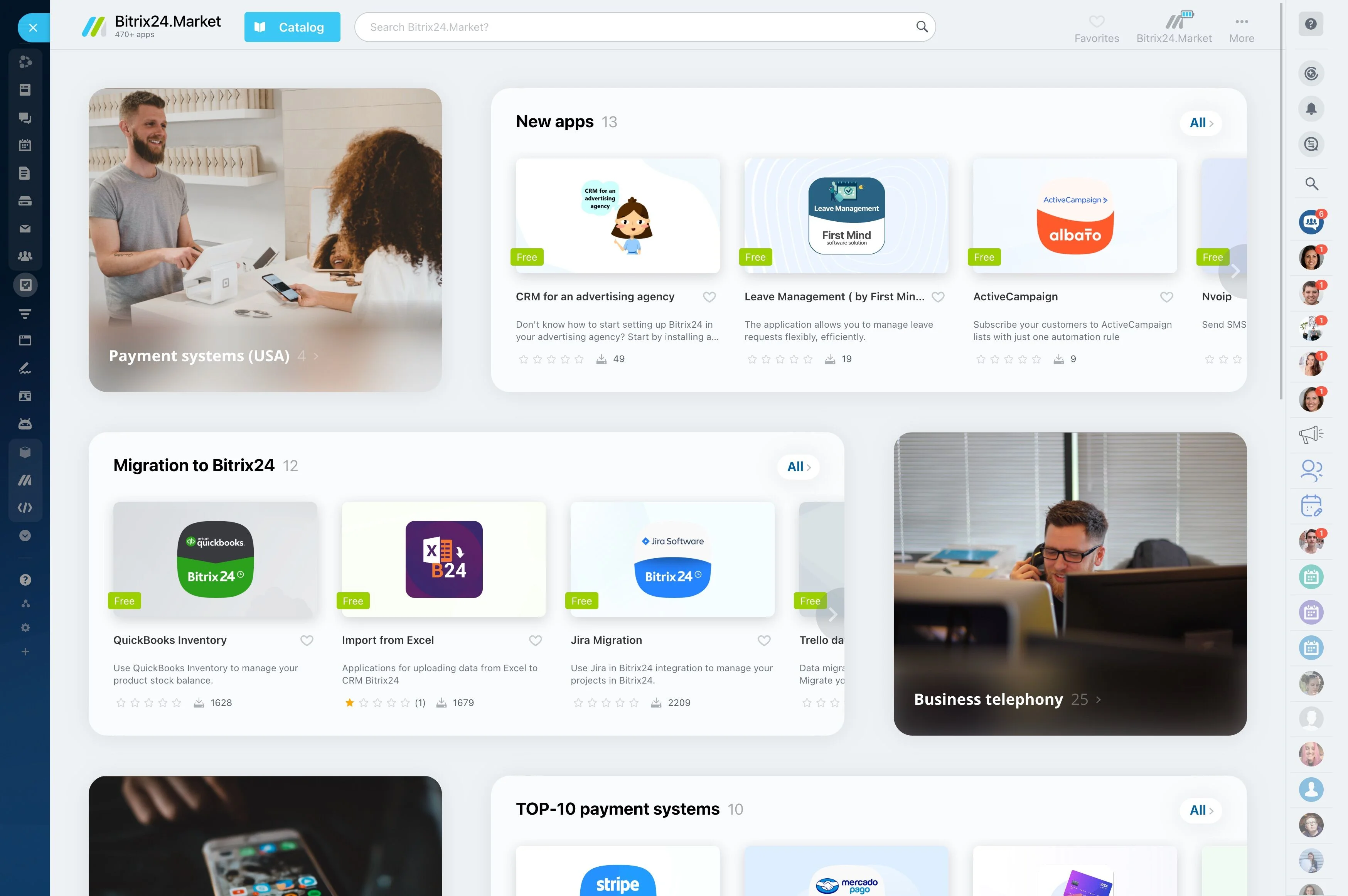
- Contact center: telephony, email, live chat, messengers, and social channels in a single queue with skill-based routing and saved replies
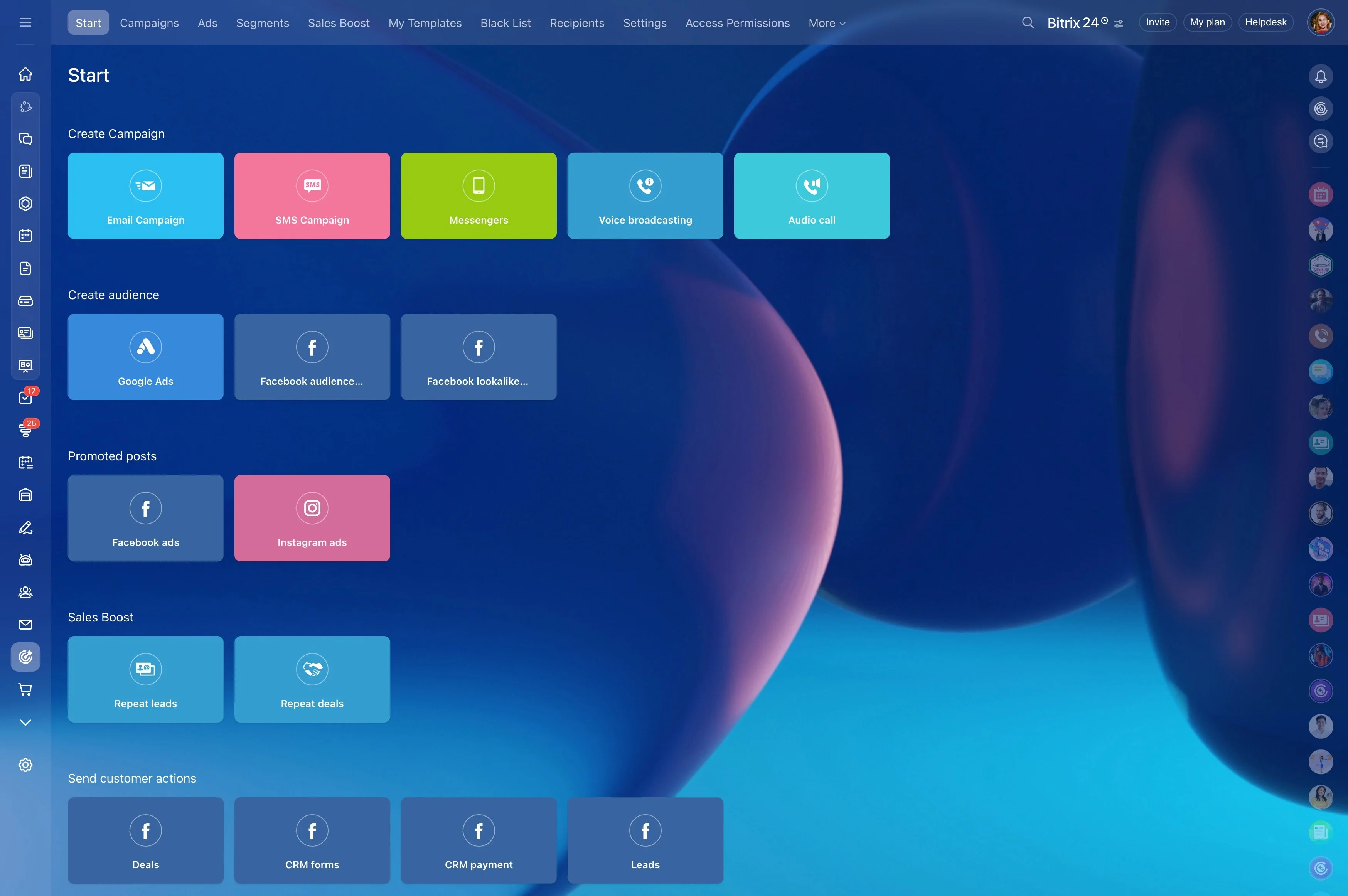
- Marketing basics: segments, email campaigns, web forms, landing pages, and lead scoring for practical nurture without a separate cloud
Fewer Admin Hours, Higher Adoption
Complex CRMs quietly tax your people.
Admin reality (before vs. after):
- Dependency chains: a small field change touches a layout, a Flow, a permission set, and a report — then breaks post-release
- Vendor sprawl: each AppExchange add-on brings a new UI, permissions, and update cycle
- Centralized changes: minor tweaks queue behind sprint plans and consultant availability
- Field and form control: create custom fields, page layouts, and validation rules from the same interface admins already use
Your 90-Day ROI Plan
A credible Salesforce replacement needs a plan that pays back fast.
Days 1–15: Commit and configure
- Finalize scope, choose cloud or self-hosted based on governance
- Stand up the environment; set pipelines, stages, roles, and permissions
- Map key objects and fields; rebuild important automations (lead routing, stage actions, SLA timers) using Bitrix24’s visual designer
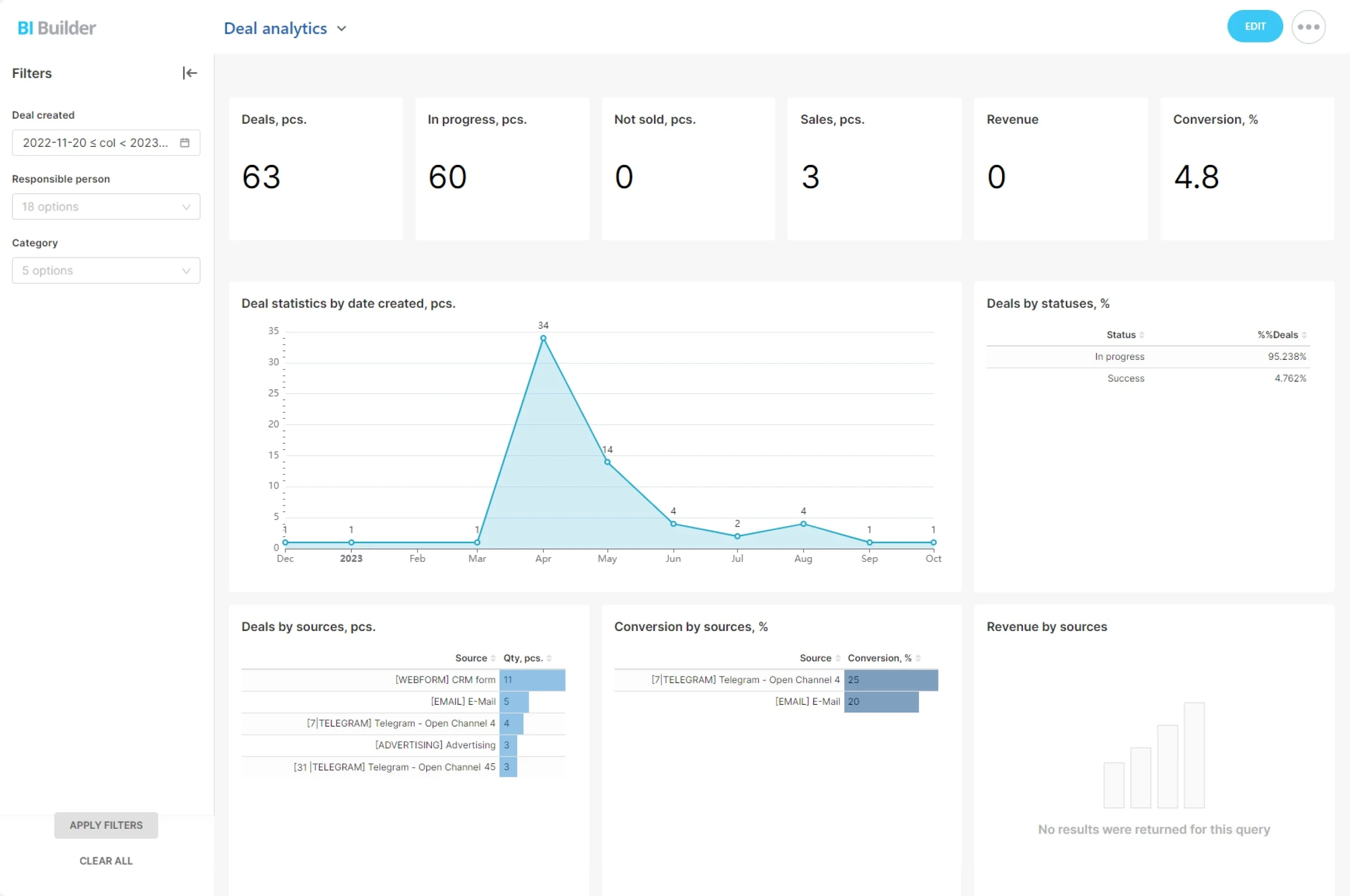
- Recreate essential dashboards and reports that leadership relies on (funnel, velocity, win/loss, SLA compliance)