CRM Setup Guide: Launch Your First Pipeline in Under an Hour
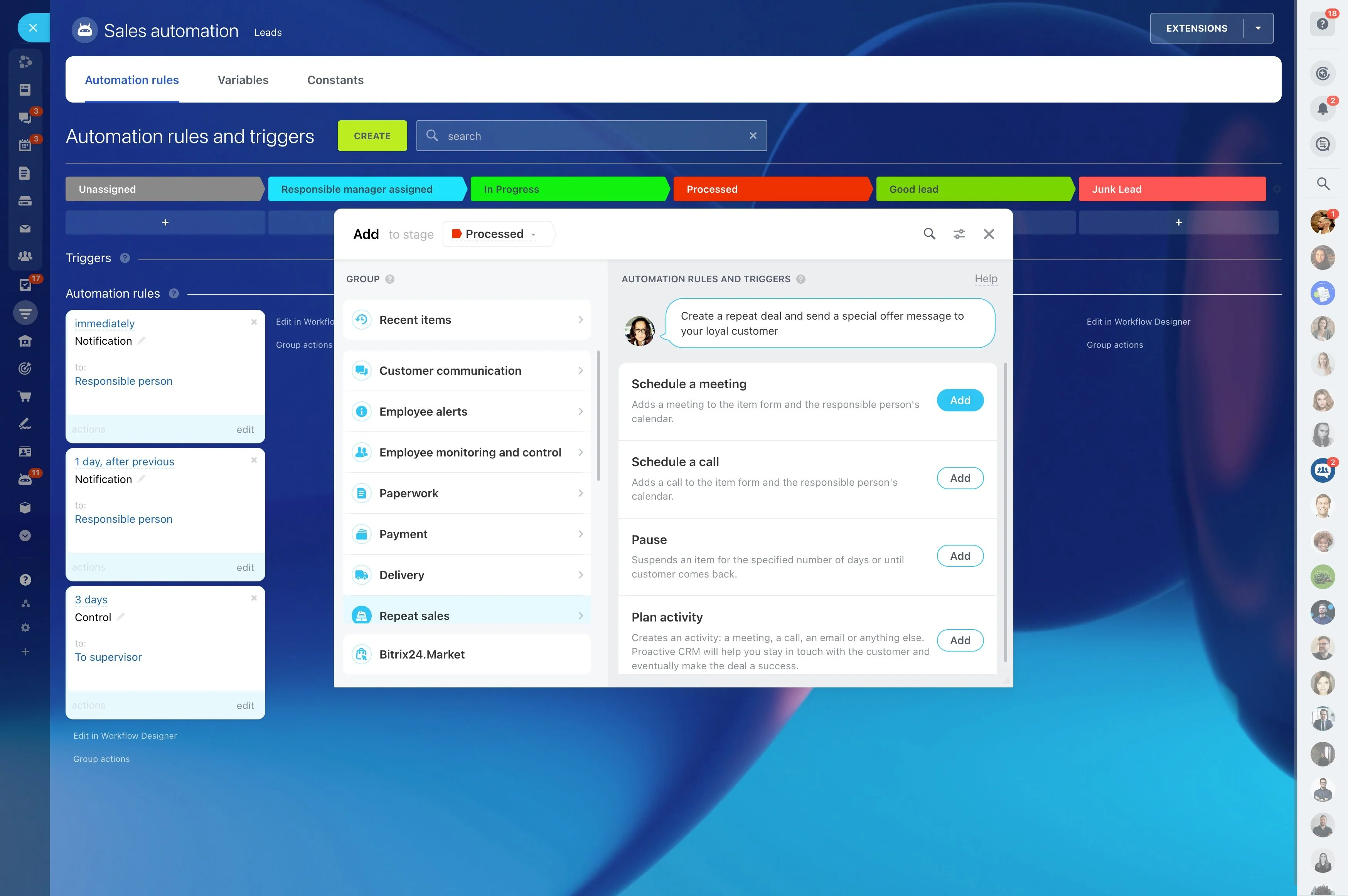
You just signed up for Bitrix24 and opened a blank CRM. Now what? Empty lists, scattered spreadsheets, and a sales team still buried in inboxes is a dangerous place to stall. The longer you wait to set up the basics, the more leads leak out of forms, calls go unlogged, and deals drift with no next step.
The cost shows up fast: missed follow-ups, duplicate contacts, conflicting owner assignments, and a pipeline you can’t trust. Marketing spends with no attribution, managers can’t forecast, and reps build their own workarounds. Suddenly, “we’ll get to it next week” turns into a quarter of bad data and lost revenue.
The fix is straightforward: a practical, step-by-step setup you can complete in under 60 minutes. You’ll import clean data, design a pipeline that mirrors how you sell, connect core channels (email, telephony, forms), automate the follow-ups you always forget, and lock in data quality with roles and required fields.
By the end of this guide you will:
- Structure contacts, companies, and deals for one-click reporting and owner accountability
- Configure pipelines that reflect your real stages and probabilities
- Route every inquiry into CRM automatically from day one
- Trigger instant acknowledgments, SLAs, and reminders so nothing slips
- Set guardrails (roles, required fields, validation) that keep data clean without slowing reps
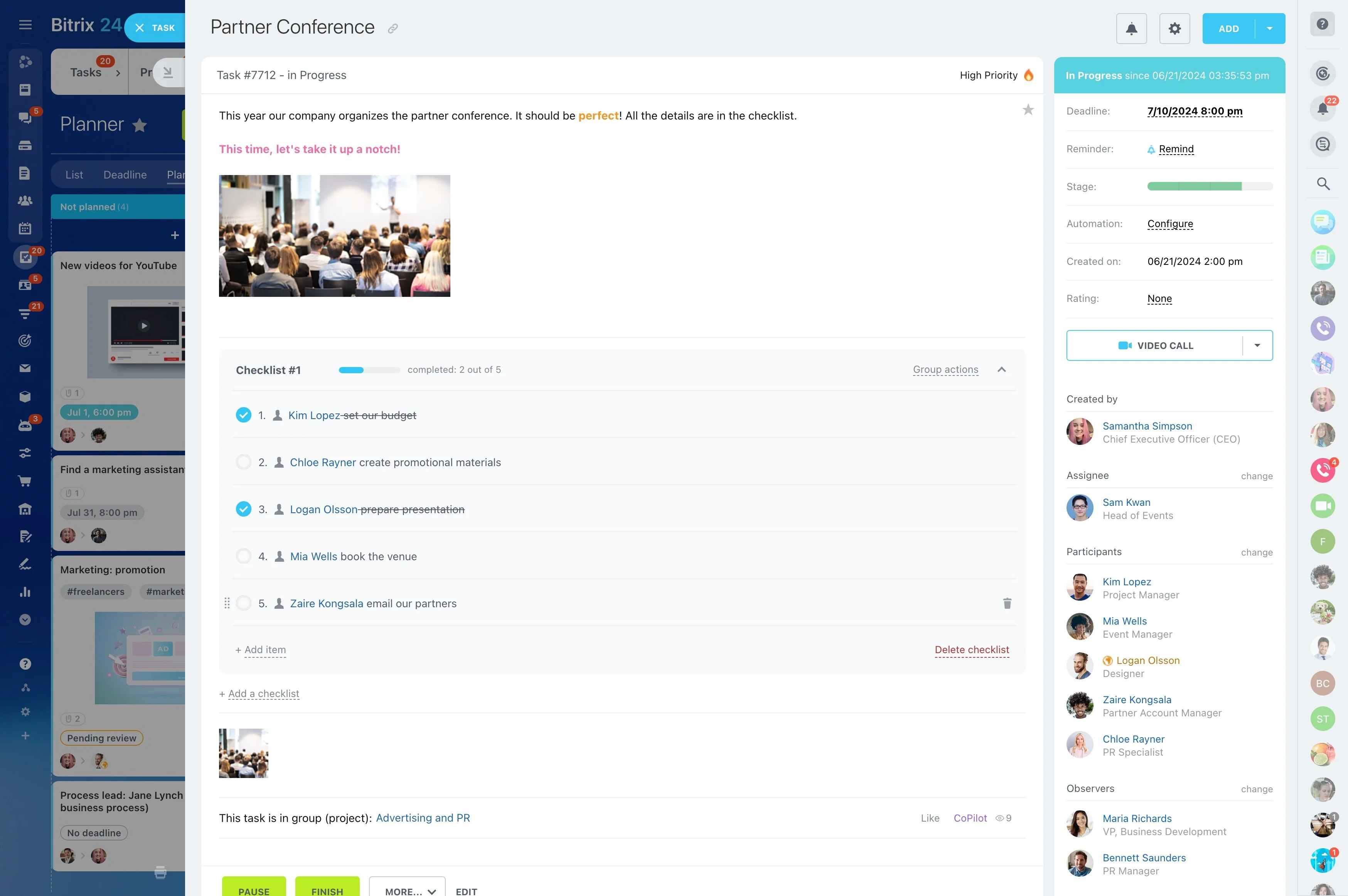
Onboard Your Team and Drive Adoption
Software doesn’t sell — people do.
Define the daily habit loop:
- Invite users with clear roles: Sales Rep, Manager, Admin. Keep permissions simple at first so no one is overwhelmed.
- Run a 30‑minute kickoff. Agenda: 1) Show the Kanban pipeline; define each stage and exit criteria. 2) Open a contact timeline and demonstrate how emails, calls, and tasks attach…
- Preload three saved filters: New Leads Today, Deals Without Next Step, At‑Risk Idle 7+ Days. Pin them so reps can access in one click.
- Provide two templates: a first-touch email (with calendar link) and a proposal follow-up (48-hour nudge). Reps can personalize without breaking consistency.
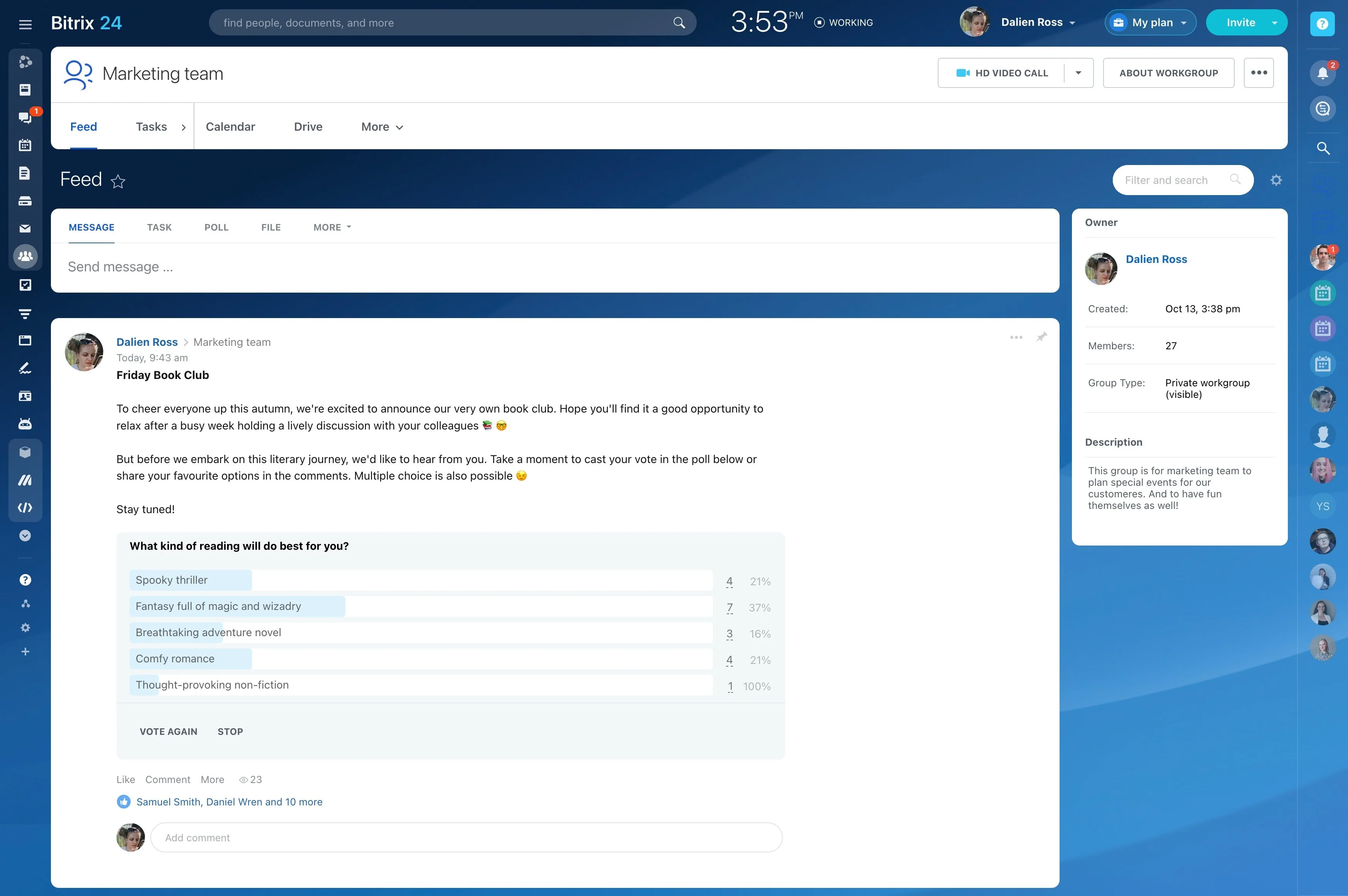
Automate What You Always Forget
Great reps still forget a follow-up when the calendar gets crowded.
Set up quick wins on day one:
- Instant acknowledgment: when a new lead arrives, send a personalized email from the assigned rep, include a booking link, and set the owner automatically. This buys you goodwill and…
- First-response SLA: create a task due within 15 minutes of an inbound lead. If overdue, escalate to a manager via notification or reassign to an available rep.
- Stage-based nudges: on Proposal Sent, schedule a reminder and queue a templated email 48 hours later asking for feedback or a review meeting.
- Idle deal cleanup: if a deal sits idle for 7 days, add the tag “At Risk,” ping the owner, and create a task with a suggested next step.
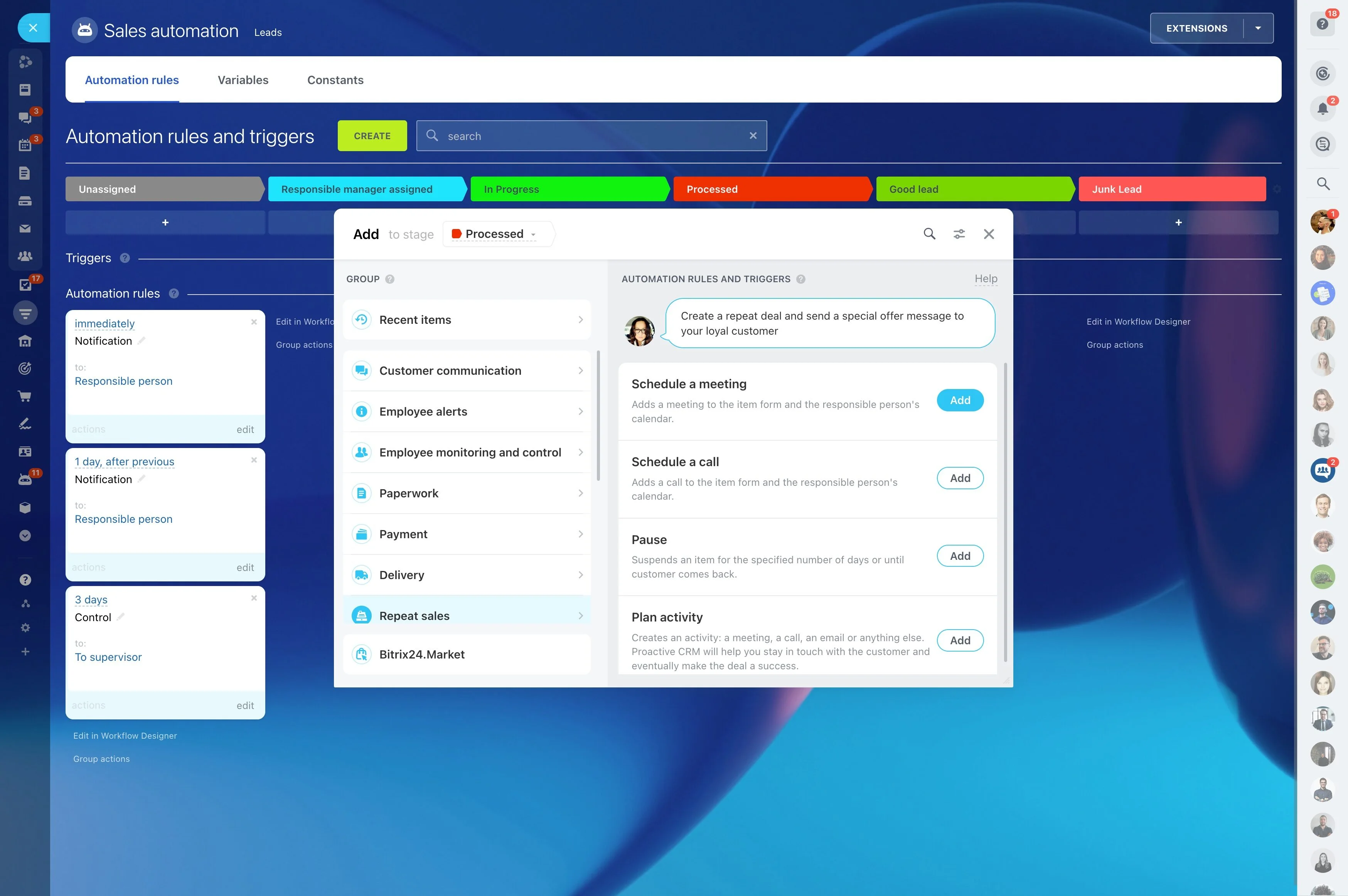
Get Your Data In—The Right Way
If you import messy data, you’ll spend weeks cleaning instead of selling.
Prepare one CSV per object with these columns:
- Contacts: First Name, Last Name, Email, Phone, Job Title, Source, Owner, Company Name, Segment
- Companies: Company Name, Website, Industry, Size, Billing Country, Owner, Source
- Deals: Deal Name, Amount, Currency, Close Date, Stage (or initial stage), Source, Owner, Company/Contact link, Product Interest
- With: one-click filtering by Segment or Source, accurate counts per stage, and a trustworthy timeline of calls/emails on each record. Assignment rules work because data is standardized.
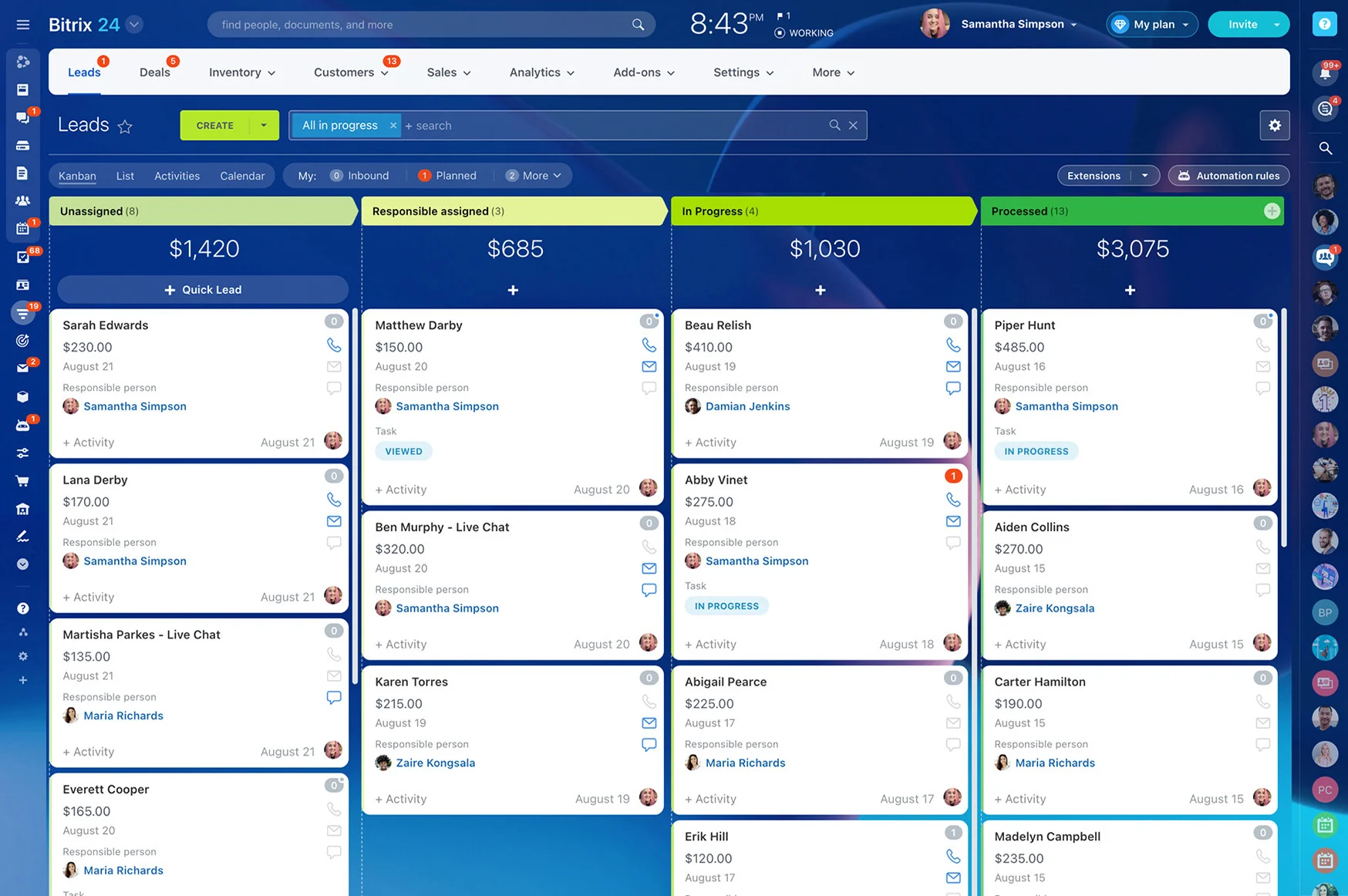
Design Your Sales Pipeline in Minutes
If your pipeline doesn’t mirror reality, reps will ignore it and your data will lie.
Build a pipeline that sets clear expectations:
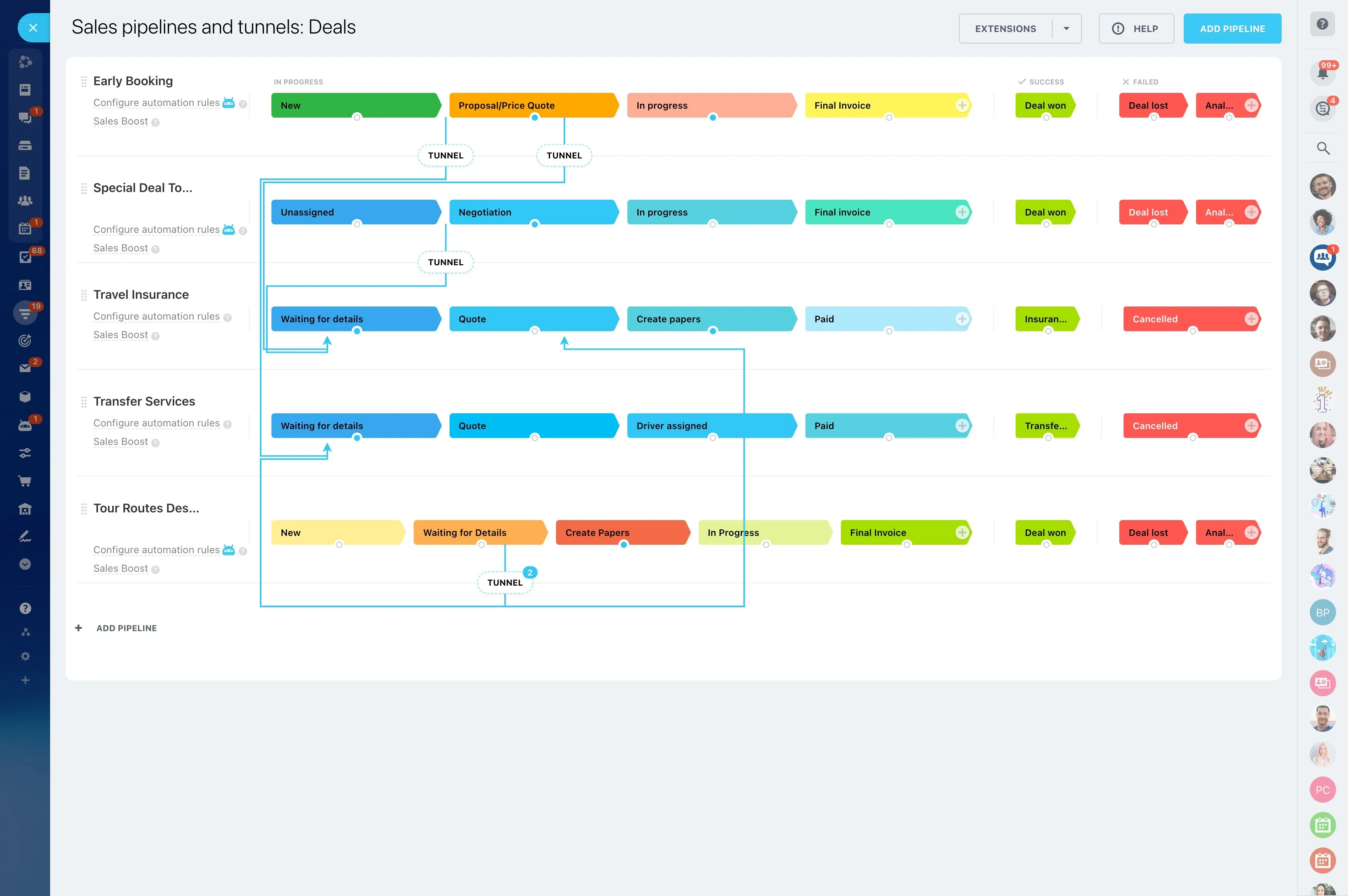
- Name each pipeline by motion: New Business, Renewals, Expansion/Upsell, Enterprise. Separate motions mean cleaner reporting and fewer exceptions.
- Define 5–7 sharp stages with exit criteria. Example (New Business): New Lead (validated email/phone), Qualified (BANT or ICP match), Discovery Completed, Demo Scheduled, Proposal…
- Add probabilities to improve forecast accuracy. Avoid 0% until “Proposal Sent” — most teams see real probability after discovery or demo completion.
- Log Lost Reasons with a controlled list (Price, Timing, No Decision, Competitor, Out of ICP). Over time, this is your playbook for enablement and pricing.
Connect Channels So Leads Land in CRM Automatically
Manual data entry is where CRMs go to die.
Implementation flow (15–20 minutes): connect email, verify send/receive on a test contact, and confirm that replies thread in the timeline.
- Email: Connect your mailbox so sent/received emails sync to the right contact automatically. Reps can reply from Bitrix24 and see the full thread in the timeline. Use shared…
- Telephony: Use Bitrix24 telephony or connect a SIP provider. Inbound calls create or attach to contacts, log duration, and record outcomes (Left VM, Spoke to DM, Call Back). Missed…
- Web forms: Publish a Bitrix24 CRM form on your site or landing pages. Submissions become leads/deals with UTM tags captured automatically. Route by Source, Region, or Product…
- Live chat and social: Connect website chat and select social channels via Open Channels. Conversations route to the right queue, and transcripts attach to the contact’s timeline.
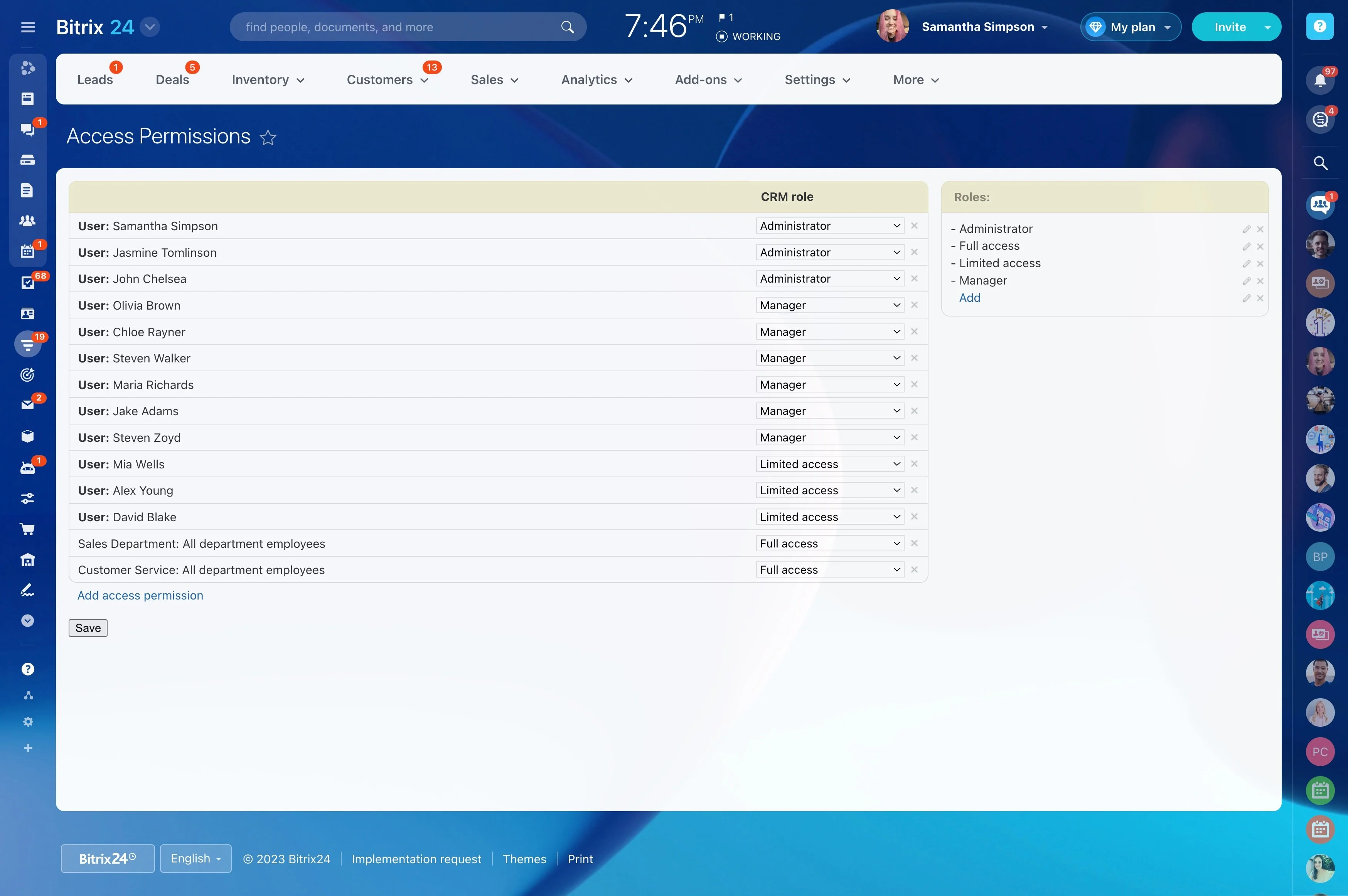
Lock In Data Quality with Roles and Required Fields
Your CRM must be open enough for selling and controlled enough for accuracy.
Put essential controls in place now:
- Roles and access: define who can view, edit, delete, or export Leads, Contacts, Companies, and Deals. Typical setup: Reps can edit what they own; Managers can see and edit their…
- Ownership rules: ensure every record has an owner. Use assignment rules based on Source, Region, or Product Line to remove ambiguity. If a record becomes unassigned, auto-route it…
- Required fields by stage: make key fields mandatory before a card can move forward. Examples: at Qualified, require Decision Maker and Use Case; at Proposal Sent, require Amount and…
- Validation and standards: use dropdowns for Industry, Country, and Lost Reason. Apply phone masks and email validation to prevent typos. Hide advanced fields from reps who don’t…
Your 60‑Minute CRM Implementation Checklist
You don’t need a three-week project plan to go live.
Minutes 10–25: Import
- List must-have fields and create them in Bitrix24 (Segment, Source, Product Interest, Renewal Date). Use dropdowns where you want standardization.
- Export your current data to clean CSVs. Fix obvious typos, normalize countries, and split full names into First/Last.
- Decide initial owners (map by territory or simple round-robin). Create tags for campaigns you want to track.
- Import in this order: Companies, Contacts, then Deals. Map custom fields carefully and preview 20 rows.