The 9 Best CRM Software For Mac Users In 2026

You picked a Mac because you expect tools to be fast, clean, and built for how you actually work. Then you open your CRM and spend the morning juggling browser tabs, waiting for pages to load, and switching between five disconnected apps just to track a deal, send an email, and update a pipeline stage.
The nine CRMs below are the options that actually hold up on macOS — each evaluated on browser performance, cross-device continuity between Mac, iPhone, and iPad, and how much friction they remove from your daily workflow.
TL;DR: Modern CRMs run smoothly in the browser, sync cleanly across Apple devices, and consolidate sales, communication, and collaboration into a single environment. The best choice depends on whether your priority is simplicity, pipeline focus, customization, or reducing tool sprawl altogether.
What makes a CRM good for Mac users?
In this article, a strong Mac CRM means:
- fast browser performance on macOS
- clean usability in Safari or Chrome
- seamless continuity across Mac, iPhone, and iPad
- minimal dependence on extra plugins or desktop installs
- a workflow that reduces tab switching rather than adding more tools.
Why CRM choice matters more for Mac users
Mac users tend to be more sensitive to software friction than Windows users. In fact, it's partly why they chose the platform! When a CRM feels heavy, slow, or visually cluttered, adoption drops; when adoption drops, data quality collapses.
That adoption-and-data problem isn't unique to Mac, of course, but it's the reason CRM choice has such outsized consequences.
According to CRM adoption research compiled by Nintex, nearly two decades of analyst data shows that 20–70% of CRM projects fail, with poor user adoption consistently cited as the leading cause. A CRM without clean, consistently-maintained data is just an expensive contact list, regardless of how powerful the underlying platform is.
Quick comparison: best CRM software for Mac (2026)
|
CRM |
Best for |
Key strength |
Mac experience |
Starting price |
|
All-in-one workflows |
CRM + communication + collaboration |
Excellent |
Free plan |
|
|
Simplicity and ease of use |
Clean UI and quick setup |
Excellent |
Free plan |
|
|
Pipedrive |
Sales pipelines |
Visual deal tracking |
Excellent |
Paid |
|
Customization on a budget |
Flexible workflows |
Good |
Free + paid |
|
|
Salesforce |
Enterprise teams |
Advanced features and integrations |
Average |
Paid |
|
Freshsales |
Communication-focused teams |
Built-in email and calling |
Good |
Free + paid |
|
Visual workflow management |
Custom boards and flexibility |
Excellent |
Paid |
|
|
Insightly |
CRM + project management |
Sales and delivery tracking combined |
Good |
Paid |
|
Nimble |
Relationship-focused selling |
Contact and social insights |
Excellent |
Paid |
The short version of how to read this table:
- If you prefer a lightweight setup with minimal learning curve, simplicity-focused tools stand out
- If your work revolves around pipelines, visual tracking matters most
- If you want to reduce tool switching and keep everything in one place, all-in-one platforms offer a structural advantage
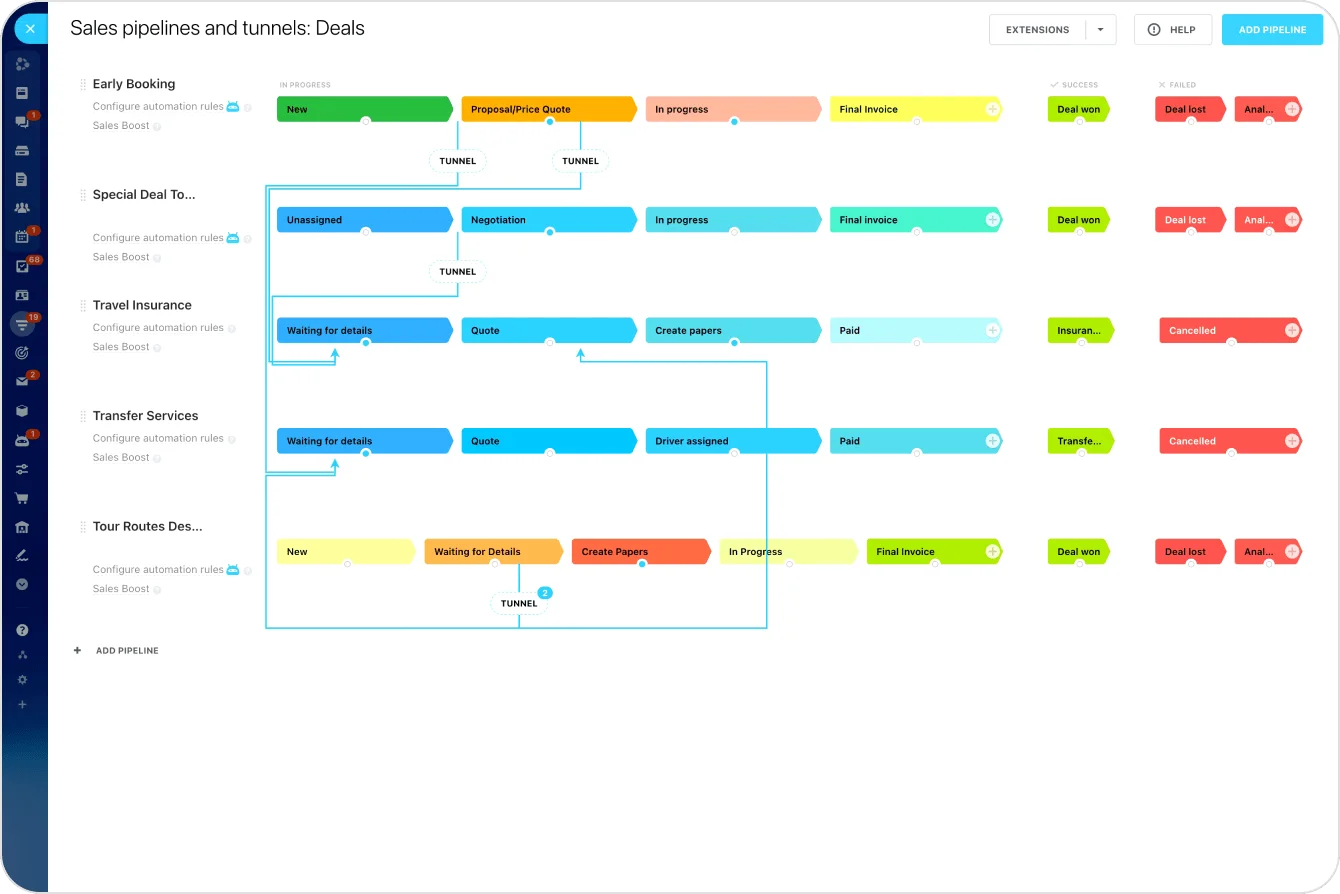
1. Bitrix24 — best all-in-one CRM for Mac users
Best for: Teams that want to reduce tool sprawl and manage everything in one place
The biggest Mac CRM problem isn't access; it's fragmentation. One tool for CRM, another for email, another for tasks, and messaging on top. Before long, you're managing deals across multiple tabs and constantly switching contexts. Sound familiar?
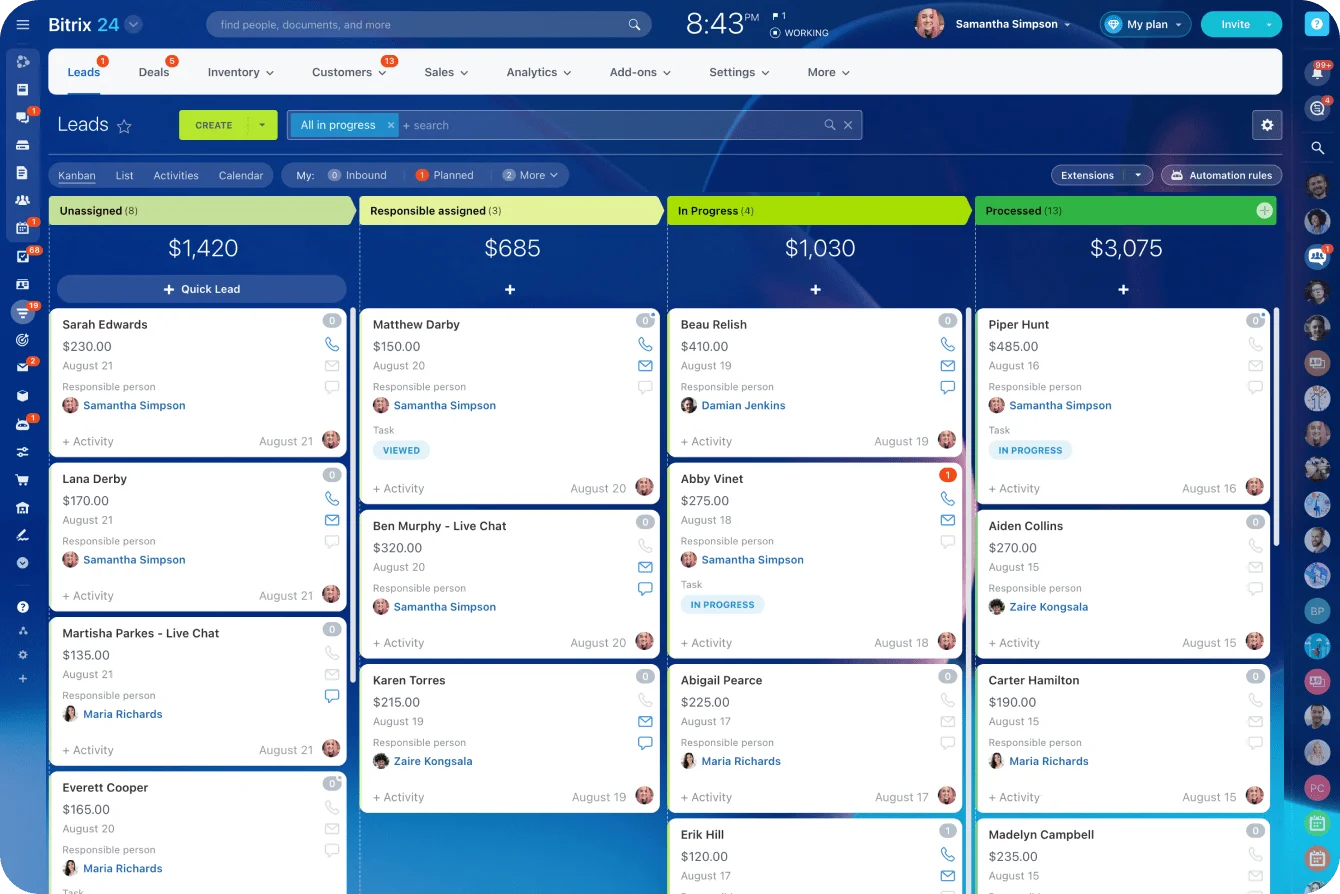
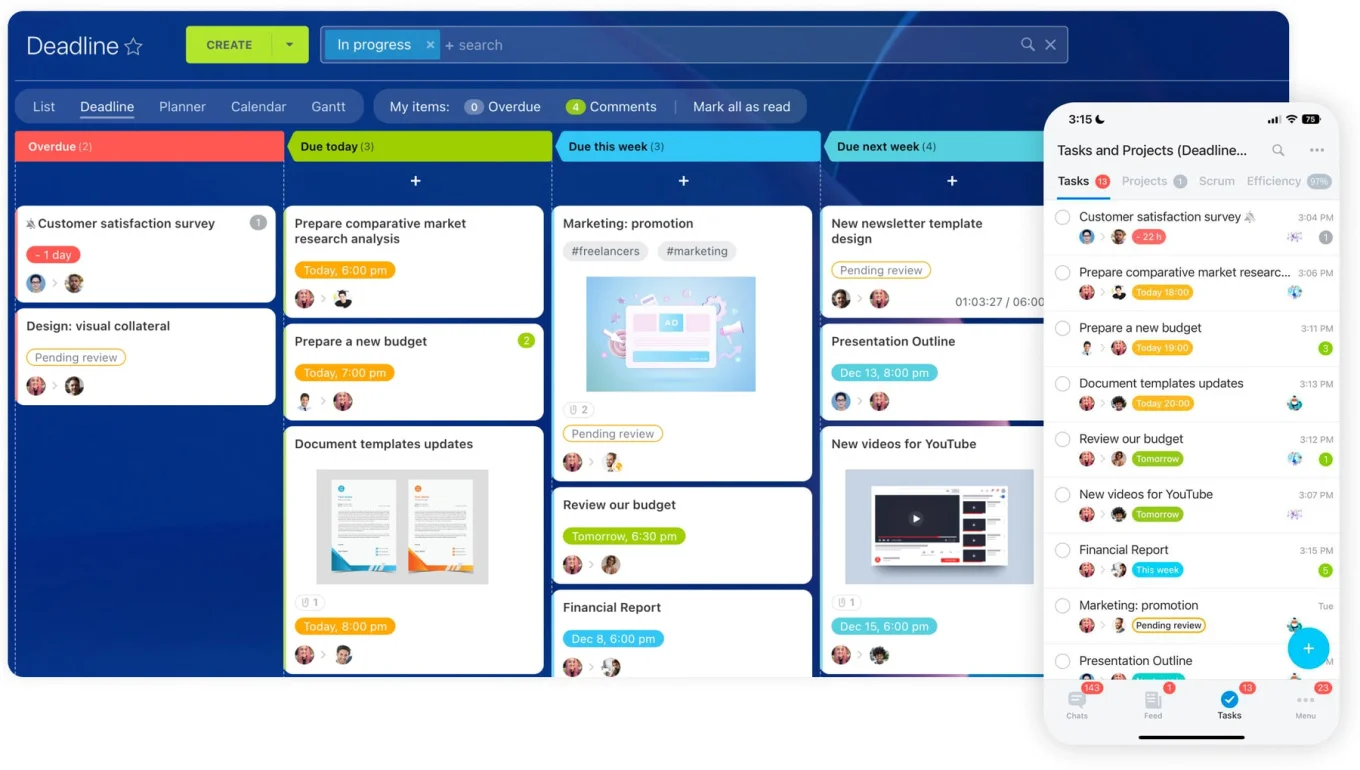
Bitrix24 consolidates your workflow into a single environment. You manage deals, communicate with clients, assign tasks, and track performance without leaving the platform.
Key features:
- Visual pipeline and deal management
- Built-in email, calls, live chat, and video calls
- Workflow automation to reduce manual updates
- Task and project management linked directly to deals
- Real-time reporting and analytics dashboards
Why it works well on Mac:
- Fully browser-based — no heavy installations
- Keeps your workflow centralized
- Consistent experience across Mac, iPhone, and iPad via the mobile app
- Handles multiple functions without slowing down performance
Limitations: Breadth of features means a learning curve at the start
Pricing: Free plan available; scalable paid options as your team grows

2. HubSpot CRM — best for simplicity
Best for: Small teams and startups that want a fast, low-friction setup
Clean, intuitive, minimal setup. You open it in the browser and start working without thinking about configuration or performance tuning. For Mac users, that simplicity translates well — the interface feels natural in Safari and Chrome without the visual noise that plagues older enterprise CRMs.
Key features: Contact and deal tracking, email integration, basic automation, reporting dashboards
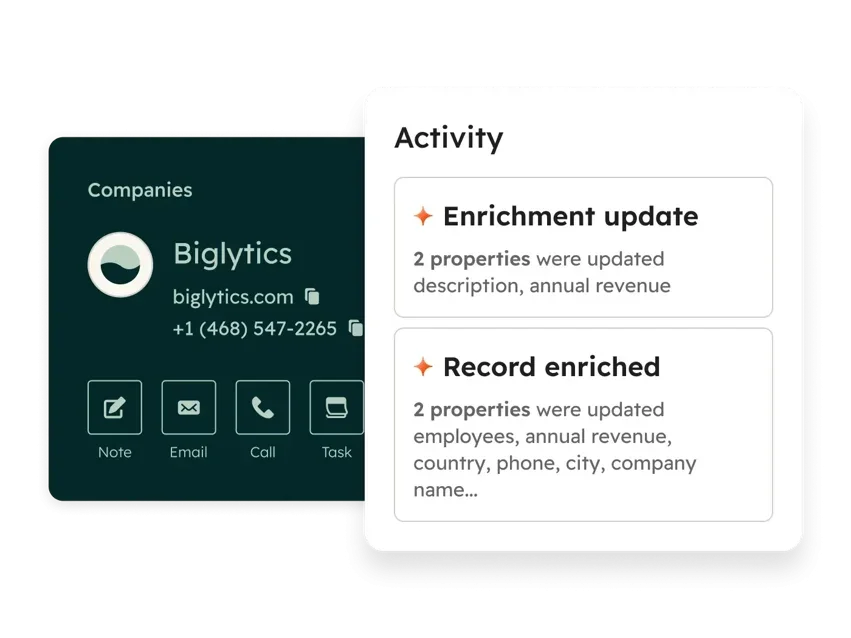
Mac experience: Clean, responsive interface that feels natural in the browser
Limitations: Advanced automation and reporting require paid upgrades; costs scale quickly as you add adjacent HubSpot tools for marketing, service, or content
3. Pipedrive — best for pipeline management
Best for: Sales teams focused on moving deals through a clear pipeline
Everything is structured around your pipeline, which makes it easy to see what needs attention at a glance. For Mac users, the fast, focused interface fits a streamlined workflow — though it's intentionally narrow in scope and built around one job: advancing deals.
Key features: Drag-and-drop pipeline, activity tracking, sales reporting, basic automation
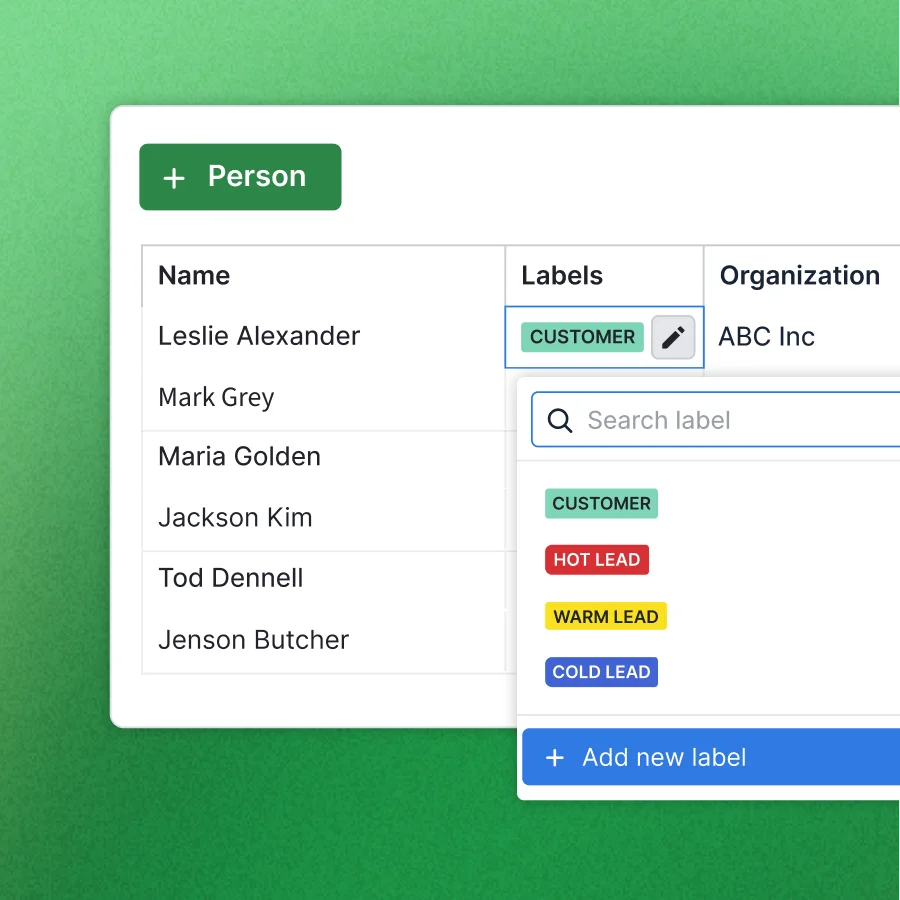
Mac experience: Fast, lightweight in-browser performance
Limitations: Limited communication and collaboration tools; requires integrations to build a more complete workflow
4. Zoho CRM — best for customization
Best for: Businesses that need flexible workflows without enterprise pricing
High control over system structure, but flexibility introduces complexity.
Key features: Custom workflows, multichannel communication, sales forecasting, Zoho ecosystem integrations
Mac experience: Reliable performance, less polished UI
Limitations: Interface can feel cluttered; setup takes time
5. Salesforce — best for enterprise teams
Best for: Large organizations with dedicated admin support
Deep customization, advanced automation, and a massive integration ecosystem — but heavy, expensive, and demands ongoing admin capacity to keep usable. For Mac users, the browser experience is fully functional but notably heavier than lighter tools.
Key features: Advanced reporting and forecasting, highly customizable workflows, extensive integration ecosystem, scalable architecture
Mac experience: Fully browser-based, but can feel slow and resource-heavy on lower-spec machines
Limitations: Steep learning curve; high total cost of ownership; requires dedicated admin support
6. Freshsales — best for built-in communication
Best for: Teams that want CRM and communication tools in one place
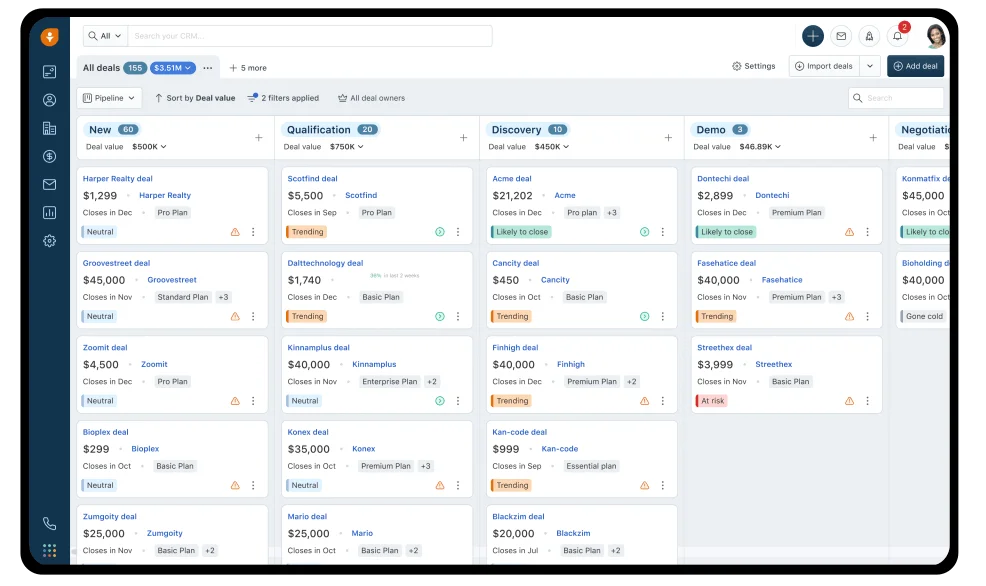
Combines CRM with built-in email and phone. Reduces platform switching without becoming overly complex.
Key features: Email, phone, and chat tracking, AI-based lead scoring, workflow automation
Mac experience: Smooth browser performance
Limitations: Not as comprehensive as full all-in-one platforms; advanced features require higher-tier plans
7. Monday CRM — best for visual workflows
Best for: Teams that want flexible workflows beyond traditional CRM structures
Built around visual boards you adapt to different workflows. Appealing if you like structuring work visually.
Key features: Custom pipelines and visual boards, automation templates, collaboration tools
Mac experience: Clean, modern interface
Limitations: Requires setup to fit sales workflows; can become complex at scale
8. Insightly — best for CRM + project management
Best for: Service-based businesses managing both sales and delivery
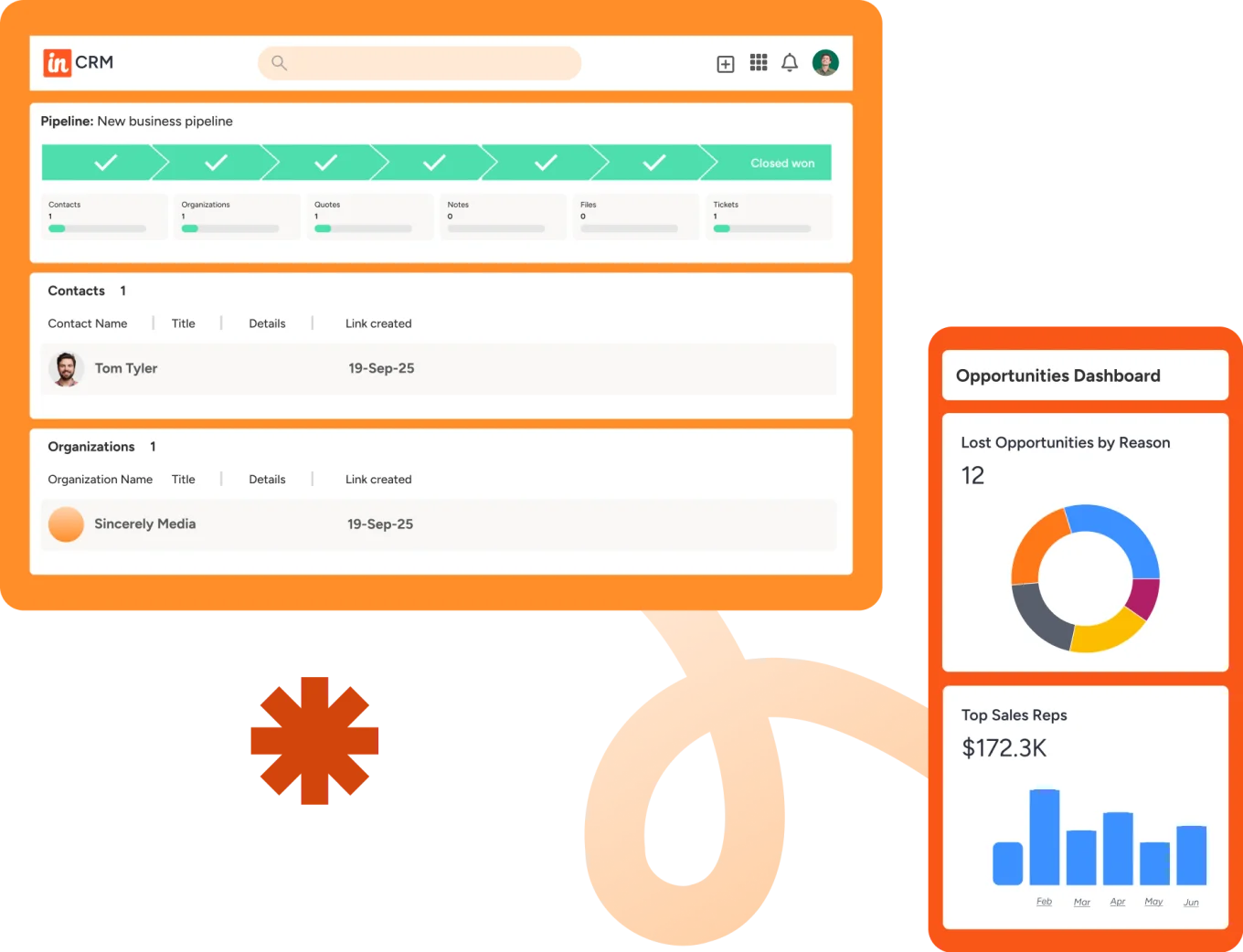
Connects CRM with project management, useful when work continues after the deal closes.
Key features: Contact and pipeline management, project tracking, workflow automation, reporting
Mac experience: Stable browser performance
Limitations: Interface feels dated; limited advanced CRM capabilities
9. Nimble — best for relationship-based selling
Best for: Consultants and small teams focused on building relationships
Contact management and relationship insights pulled from email and social platforms. Effective for relationship-driven work, not structured sales processes.
Key features: Contact enrichment, social media integration, email tracking, task reminders
Mac experience: Lightweight and easy to use
Limitations: Limited pipeline and automation features; not for complex sales workflows
How to choose the right CRM for your Mac workflow
Most CRM issues don't come from missing features; they come from friction. Too many tabs, disconnected tools, and workflows that don't stay in sync across devices.
Match the tool to your primary constraint:
- Quick and easy to start → HubSpot or Nimble. Simple, intuitive, minimal setup.
- Work revolves around managing deals → Pipedrive or Freshsales. Strong pipeline visibility, focused activity tracking.
- Flexibility and control → Zoho CRM or Salesforce. Heavy customization, more setup and ongoing management.
- Reduce friction across your entire workflow → Bitrix24. CRM, communication, tasks, and automation in one system.
The last point matters more than most Mac users expect. Every additional tool adds overhead: more tabs, more integrations, more things to break or fall out of sync.
When a dedicated CRM isn't the right choice yet
Not every team benefits from adopting a CRM immediately, and picking the wrong moment can actually create more overhead than value:
- You have fewer than 5–10 active deals at any time. A well-organized spreadsheet and a shared calendar may be all you need. CRM overhead (setup, data entry, maintenance) exceeds the value until deal volume justifies the structure.
- Your sales process is still undefined. If you haven't mapped your pipeline stages, qualification criteria, or handoff points, configuring a CRM will codify the confusion rather than solve it. Define the process first, then pick the tool.
- You're a solo consultant with long-cycle, high-touch clients. Three clients on retainer don't need a CRM; they need a clear contact list, strong notes, and a reminder system. Tools like Nimble or a simple notes app may fit better than full CRM software.
- Your team won't adopt it. If past tool rollouts have failed due to process resistance, choosing a more powerful CRM won't solve the underlying problem. Fix adoption culture first: start with a minimal tool, build the habit, then expand.
Simplicity and power can work together
Choosing a CRM used to mean a trade-off: something simple that lacked depth, or something powerful that added complexity. That trade-off doesn't hold anymore.
Modern CRMs handle automation, communication, and reporting in one place — without the clutter. For Mac users, that matters. You expect software to stay fast and intuitive as your workload grows, not slow you down with context-switching and manual updates.
The right CRM should feel like a natural extension of how you already work. Start for free with Bitrix24 and find out what that looks like in practice.
Experience Seamless CRM with Bitrix24
Get more done with less effort! Bitrix24 offers all-in-one CRM software that runs smoothly across all your Apple devices, consolidating your workflow into one seamless, efficient system.
Start NowFrequently asked questions
Does Bitrix24 work well for Mac-based teams?
Yes. Bitrix24 runs in the browser and mobile app, so Mac users can manage CRM, tasks, calls, files, and calendars without a Windows-only setup.
Can Mac users centralize sales communication in Bitrix24?
They can. Emails, calls, chat history, notes, and deal activity can all be stored in one CRM timeline for easier follow-up.
Is Bitrix24 useful beyond contact storage?
Yes. It adds workflow automation, task tracking, document management, websites, marketing tools, and reporting so teams can run more of the business in one system.
What should Mac users compare when choosing CRM software?
Compare browser performance, mobile usability, automation depth, email and calendar sync, reporting, and how well the CRM supports teamwork.
How important is a native Mac app versus a browser-based CRM?
Less important than most buyers assume. A well-built browser CRM often outperforms a native app on Mac because it updates instantly, works identically across devices, and doesn't require installation. What matters is how fast, clean, and responsive the browser experience is — not whether it's wrapped in a Mac icon.