CRM for Agencies: Clients, Projects, and Billing Without Spreadsheet Chaos
You’re managing 20 client relationships in a shared Google Sheet. It worked — until it didn’t. Columns go stale. Someone sorts by the wrong field and half the rows break. A warm lead waits a week because nobody saw the note in column J. Creatives start work off an outdated brief buried in an email thread. Invoices lag because the estimate lives in Drive, the time is in another tab, and nobody is sure what’s actually approved.
The cost shows up fast:
- Hours lost hunting for status, files, and decisions across tabs and inboxes
- Over-servicing because time isn’t logged or tied back to scope
- Missed follow-ups that let faster agencies win the work you teed up
- Unbilled deliverables and unpredictable cash flow that keep you guessing
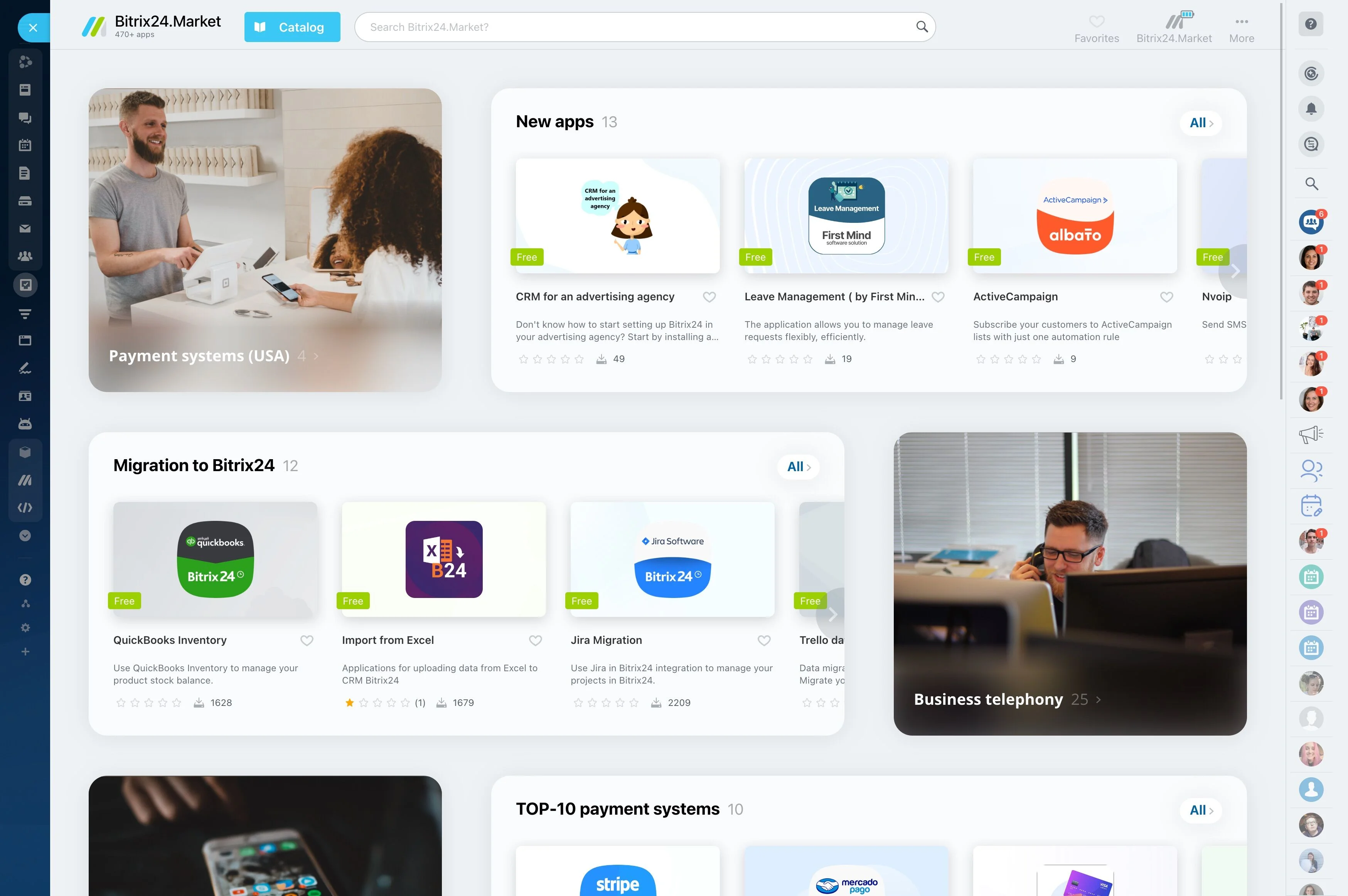
Bitrix24 replaces your spreadsheet stack with a connected workspace built for agencies. CRM, projects, collaboration, time tracking, quotes, and invoices live together so the client journey is visible from first conversation to final payment. You stop herding data and start scaling a repeatable operation.
If you’ve tried to bolt Pipedrive (sales) onto Monday (projects) and a separate invoicing app, you’ve felt the friction: retyping, mismatched records, fragile zaps. Bitrix24 brings the entire flow into one place. Deals become projects, estimates become invoices, tasks capture time, and every decision sits in context — so your team delivers faster and bills cleanly.
Automate follow-ups, approvals, and month-end admin
If your best people spend Monday mornings chasing updates and the last day of the month chasing hours, you’re paying a premium tax on manual admin.
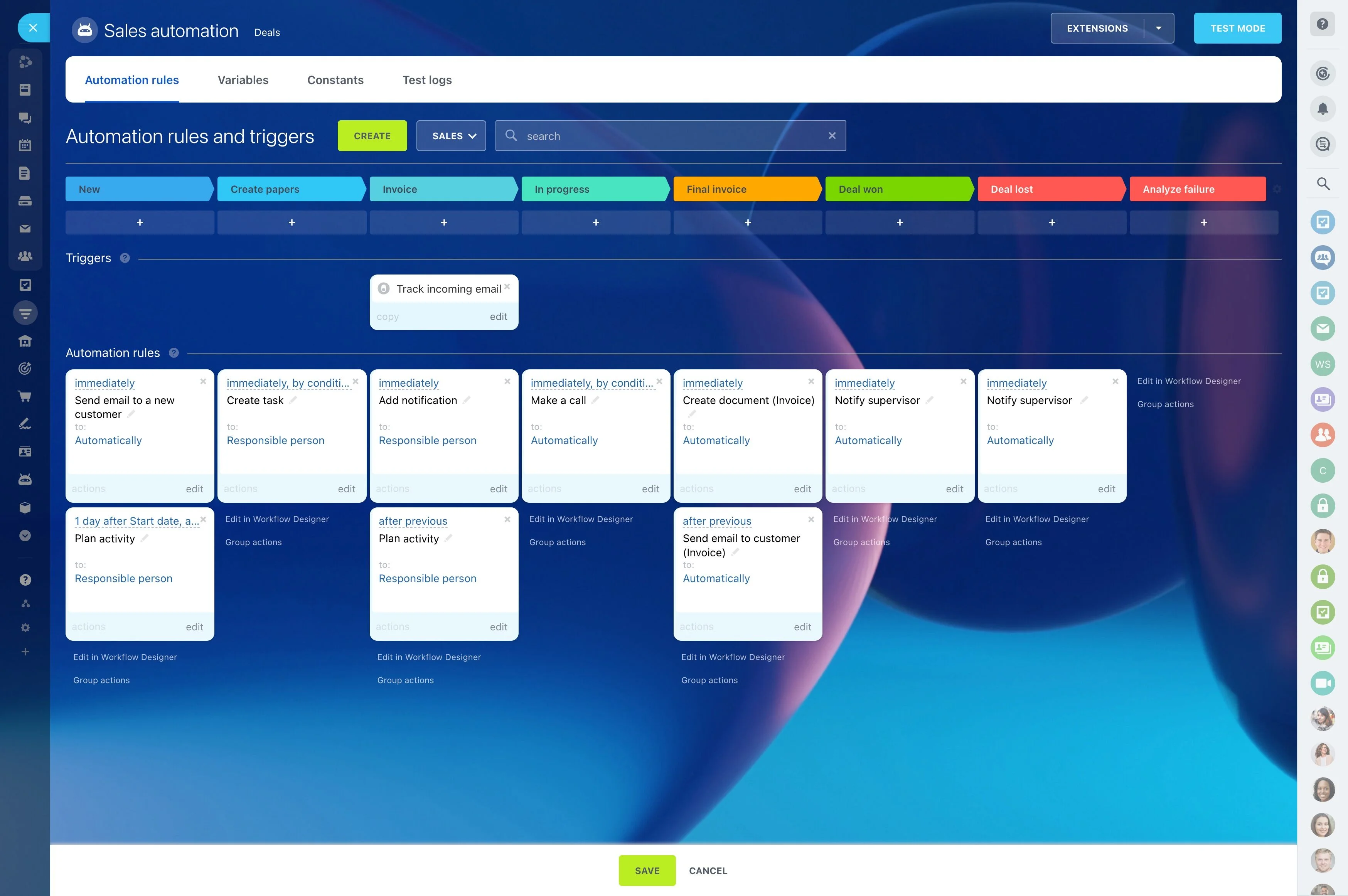
Triggers, conditions, and actions span CRM, projects, and billing — so one engine runs the entire client journey.
- Lead routing: When a new inquiry arrives, auto-assign by territory, industry, or service line. Set SLA timers; if untouched in 2 hours, reassign and alert the AM.
- Nurture and follow-ups: If a prospect goes quiet for 5 days, schedule a task and send a personalized email sequence from the deal record. Stop the sequence automatically when they…
- Project kickoffs: On “Won,” create a project from the correct template, assign owners, and set dependencies and due dates. Post a checklist to the client-facing space with required…
- Approvals: When a file labeled “Draft v1” is uploaded to the design review task, create reviewer tasks with deadlines. Escalate to the creative director if overdue by 24 hours.
Unify clients, projects, and billing in one hub
Spreadsheets pretend to be a CRM and a project board and a billing tracker.
A lead captured on your website becomes a deal in your pipeline.
- CRM: Multiple pipelines (new business, renewals, upsells) with custom fields for channel, service line, or complexity. Every email thread logs back to the client. Calls, notes,…
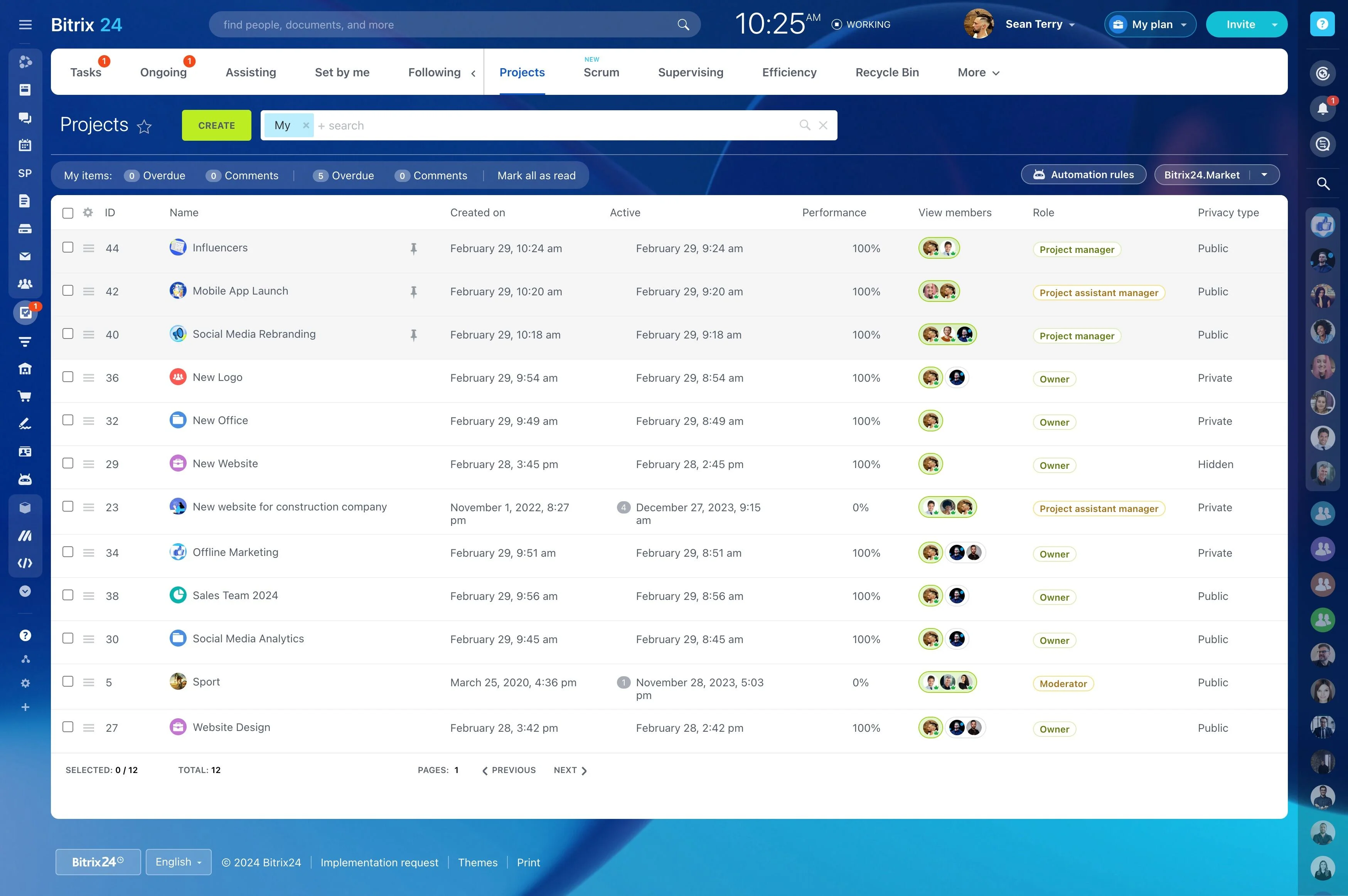
- Projects & tasks: Kanban for creative sprints, Gantt for long timelines, dependencies to protect launch dates, and checklists to standardize deliverables. Time tracking at the task…
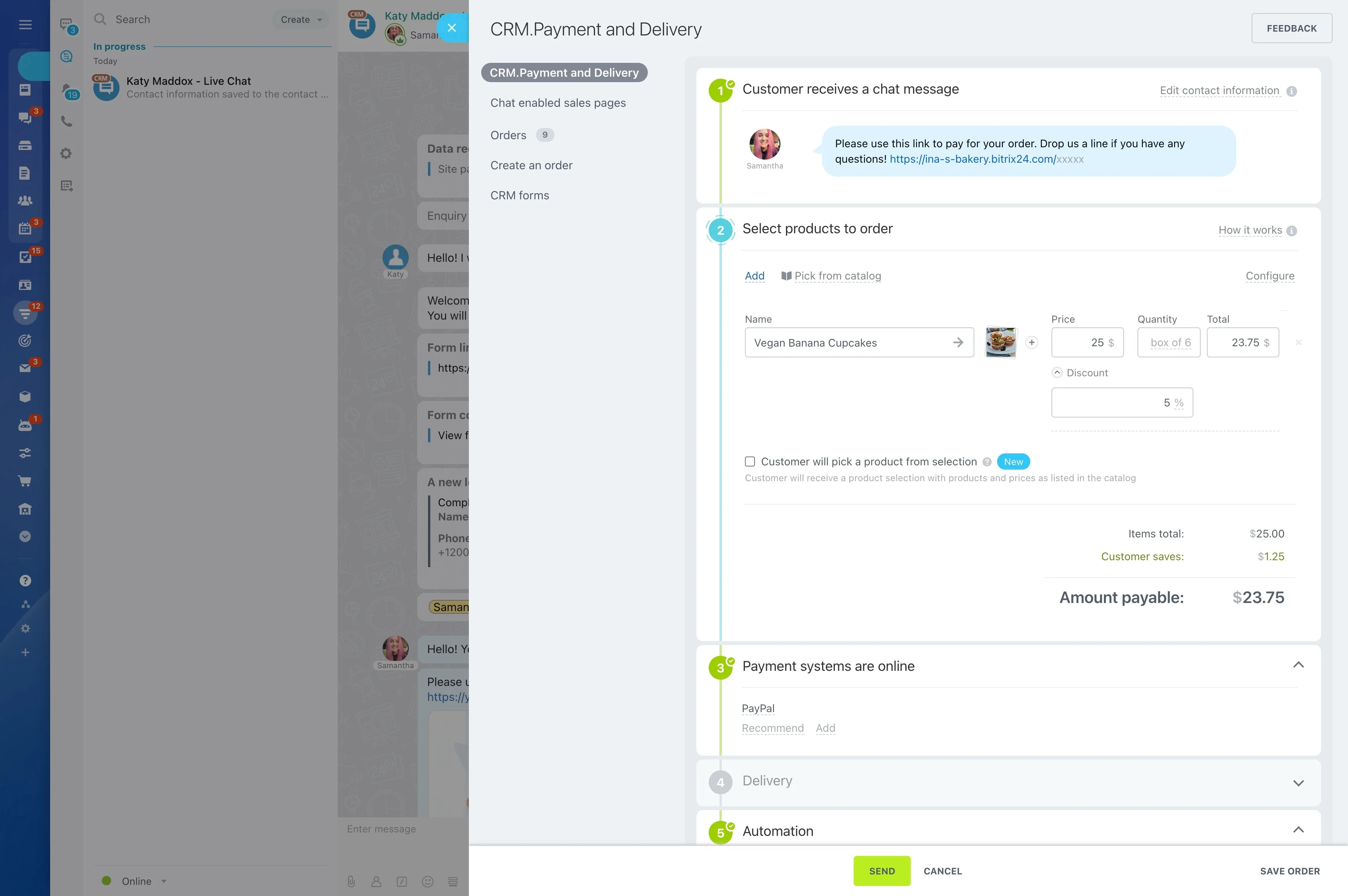
- Billing: Productized services and retainers in a catalog. Quotes/estimates created from deals. Invoices generated from approved estimates with taxes, discounts, and payment status…
- Collaboration: Comments, @mentions, approvals, and file version history — kept with the work, not lost in inboxes.
From brief to bill—standardize your agency workflow
Creative work suffers when handoffs wobble.
You capture requests, standardize scoping, auto-build plans, and automate approvals.
- Faster kickoff: project plans spin up with owners and dates in minutes, not meetings.
- Fewer revisions: comments and approvals live with the latest assets; everyone sees one truth.
- Accountability: every task has an owner, a due date, and logged time; approvals are timestamped.
- Cleaner billing: scope, time, and deliverables tie together, so invoices are defensible.
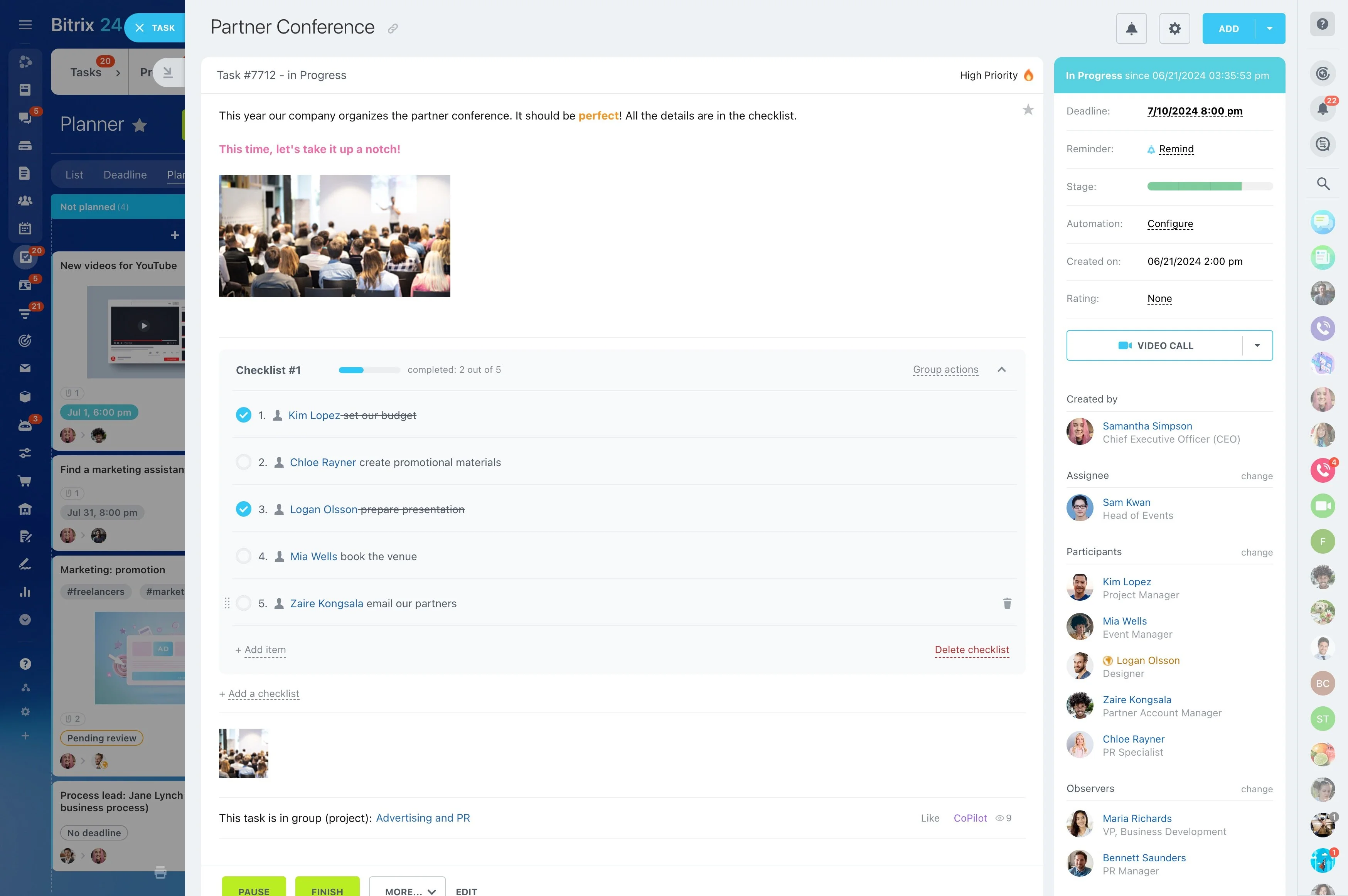
Track time, control scope, and see profitability
Great creative won’t save a project that quietly bleeds margin.
Tasks require time logs.
- Time tracking: Start/stop timers or manual entries at the task level. Require notes. Route time approvals to project leads.
- Rates and costs: Set billable and non-billable rules per task. Assign cost and bill rates by role (designer, PM, strategist) or by individual for true margin.
- Budgets and alerts: Attach a budget to each project or retainer. Get notifications when 75% of time is consumed, or when any single task exceeds estimate by, say, 20%.
- Services catalog: Standardize pricing for common packages and retainers so quotes align with reality.
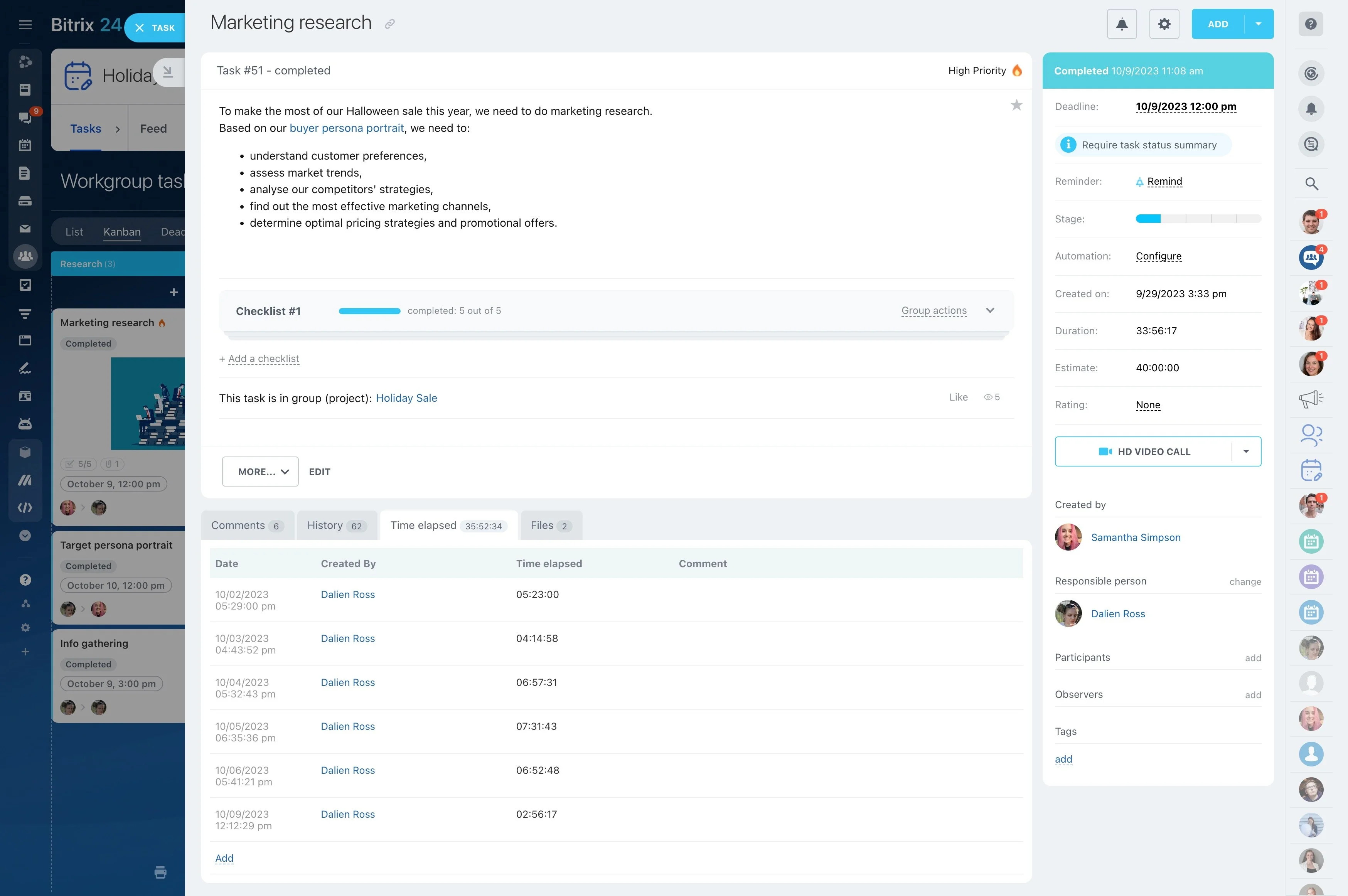
Creative collaboration and client visibility without chaos
Email and shared drives breed version fog.
Files live in the task or project they belong to, with version history.
- Files with history: Upload “Homepage_v3.fig” and see v1–v2 right there. Roll back if needed. No guessing which deck is current.
- Contextual discussion: Keep brainstorm notes, client feedback, and internal debate attached to the task. Mention teammates to pull them in instantly.
- Approvals: Request sign-off from the brand lead, then legal. Track status and record the final decision in the same thread.
- Calendars and timelines: Shared views show milestones, dependencies, and who’s on point. Everyone sees the path to launch.
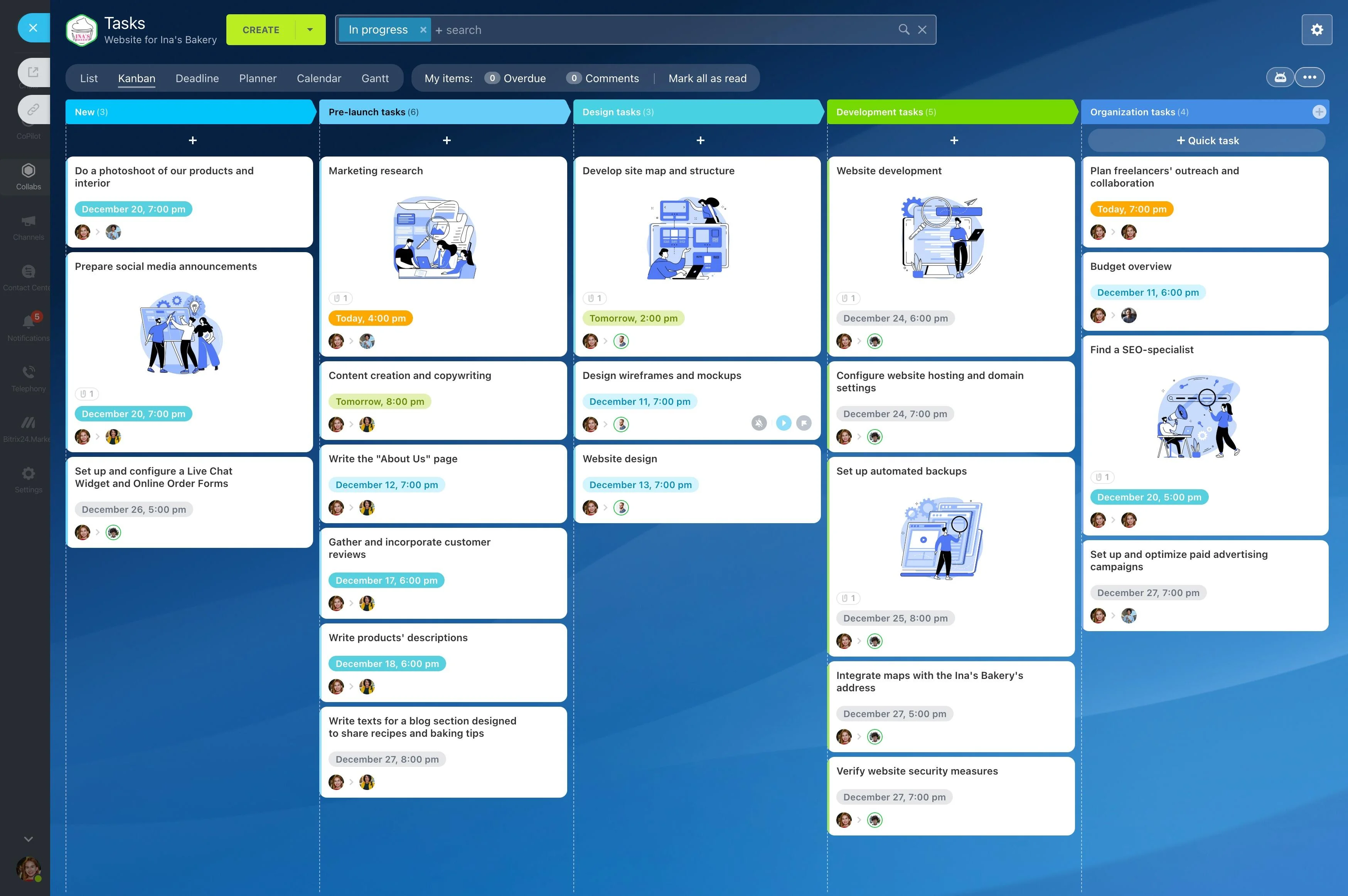
Migrate from spreadsheets in a week—without breaking ops
Moving off a shared Google Sheet feels risky because it’s familiar, not because it’s effective.
You bring your real data, map it once, and pilot with a live client to iron out kinks before a full roll-out.
- Map your sheet: Identify columns for client, contact, deal, stage, value, owner, service type, and dates. Clean duplicates and standardize stage names.
- Import: Export CSVs and use Bitrix24’s import wizard to map columns to standard or custom CRM fields. Bring over notes and tags so context travels with the record.
- Recreate pipelines: Build stages that match your sales reality (Discovery, Proposal, Negotiation, Won/Lost). Add conditional fields (e.g., budget required at Proposal).
- Build templates: One project template per service — brand identity, paid social, site build — each with tasks, dependencies, checklists, and default durations.