CRM for Call Centers: Every Conversation Connected to the Customer Record
Your phones ring nonstop, but your agents greet returning customers like strangers: “Can I get your name and account number?” Without history at the moment of pickup, the first 30 — 60 seconds of every call are spent rediscovering what you already know. Handle times creep up, transfers multiply, and first-call resolution sinks. Meanwhile, agents juggle tabs, scribble notes, and promise callbacks they can’t easily track.
Those seconds turn into real cost fast:
- Longer average handle time, crowded queues, and rising telecom spend
- Repeated questions that frustrate customers and drag down CSAT and NPS
- Missed renewals, upsells, and retention saves because context isn’t visible
- Inconsistent notes, error-prone data entry, and audit/compliance risk
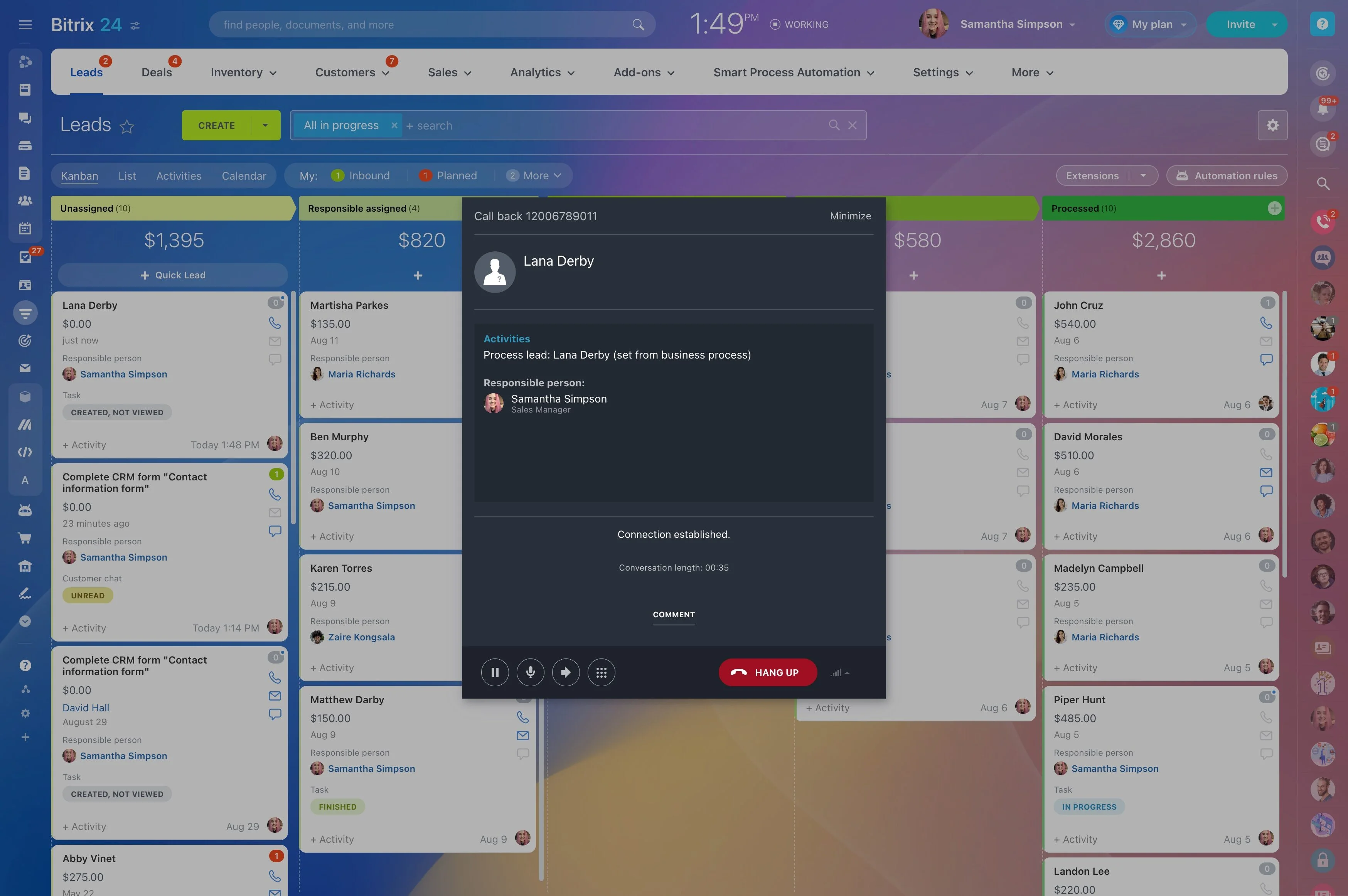
Bitrix24 fixes this at the source by bringing native telephony and CRM into one place. As a call arrives, the right record pops with a full timeline — past calls and recordings, open tickets, active deals, invoices, and notes — so agents start where the last interaction ended. No plug-ins to babysit. No copy-paste. Just informed conversations that move faster and feel personal.
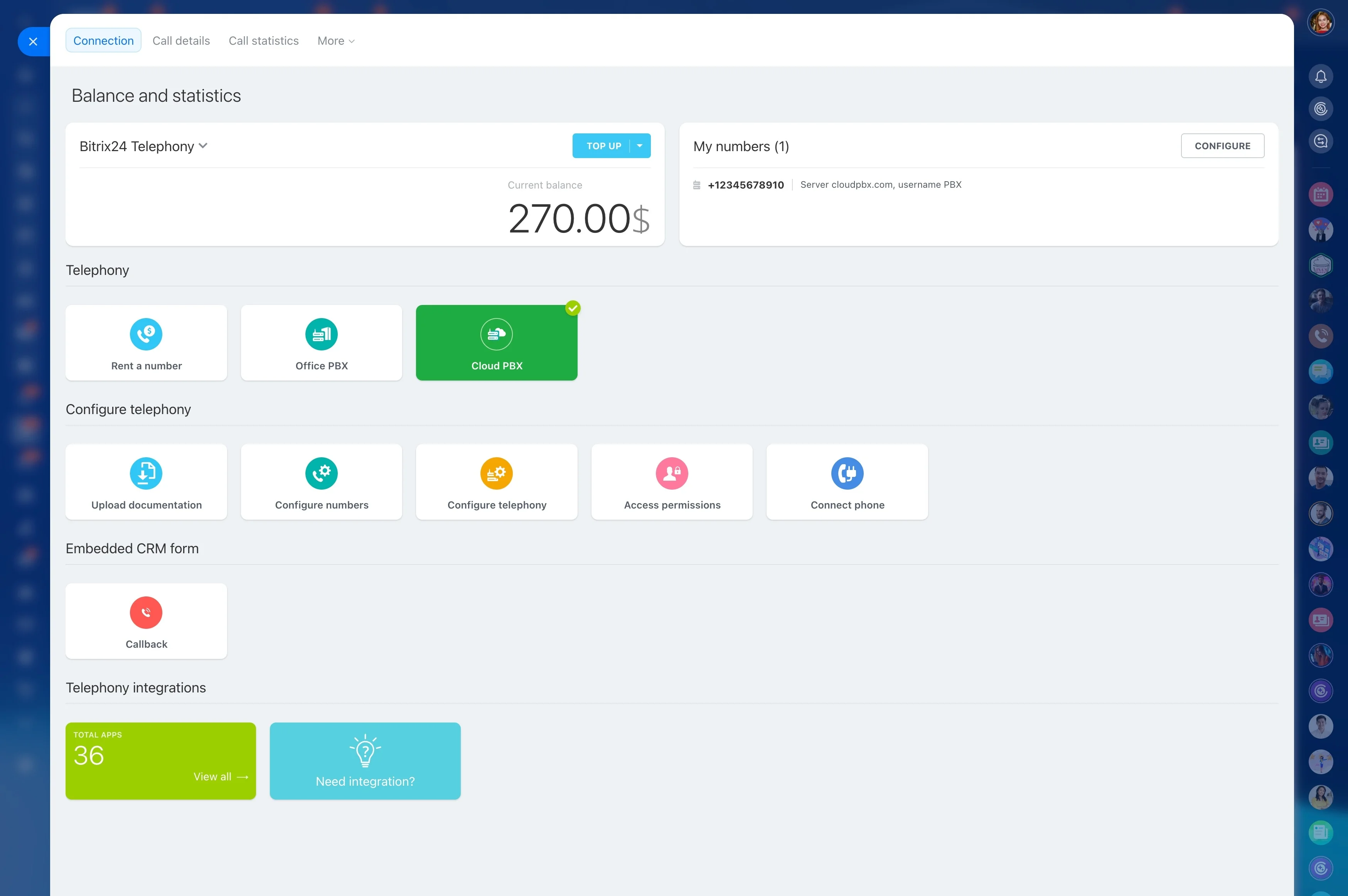
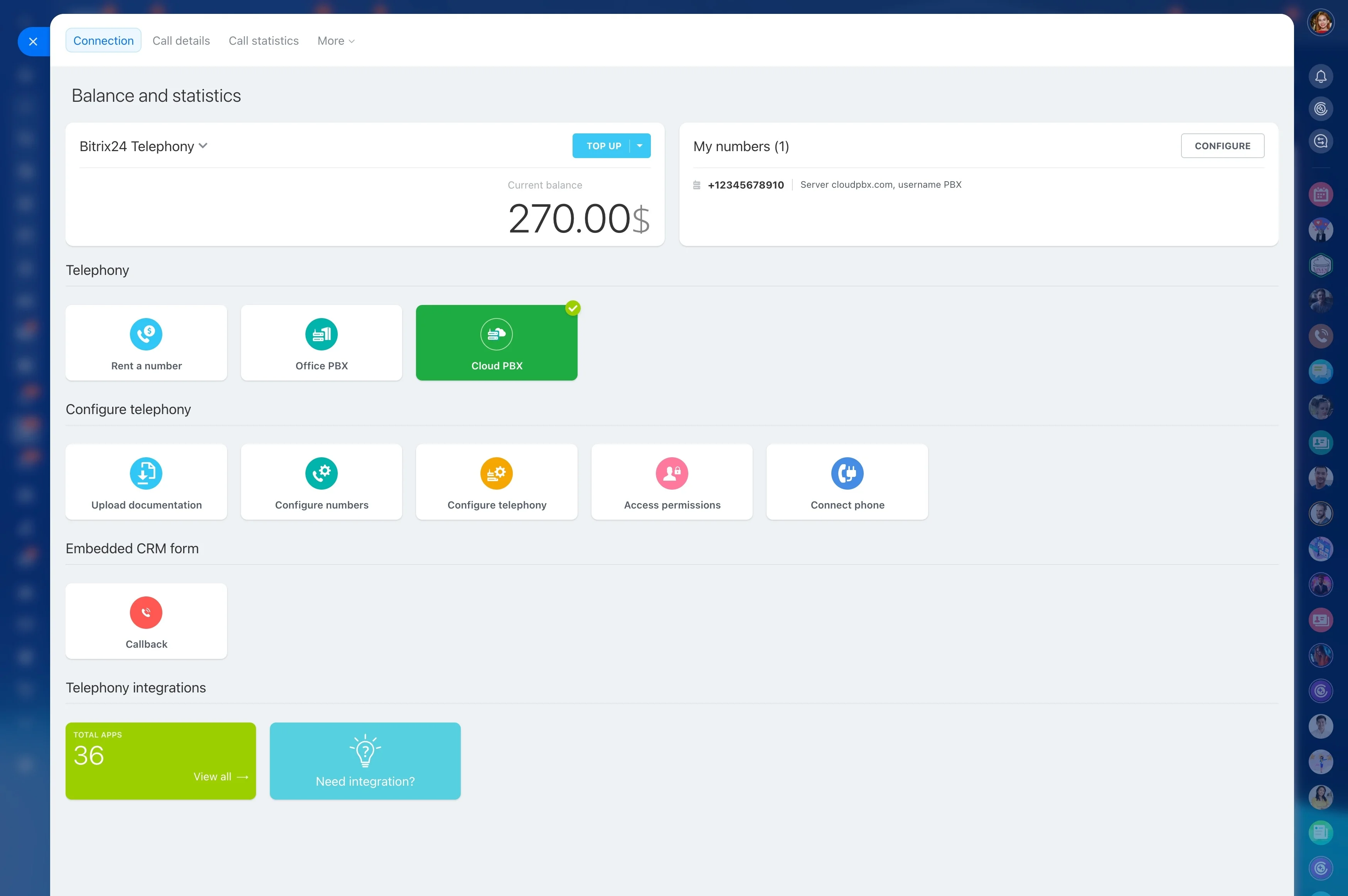
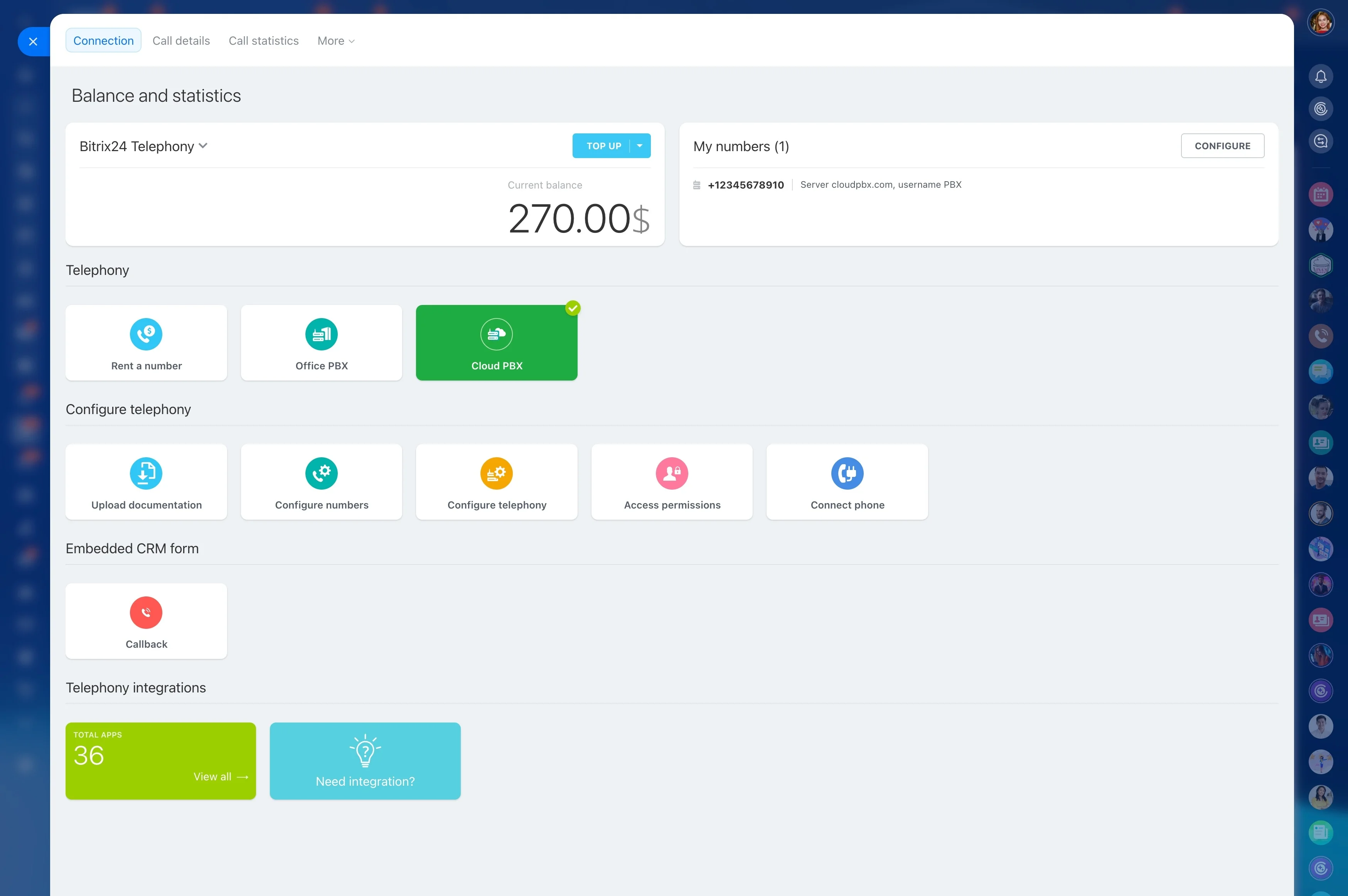
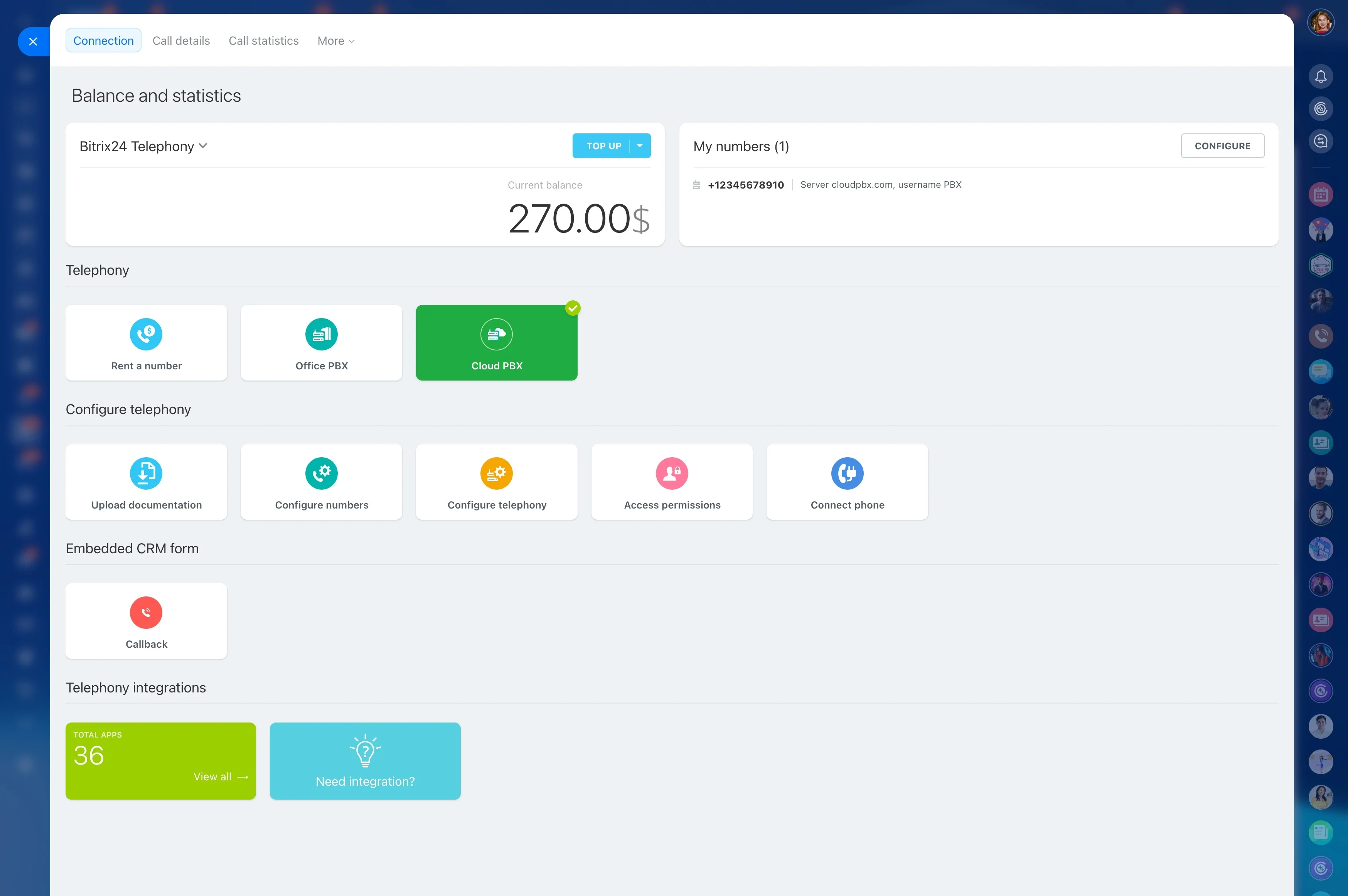
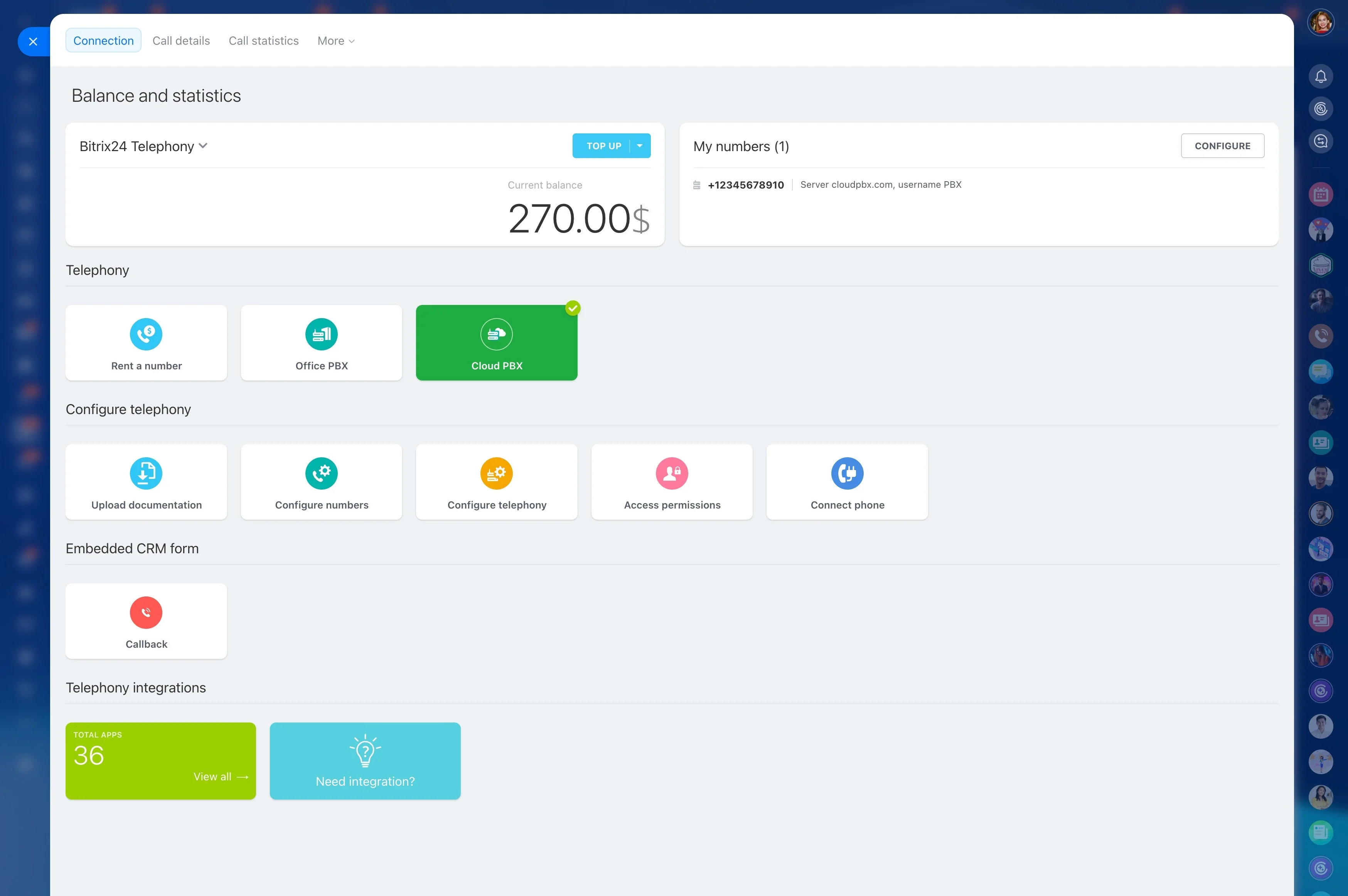
Set up in hours, not months. Bitrix24 includes IVR, routing, queues, recording, and a complete CRM. Use our cloud telephony, connect your SIP PBX, or run a hybrid while you migrate. One login, one database, one source of truth.
Power through outbound with CRM‑driven dialers
Outbound success depends on list quality and agent momentum.
Build live lists using filters like “last contacted > 30 days,” “MQLs this week,” “contracts renewing in 60 days,” or “overdue invoices,” then launch a power dialer that moves agents from call to call automatically.
- Lists update from live CRM data — new leads or stage changes appear instantly
- Agents log dispositions, notes, and follow‑ups as each call completes
- Automatic task creation for callbacks, emails, or next steps
- Scripts and checklists inside the lead or deal card keep messaging on point
Know who’s calling—before you say hello
If your agents spend the first minute identifying the caller and piecing together the past, you’re paying for non‑work.
Caller ID matches against your CRM and pops the correct contact, lead, or deal automatically.
- Full profile with tags, segment, consent flags, and VIP status
- Open tickets with last resolution and promised callbacks
- Active deals, quotes, invoices, and renewal dates
- A unified timeline of prior calls (with recordings), emails, chats, and notes
One platform for calling, routing, and CRM
A PBX from one vendor, a CTI connector from another, and a separate CRM that never quite stays in sync — this is how you get slow agents, brittle integrations, and surprise costs.
In practice, that means:
- Click‑to‑call from any lead, deal, or ticket — desktop or mobile
- Automatic logging of inbound and outbound calls to the right record — no manual entry
- IVR menus, queues, and business hours configured where you manage pipelines and SLAs
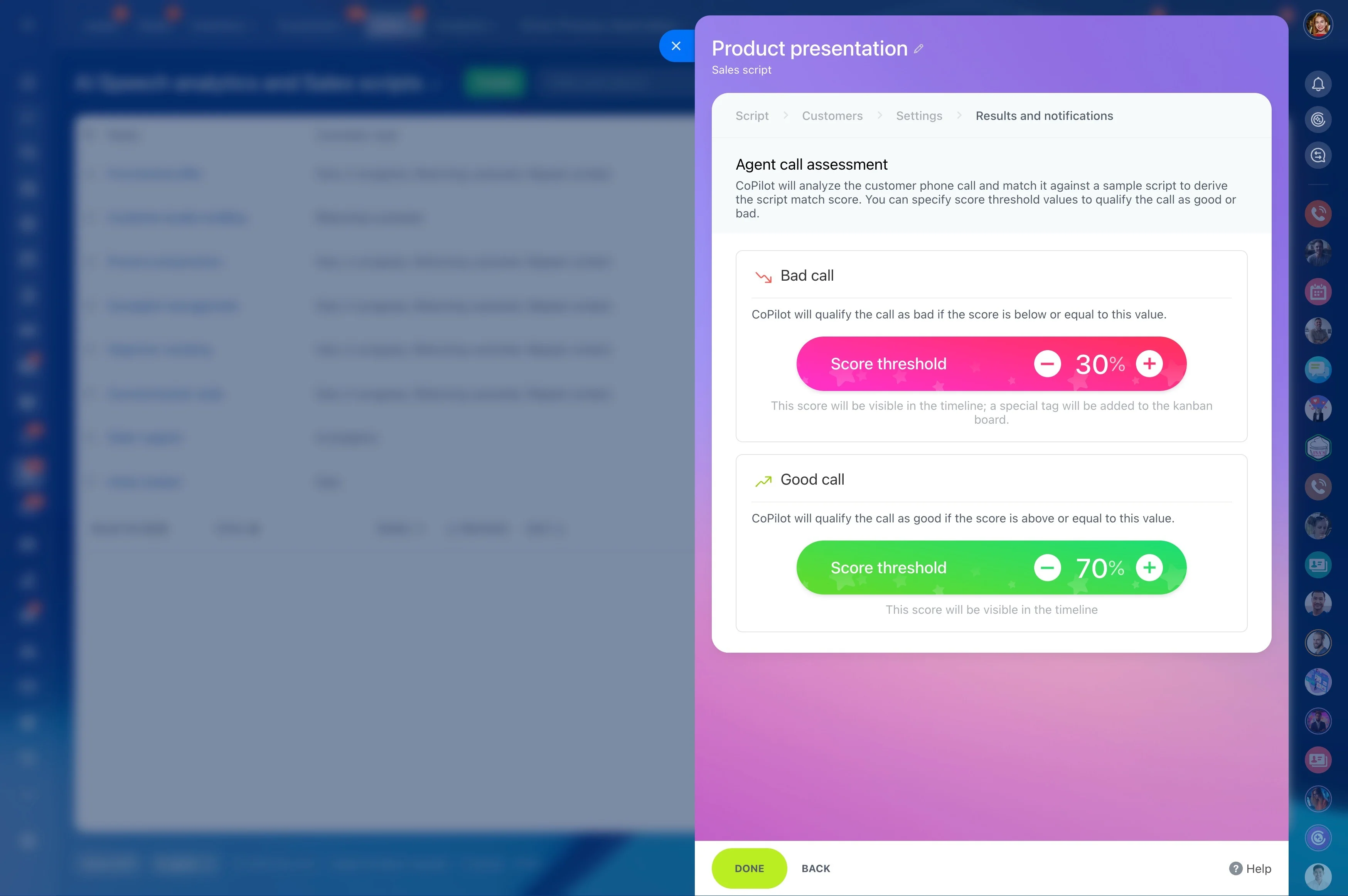
- Call recordings attached to the timeline for audits, QA, and coaching
Route every call to the right agent
Customers judge you by how fast they reach someone who can actually help.
Consider a Monday morning surge.
- Skills‑based and queue‑based routing (billing to billing, Spanish to Spanish)
- Ring strategies (simultaneous, round robin, least busy) to match staffing models
- Business hours, holidays, and overflow rules to manage peaks and after‑hours
- Priority handling for VIPs and hot leads, with SLA timers and escalations
Every conversation captured, searchable, and coachable
If it isn’t in the system, it never happened.
Out of the box you can:
- Review call recordings from the contact, lead, or deal timeline
- Add time‑stamped notes during or after calls for faster QA
- Standardize coaching with QA scorecards built as custom fields or forms
- Track agent activity and outcomes across queues: connects, resolutions, conversions
Integrate or replace your phone system—your choice
You shouldn’t have to rip out a PBX to modernize your contact center.
A typical migration path: Start by connecting your SIP trunk and routing one queue through Bitrix24.
- Connect a SIP PBX or SIP trunk using standards‑based protocols
- Port existing numbers or purchase new local/toll‑free numbers in minutes (availability varies by region)
- Mix and match: some teams on your PBX, others on Bitrix24 cloud telephony — all inside the same CRM
- Extend with APIs and webhooks to sync custom data, trigger workflows, or push events to other systems