Remote Project Management Done Expertly With Bitrix24

However, there’s no need to panic (just yet). Bitrix developers seem to have foreseen all this mess and created a perfect tool for effectively managing the work of large teams located in different parts of the world - yes, we are talking about Bitrix24.
Bitrix24 and Project Management
So how exactly does Bitrix24 can assist you in organizing work and managing your projects remotely?
To talk about this, let’s split the project work into 5 logical segments and tackle them one by one:
-
Project initiation
-
Project planning
-
Project execution
-
Project performance/monitoring
-
Project closure
1. Project Initiation
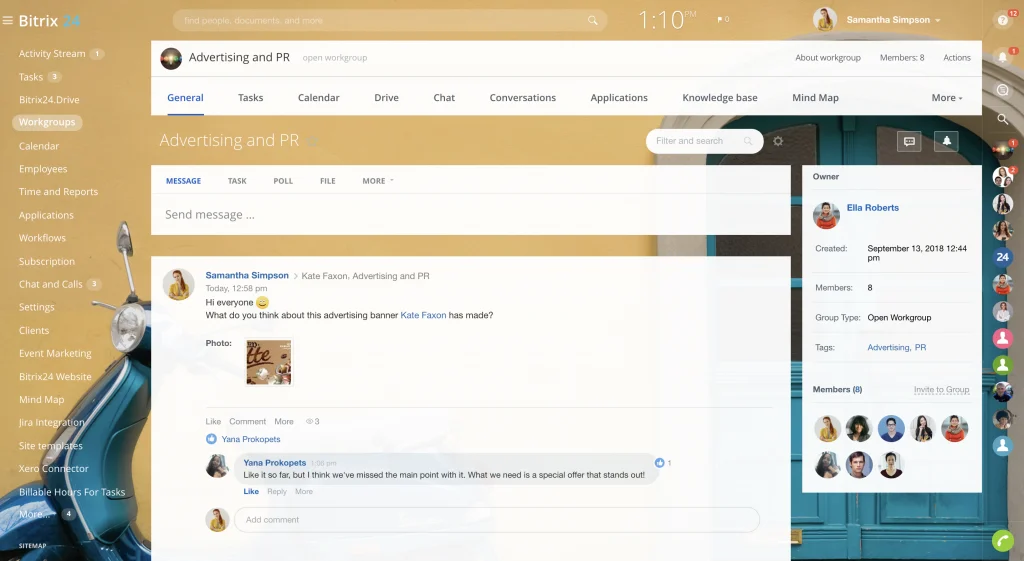
To start a project, you’re gonna need some people and an environment to collaborate in - this is best done using our Workgroups.
-
Creating, assigning, solving, and discussing project tasks (more on that below)
-
Distributing the roles within the project (moderators, owners, or members)
-
Inviting external users to participate in your project (clients, partners, etc.)
-
Communicating in real-time, sharing files, and tracking all project-related activities
Once you’ve started a workgroup, all you have to do is add a bunch of people, define their roles and permissions, and get down to work… or not?
2. Project Planning & Tasks
Setting tasks
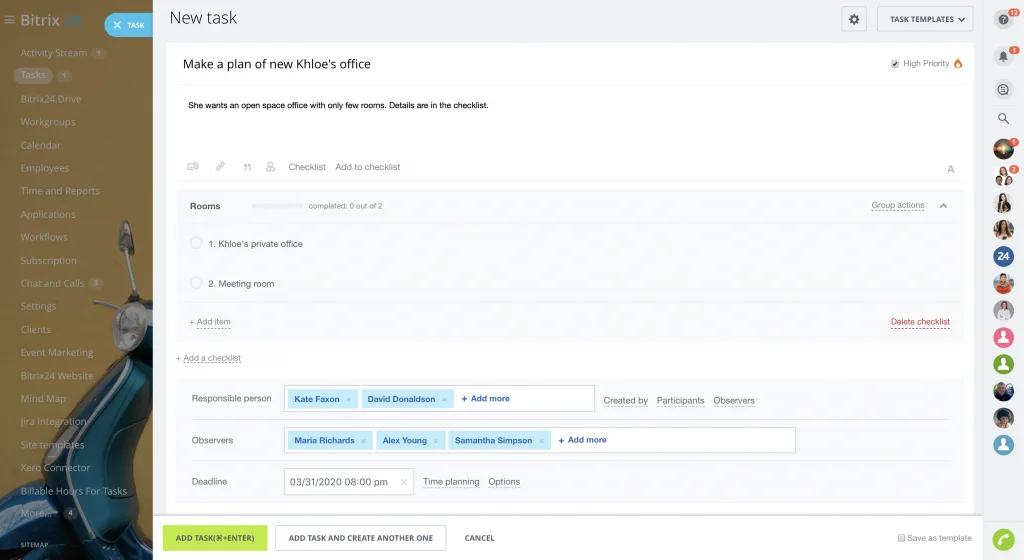
Once you’ve got your project initiated, the team assembled and the roles assigned, you can start setting tasks to individual members or groups of people. Any given task can have the following roles defined by the creator:
-
Creator
-
Responsible
-
Assisting
-
Observer
Tracking tasks
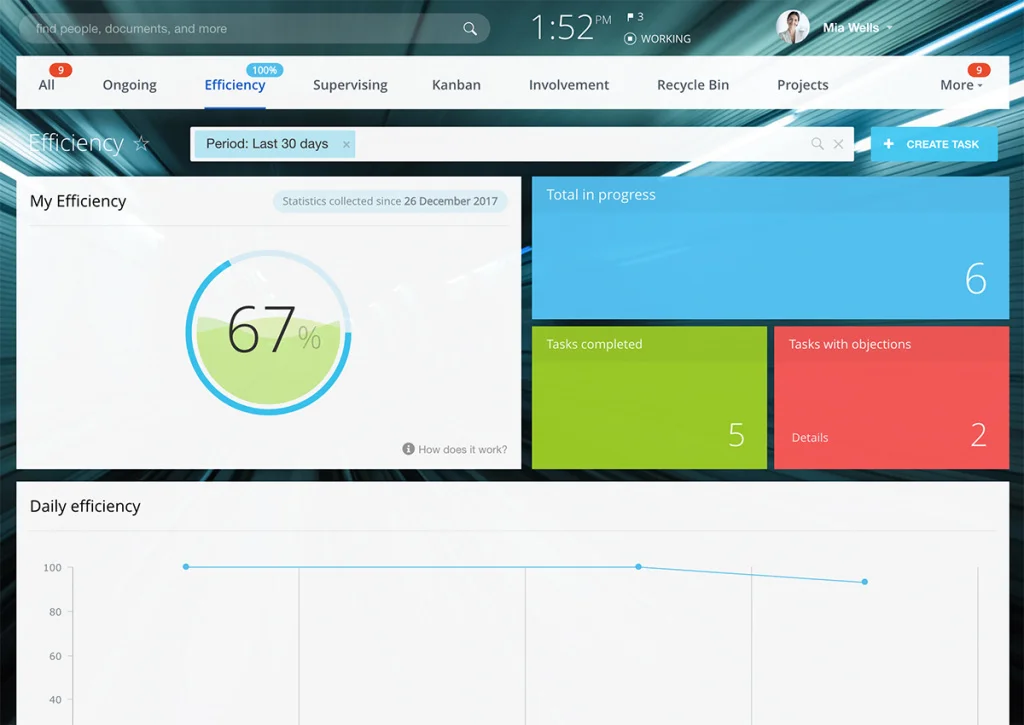
Tracking tasks is easy with Bitrix24 - actually, you don’t even have to do anything as you will be immediately notified of any changes in the task status or any other change in the project for that matter. All you have to do is collect task reports, check and rate the completed tasks, and monitor the overall efficiency of the team. Custom task reporting and deadline control are also available.
3. Project Execution
Chats
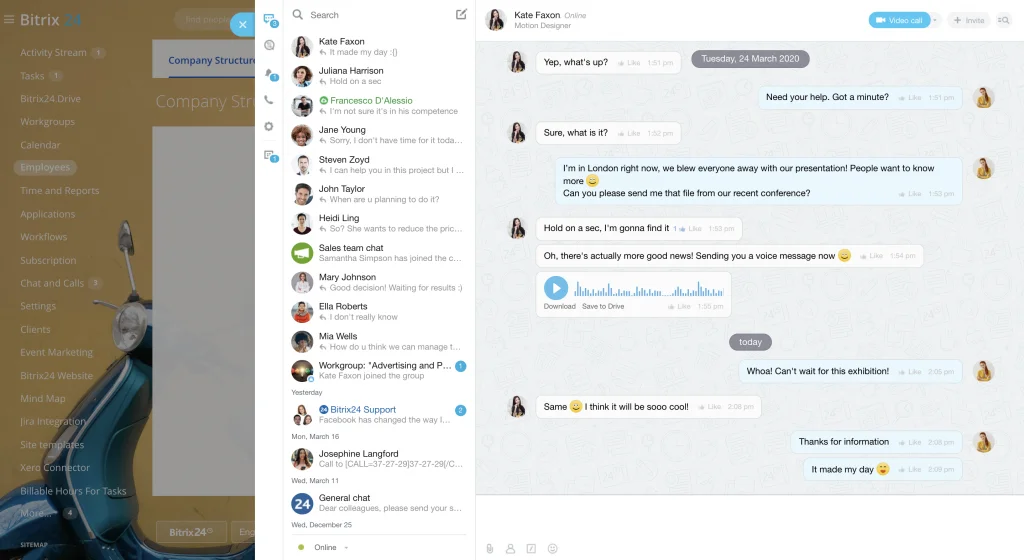
First and foremost, we’ve got chats - a simple yet effective tool for a quick exchange of vital pieces of information or random chitchat, depending on how disciplined your team members are. A must-have feature for any remote team relying on online communication heavily.
Discussions and comments
Project drive
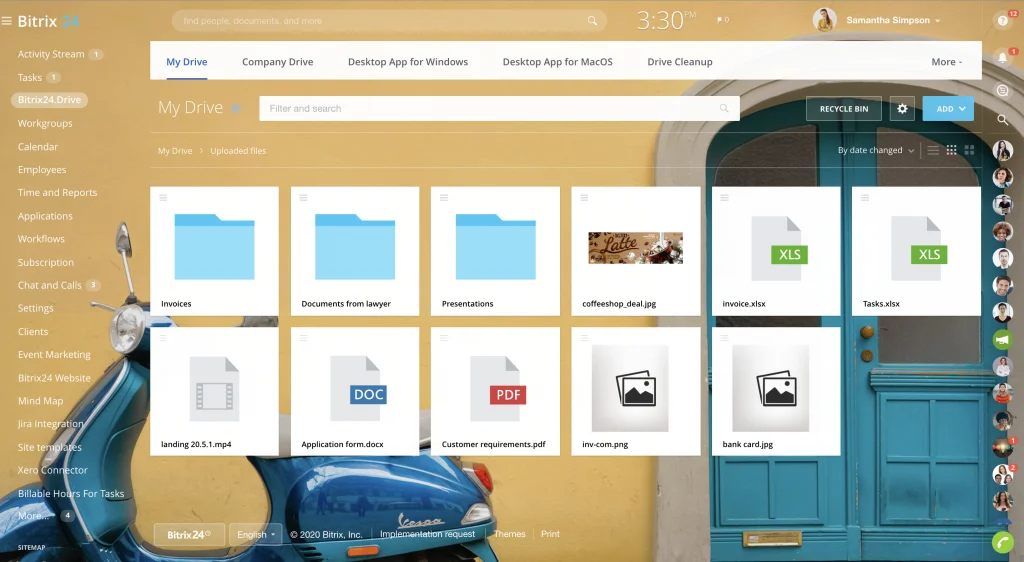
Another more or less standard feature of any project that’s being done remotely. Your team members get quick, remote access to all the project files and data they might require (with certain restrictions if needed).
Project workflows
Video calls and video conferences
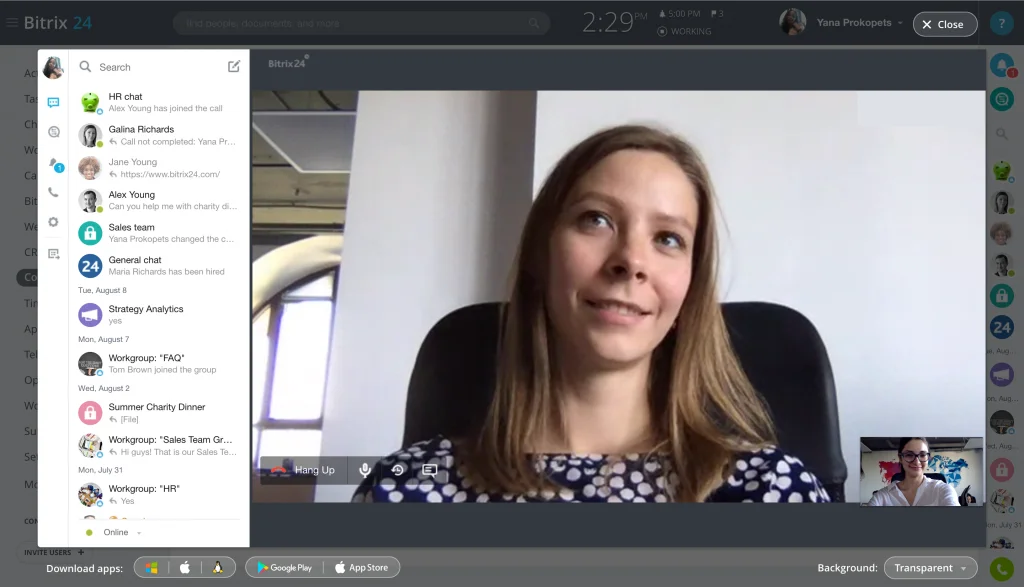
Last but not least, arguably the most useful feature of spring 2020! Being able to quickly discuss some project-related stuff during a video call makes us still feel (somewhat) human and really boosts productivity.
4. Project Performance/Monitoring
-
Involvement in projects
-
Tasks this month
-
Employee efficiency
-
Task resource tracking
-
Employee resource tracking
These reports will help you to evaluate the project progress and understand the efficiency of your teams and individual employees.
Gantt chart

A great mechanism for the visual representation of the task schedule, the Gantt chart allows you to see the project progress displayed intuitively on a chart.
Here, each task has certain parameters such as duration, deadline, and dependency (how it is related to other tasks).
This way you, as a project manager, can:
-
Easily map out all the work on the project
-
See what stage the project is currently in at any given time
-
Manage the workload and efficiency of your team (individual and collective)
Kanban board
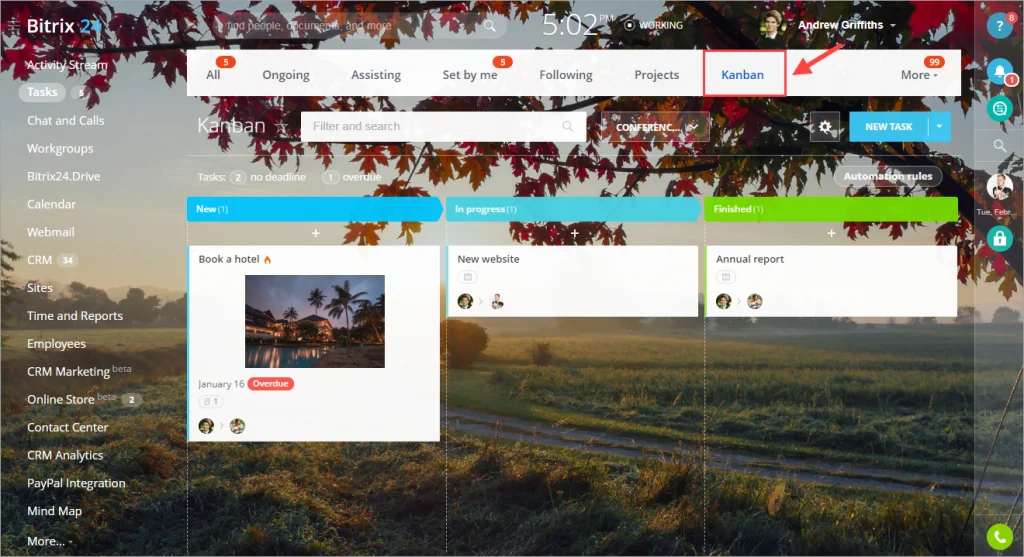
All task management is done within the Kanban board so that you can:
-
Start, finish, create and delete tasks
-
Change the status of the existing tasks
-
Set deadlines
5. Project Closure
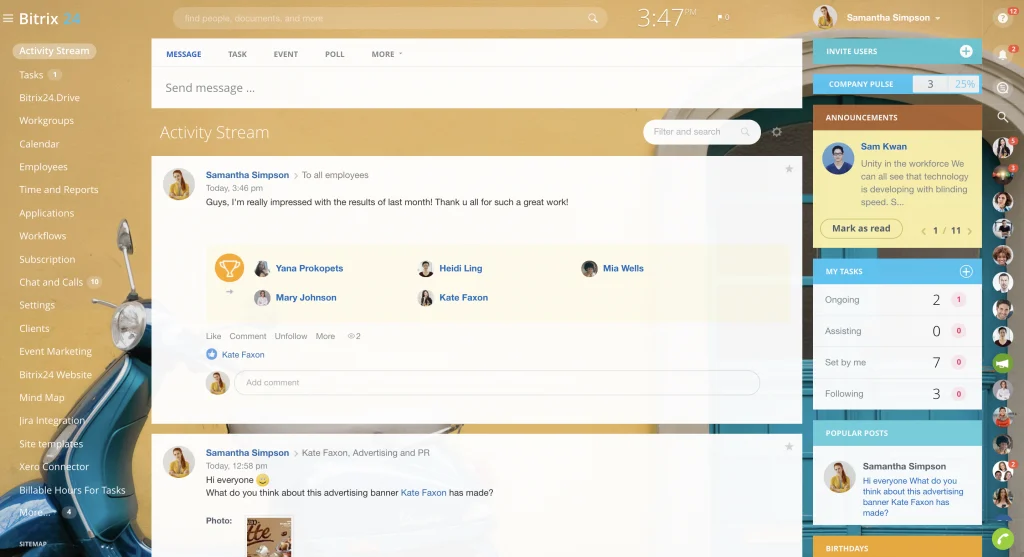
Finally, a time has come when the project is finished and the party is about to begin. However, there’s one thing you as a project manager have to do before going on a celebration spree - express your deep gratitude and appreciation to the people who made the project a success.
Thankfully, we’ve got a tool for that too. In Bitrix24, you can send appreciation badges to your colleagues or coworkers.
It could be anything from wishing someone a happy birthday to thanking for closing a multi-million dollar deal.
Even though it may seem like a gimmick to some, this motivational tool is not to be underestimated since people love it when they are praised and their contributions to the project are acknowledged.
That was the end of our roundup of remote project management tools provided by Bitrix24. Good luck on your projects and may the force be with you, even remotely!