CRM for Accountants and Bookkeepers: Clients, Deadlines, and Follow-Ups Organized
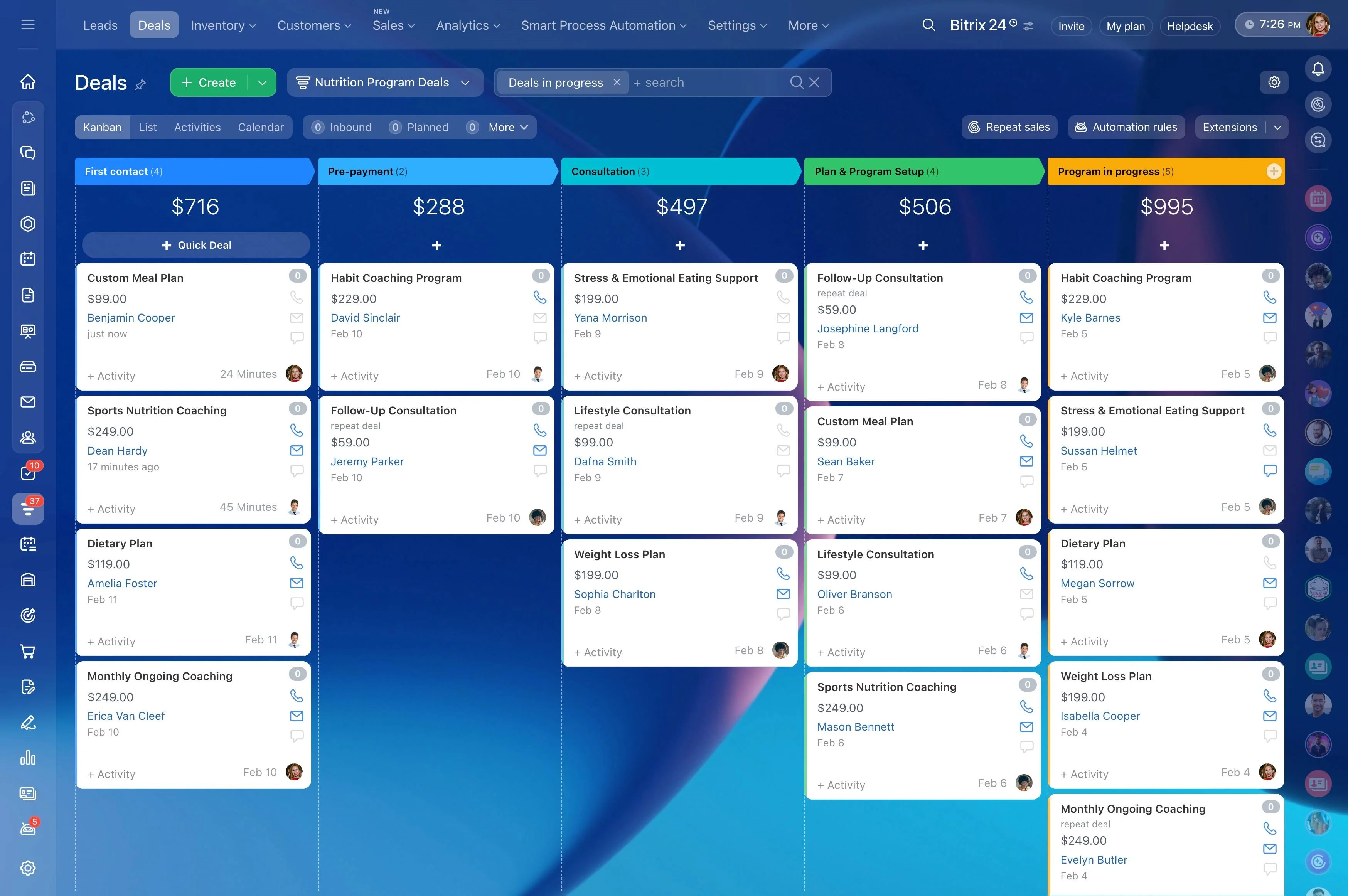
Clients, deadlines, documents, and emails everywhere — yet nothing lives in one reliable place. You’re juggling new engagements, recurring month-end work, payroll runs, sales tax/VAT filings, and ad-hoc questions that interrupt your day. Meanwhile, staff are chasing status updates across inboxes and shared drives. The creeping worry isn’t abstract — you can feel a missed deadline or a costly mistake waiting to happen.
The cost is real. Hours vanish to admin and manual follow-ups. Scope creep hides in “quick favors” that never make it into invoices. Busy seasons turn into firefighting marathons that burn out good people. Slower replies nudge clients toward competitors. One missed filing can trigger penalties and a strained relationship you spent years building.
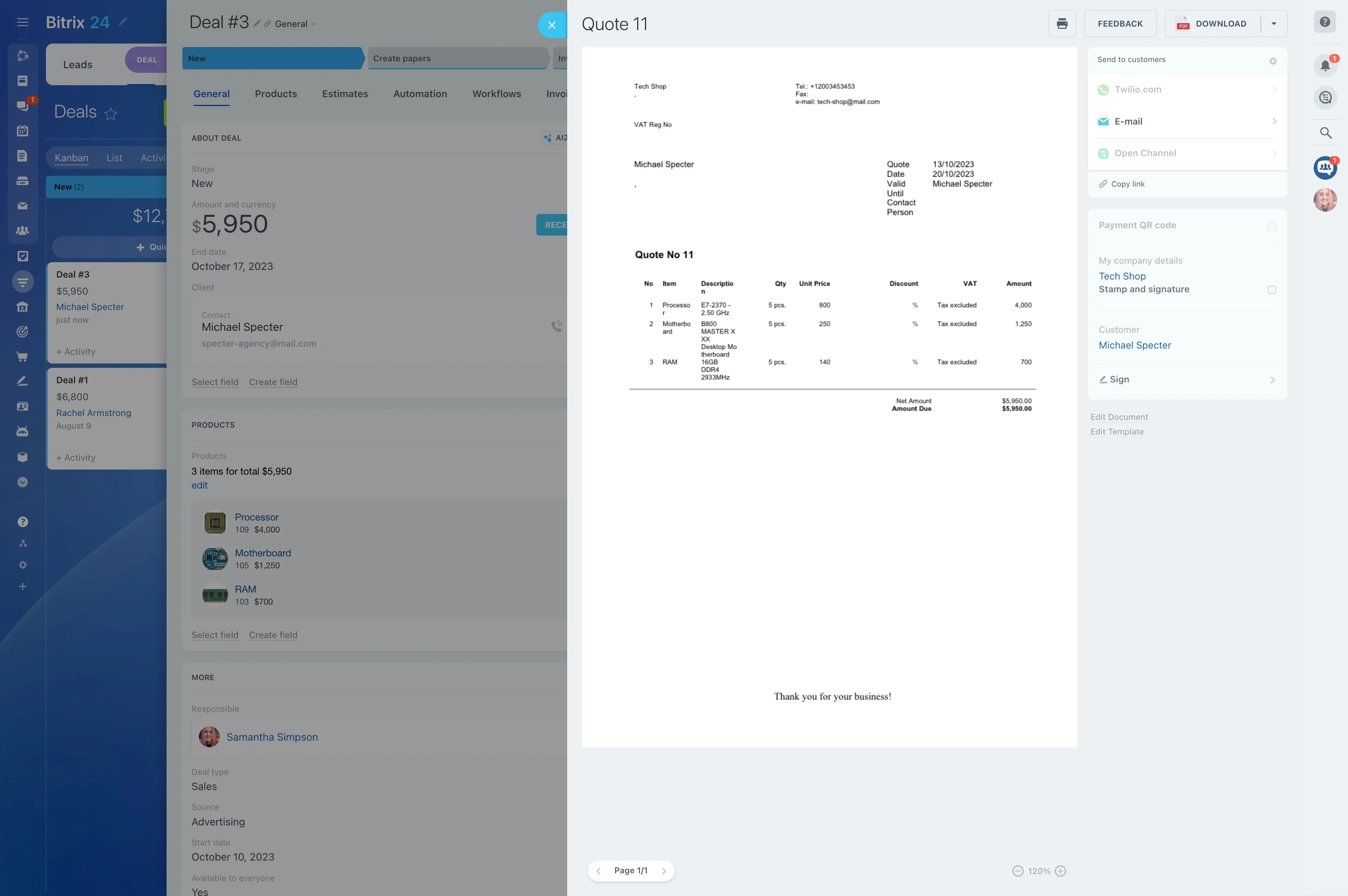
Bitrix24 is the free CRM built for accounting and bookkeeping firms. It replaces scattered tools with one organized system — CRM, tasks, automation, secure communication, and client workspaces — so you run a calm, predictable practice. Standardize services with templates, automate recurring checklists and reminders, centralize all client communications and files, and get visibility into capacity and profitability without extra spreadsheets. You’ll spend less time herding tasks and more time delivering accurate, on-time work clients value.
All client communications and files in one secure place
Critical details hide in inboxes.
Security matters when you handle financial data.
- Email sync ties messages to the client timeline automatically. Reply from Bitrix24 or your inbox; either way, the history stays attached to the right company/contact.
- Built‑in chat and video reduce drive‑by interruptions. Turn a chat into a task with one click so requests don’t vanish.
- Secure client workspaces let you share tasks, checklists, and folders externally without exposing internal projects. Clients see only what you allow.
- An activity log shows who changed what and when, which supports reviews and audits.
Turn busy season chaos into a repeatable process
When capacity peaks, cracks appear: follow-ups get buried, due dates drift, and nobody can see who’s at risk of missing a deadline.
The real cost you avoid: If each team member loses just 30 minutes per day chasing status, that’s 10+ hours per person per month.
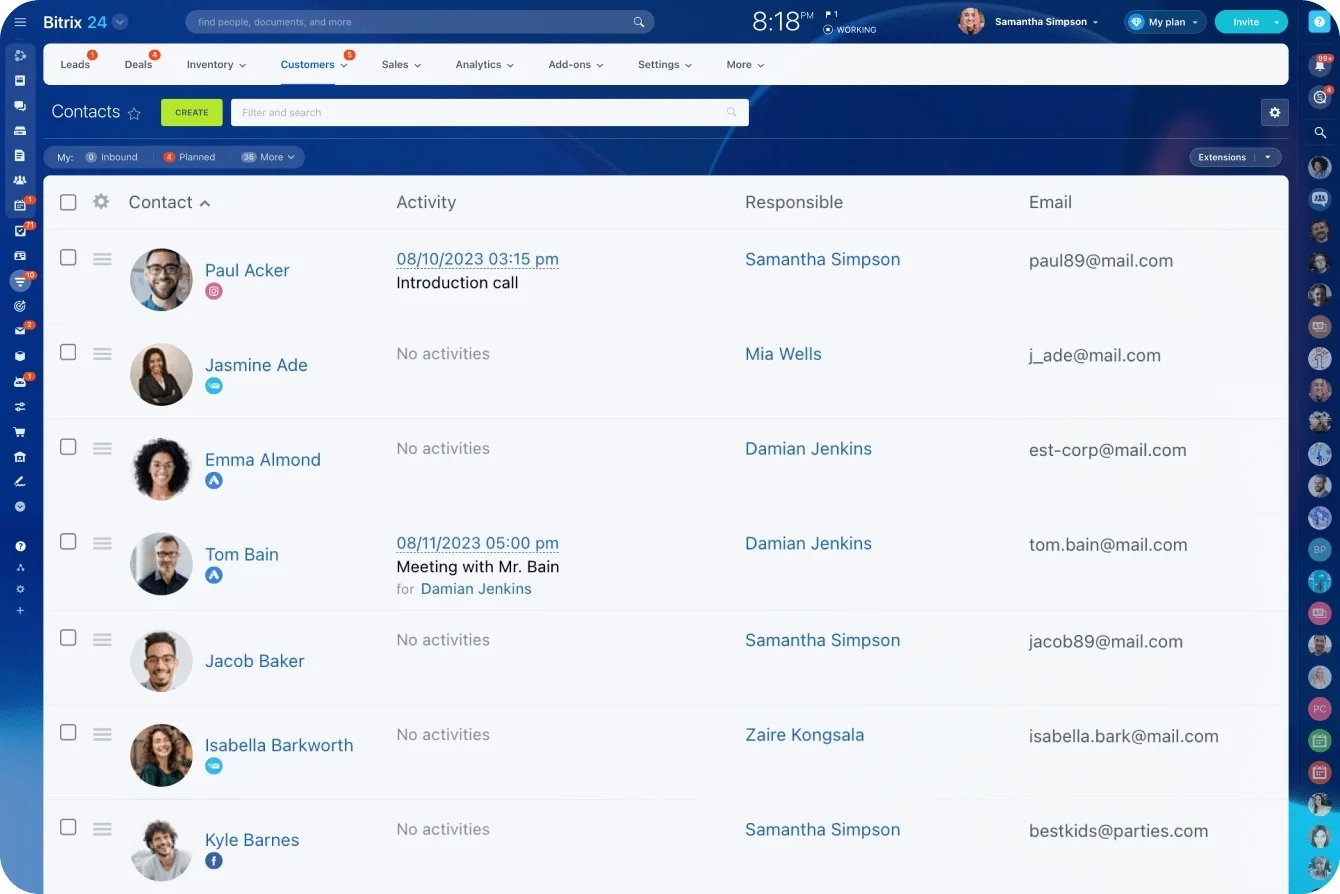
- Standardize every recurring service with templates (e.g., Individual Tax, Corporate Tax, Payroll, Sales Tax/VAT, Month-End Close, Year-End Prep). Include subtasks, dependencies, and…
- Auto-create tasks with due date offsets tied to filing calendars. Example: “VAT Return – Prep” generates on the 1st business day, reminders on the 10th, reviewer sign-off due on the…
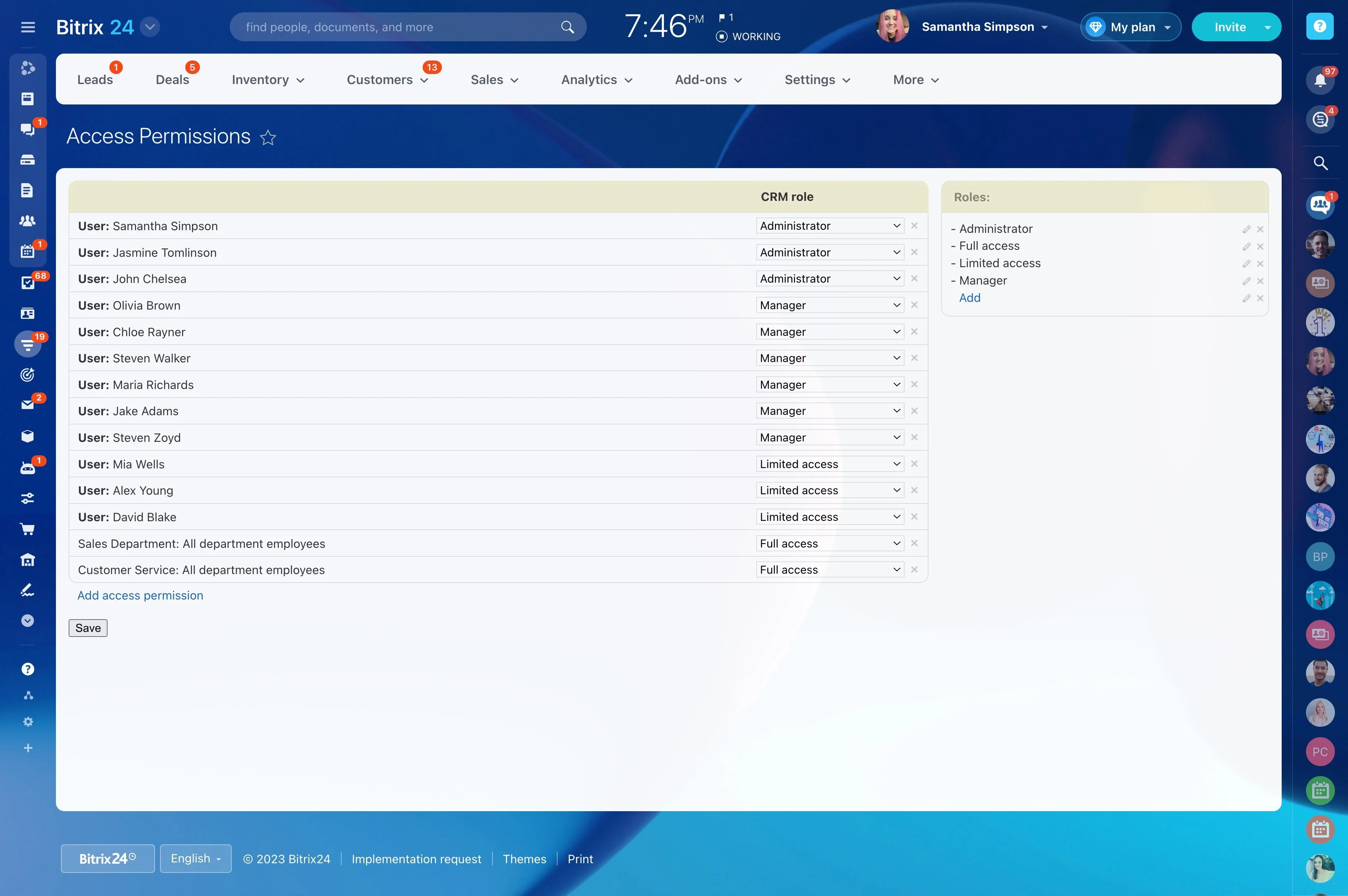
- Assign by role (preparer, reviewer, partner) and balance effort using workload views so no one is overloaded while others sit idle.
- Trigger SLA alerts when work stalls — if “Awaiting Docs” sits untouched for 48 hours, Bitrix24 pings the owner, escalates to the reviewer on day three, and notifies the client with…
Onboard clients faster—without endless email chases
New client onboarding stalls on document collection, KYC/AML, bank feed access, and unsigned engagement letters.
A realistic timeline example:
- Capture leads from your website, forms, and email into the CRM automatically. No manual entry, no missed inquiries.
- Move prospects through a tailored pipeline (Discovery → Proposal → Engagement → Onboarding) with stage-specific tasks and automations. When a deal moves to “Engagement,” Bitrix24…
- Send standardized engagement letters and NDAs for electronic signature via Bitrix24 Sign or your preferred e‑sign tool. Track status on the deal timeline with automatic reminders to…
- Generate an onboarding checklist with due dates for both sides: KYC docs, prior-year returns, payroll forms (e.g., W‑4s, direct deposit), GL access, bank feed permissions, and app…
A CRM that fits bookkeeping and compliance workflows
Most CRMs are built for one‑time sales, not recurring services with quality gates.
Review cannot be marked complete until the preparer attaches confirmations from each portal.
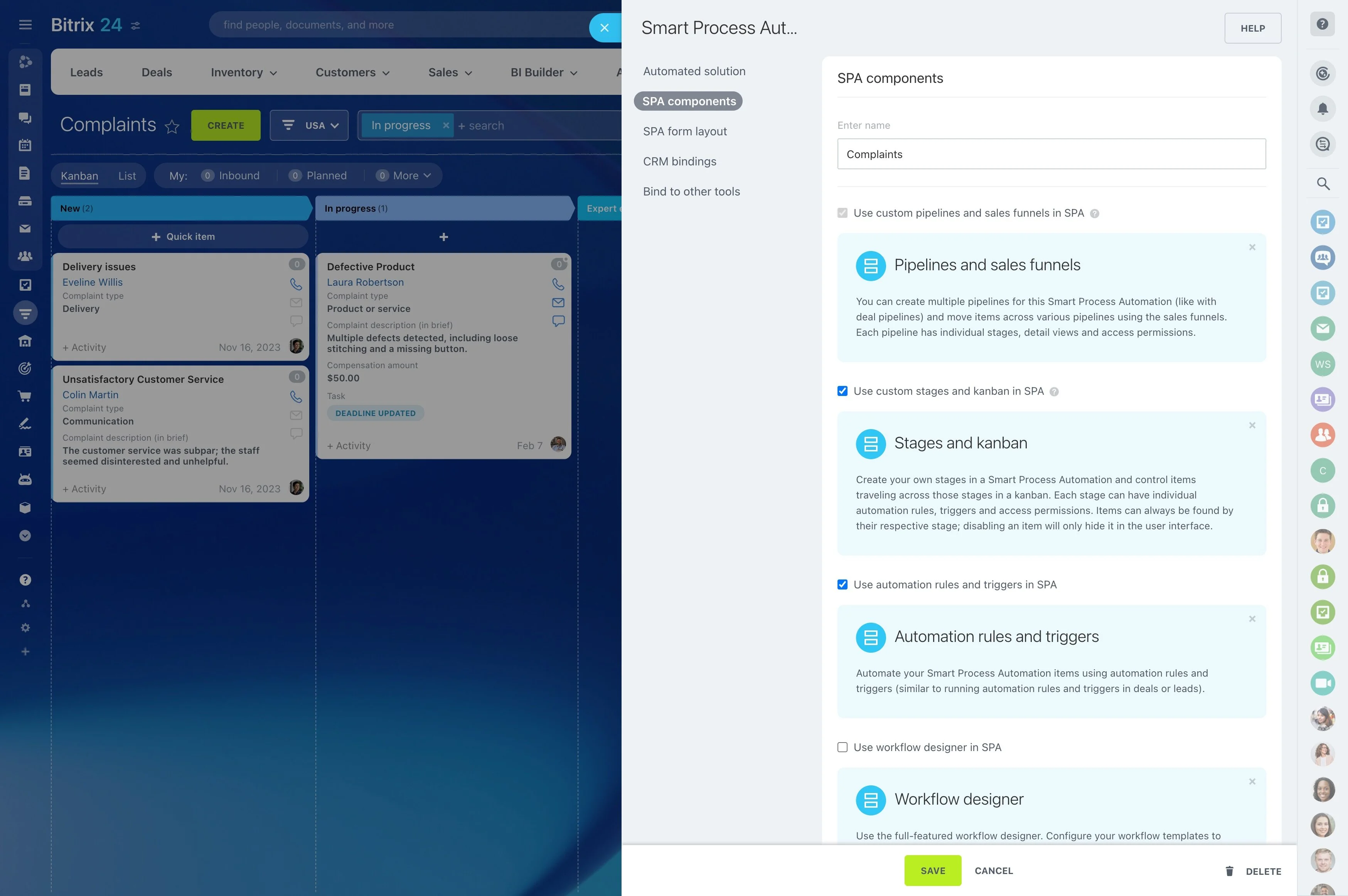
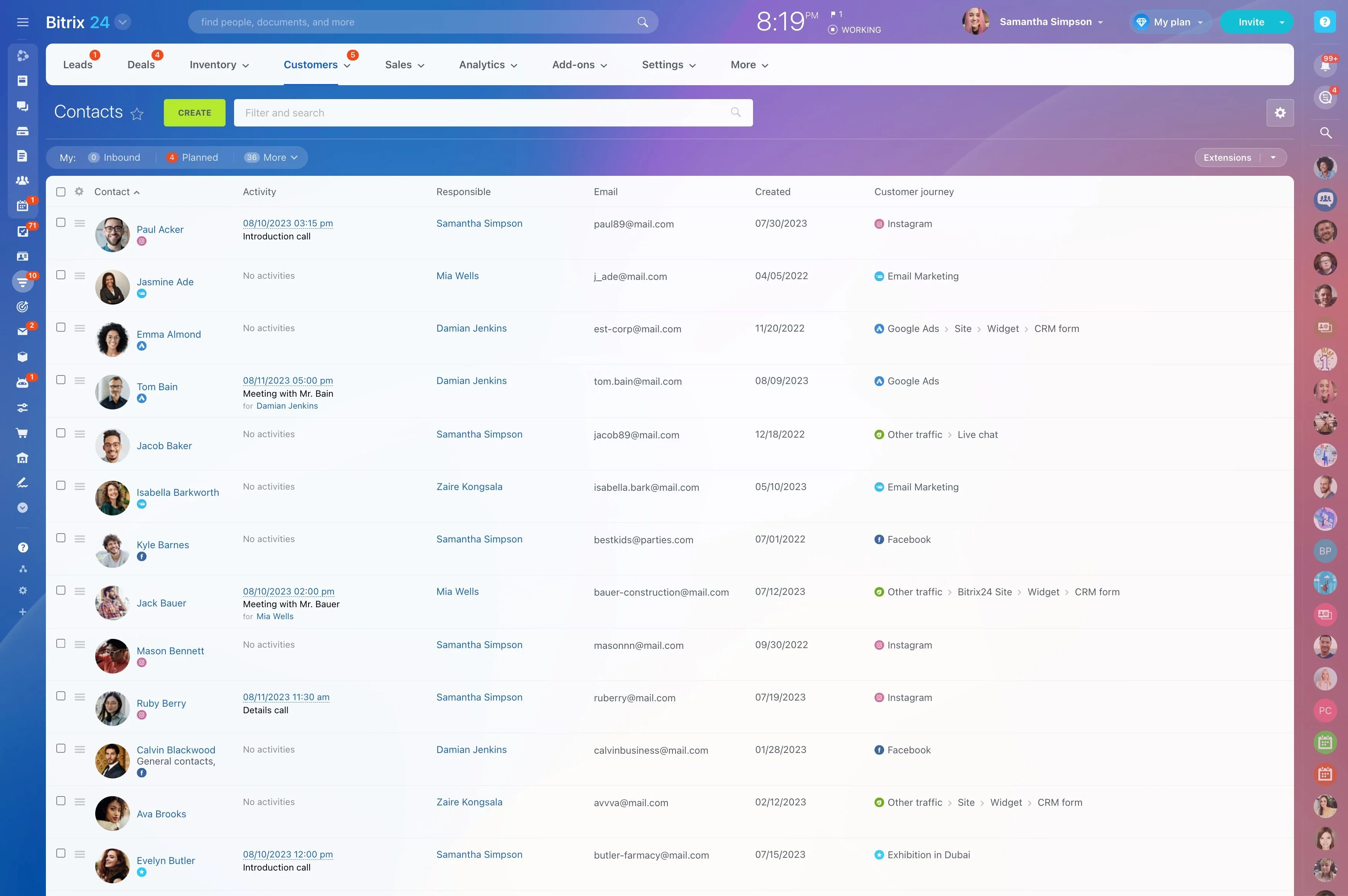
- Create separate pipelines per service line — Bookkeeping, Payroll, Sales Tax/VAT, Corporate/Individual Tax, Advisory — with custom stages tuned to your process (e.g., Gather Docs →…
- Add custom fields like fiscal year‑end, filing jurisdiction, nexus states, payroll schedule, bookkeeping cadence, materiality thresholds, or reviewer assignment — so routing and…
- Auto‑create recurring tasks and reminders tied to pipeline stages. When a deal moves to “Prep,” Bitrix24 spins up that month’s close checklist, attaches last month’s notes, assigns…
- Use checklists, dependencies, and approvals to enforce quality. Require reconciliations before financial statement publication or a partner sign‑off before e‑filing.
Measure profitability, not just progress
Finishing work is one thing; finishing profitably is another.
Concrete scenario: A client’s month‑end close historically takes 6 hours, but recent months drift to 9 because bank feeds keep breaking.
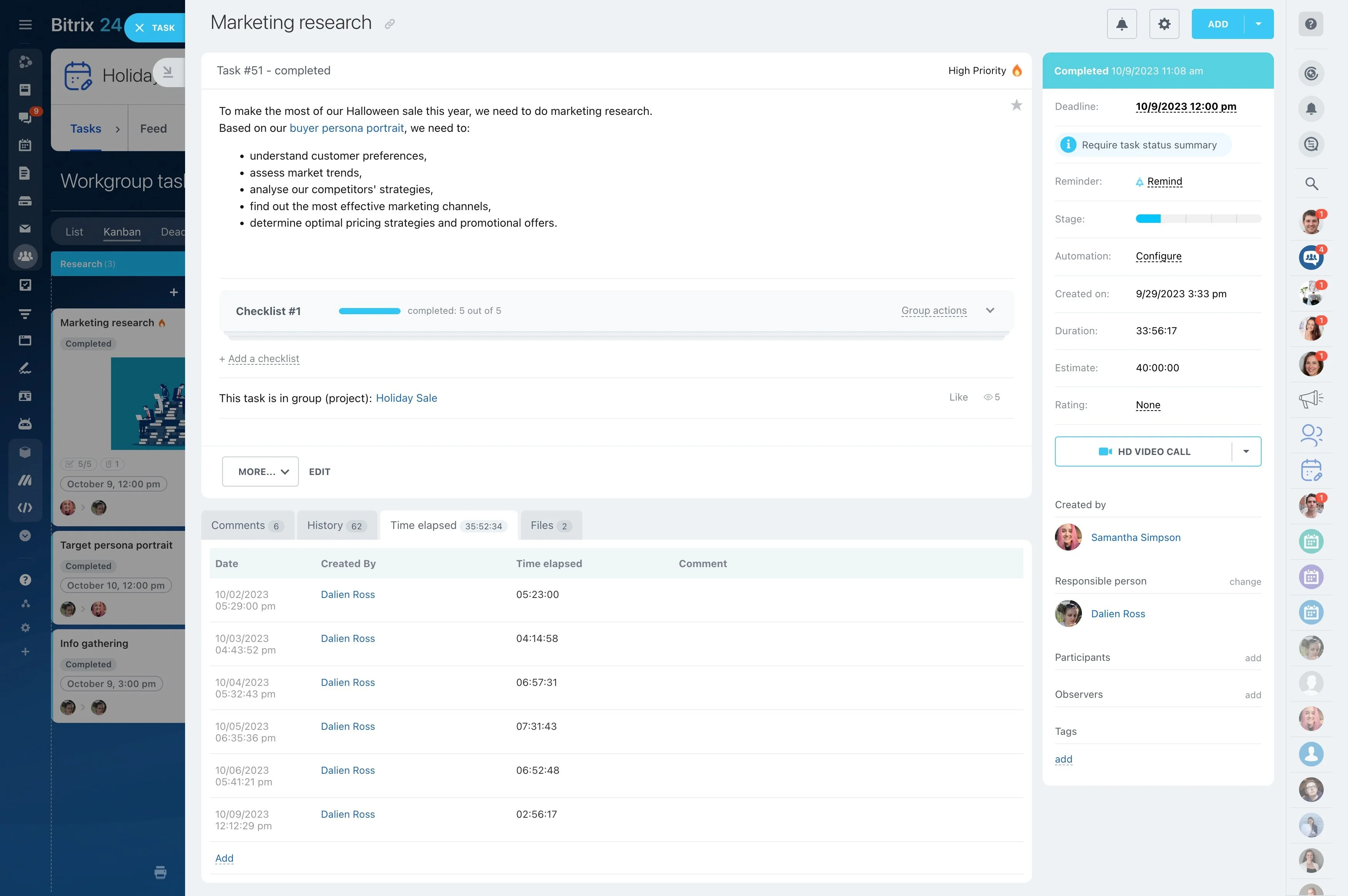
- Time tracking lives inside tasks with billable/non‑billable tags and notes. Your team logs as they work — no extra app, no memory games on Friday.
- Set effort estimates and budgets per engagement, then compare estimates to actuals on dashboards. Spot overruns mid‑month, not at billing time.
- View profitability by client, service line, and team member. Identify “red” clients who always run hot and “green” ones you can scale.
- Pipeline and delivery reporting forecast capacity and revenue: if 35 monthly bookkeeping engagements move to “Prep,” Bitrix24 projects hours needed by role.
Start free. Integrate fast. Scale when you’re ready.
You don’t need a massive implementation to see value.
Works with your stack:
- Import contacts and companies from CSV or Excel in minutes. Map custom fields like fiscal year‑end or payroll frequency during import.
- Connect your email and calendar for automatic capture of communications and meetings.
- Use out‑of‑the‑box task and project templates. Tweak a “Month‑End Close” checklist to match your process, then clone it across clients.
- Integrate with tools accountants use (QuickBooks, Xero, Microsoft 365, Google Workspace) via marketplace apps and connectors. Sync contacts, attach invoices to client timelines, and…