AI Project Status Reports: Progress, Risks, and Decisions Drafted From Live Bitrix24 Data
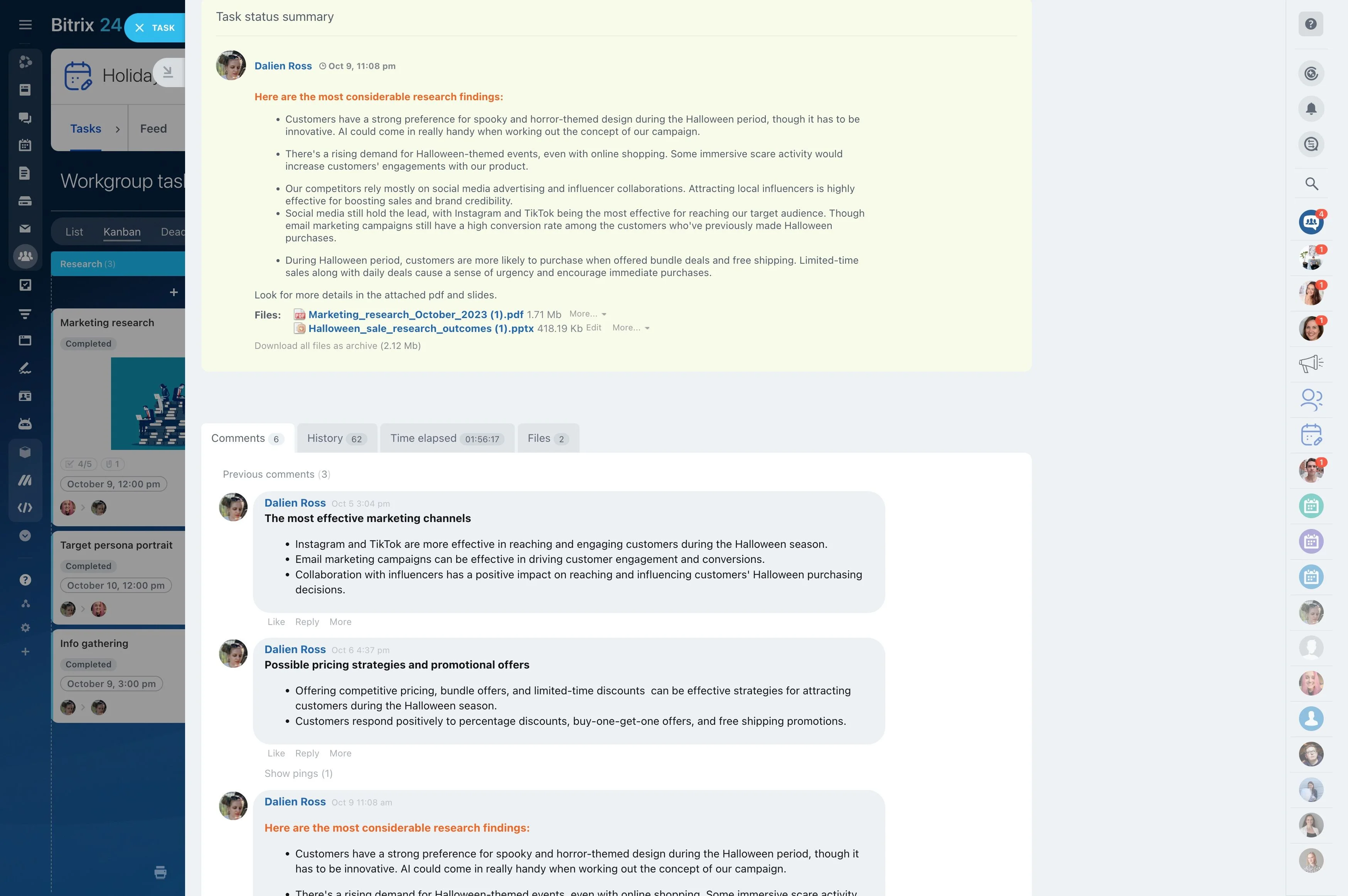
Progress counted from real tasks and sprints, risks linked to the tasks behind them, and the decisions leadership needs to make — in one format for every project, posted to the workgroup automatically.
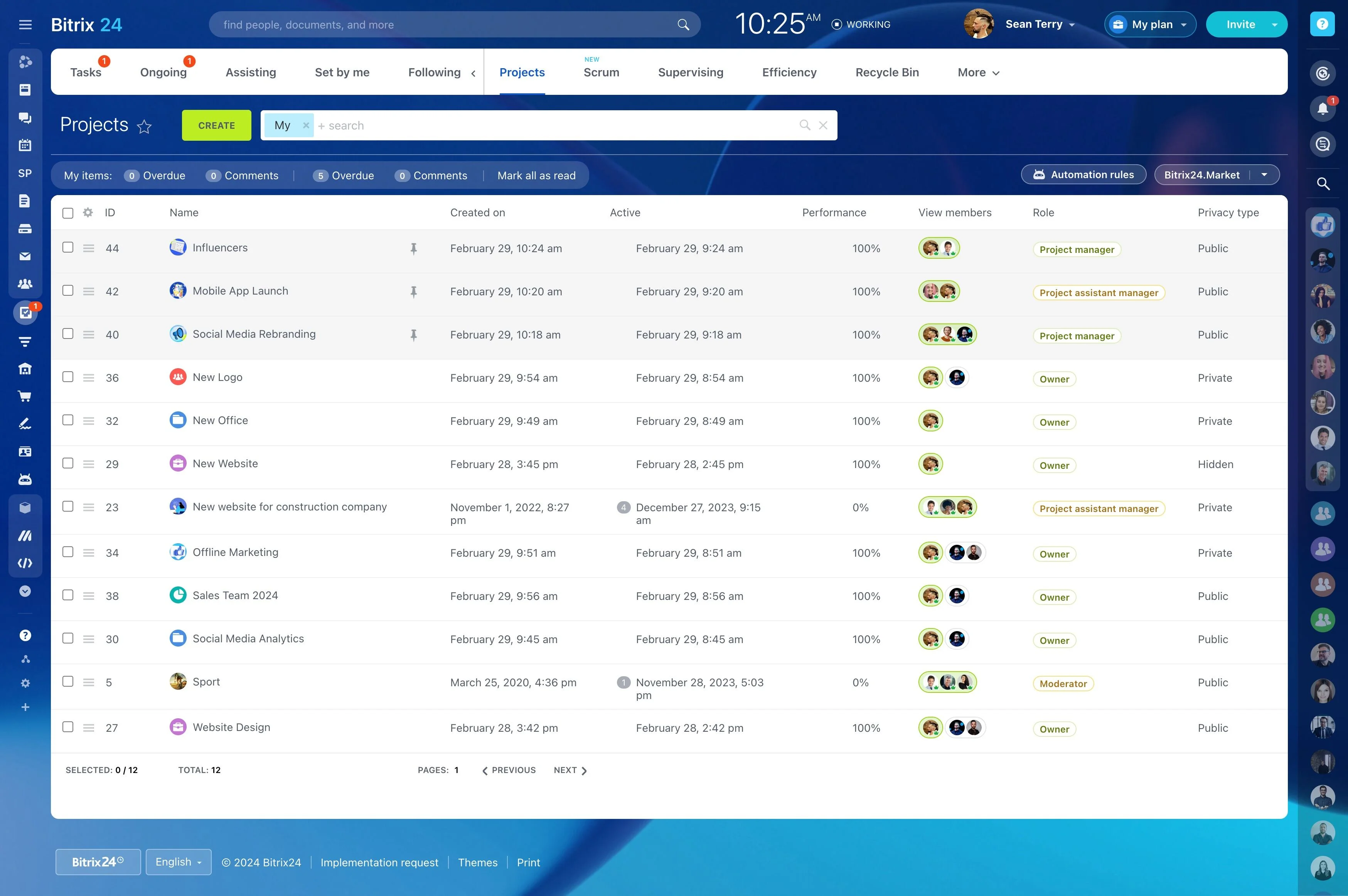
Every Friday, project managers collect statuses, chase updates, and rewrite it all for leadership. With Alaio Vibecode, you can build a report generator that reads your projects directly and drafts a clear update with progress, risks, and decisions needed.
- Generate weekly reports for any project.
- Calculate progress and overdue work from live data.
- Highlight risks with links to the tasks.
- Use one report format across all projects.
One Format for Every Project
Define the structure once — summary, progress, risks, decisions, next steps.
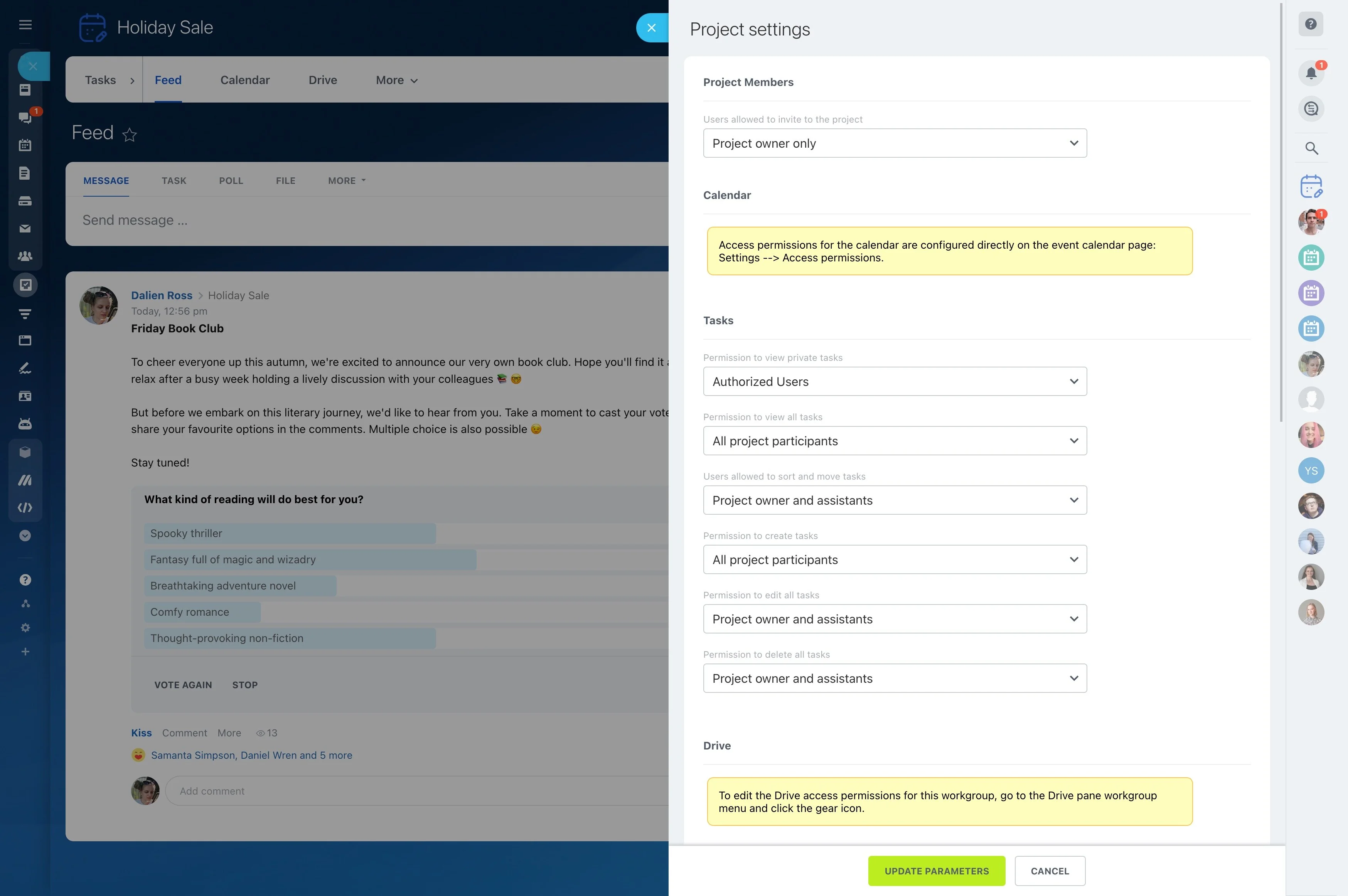
- Post reports to the project workgroup feed.
- Send them to stakeholders in chat.
- Save them to Bitrix24 Drive.
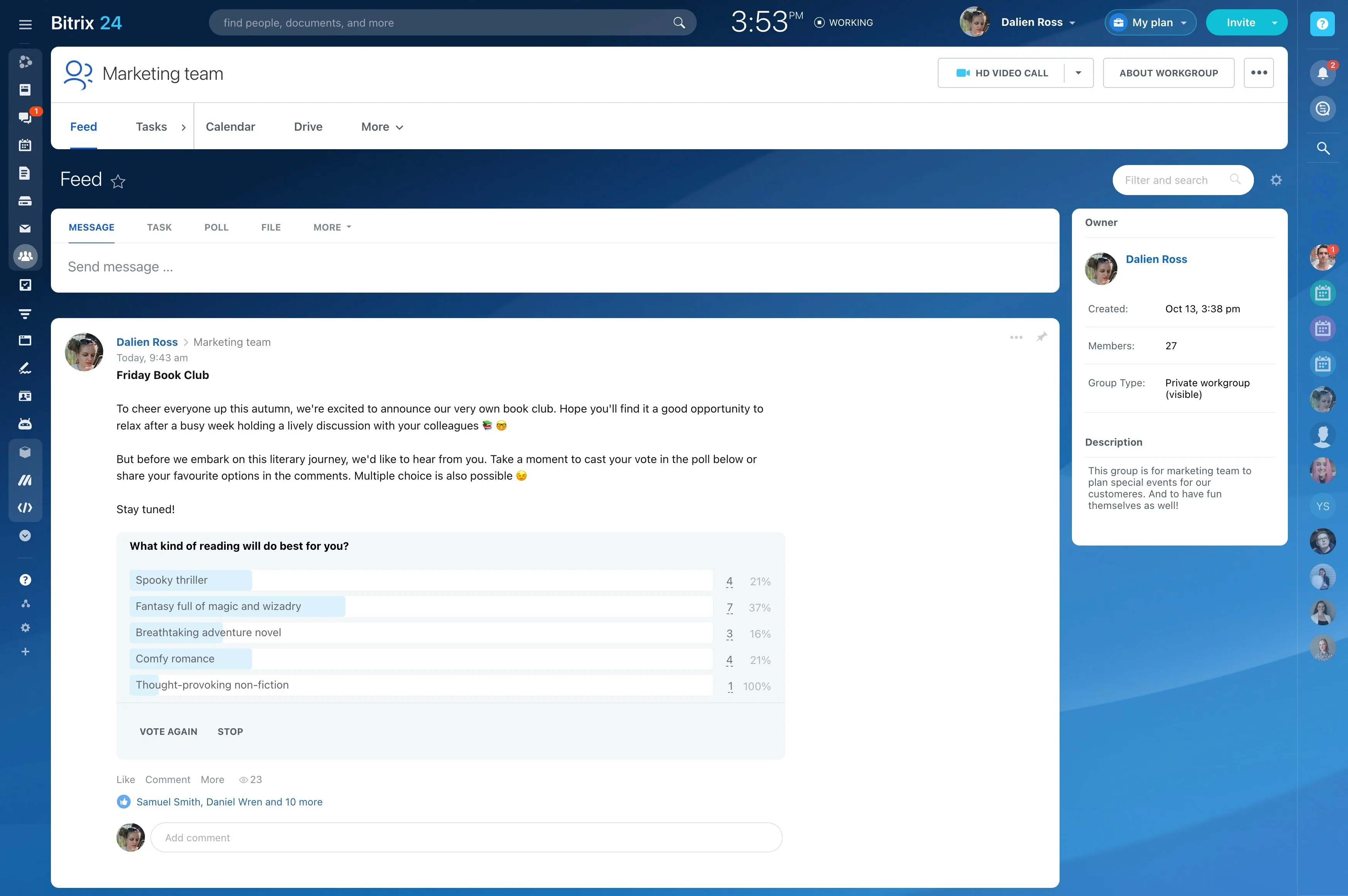
Progress From Real Tasks
Every number is counted in code from Bitrix24 data.
- Completed versus open tasks and milestones.
- Story points done in the current sprint.
- What moved this week, from task change history.
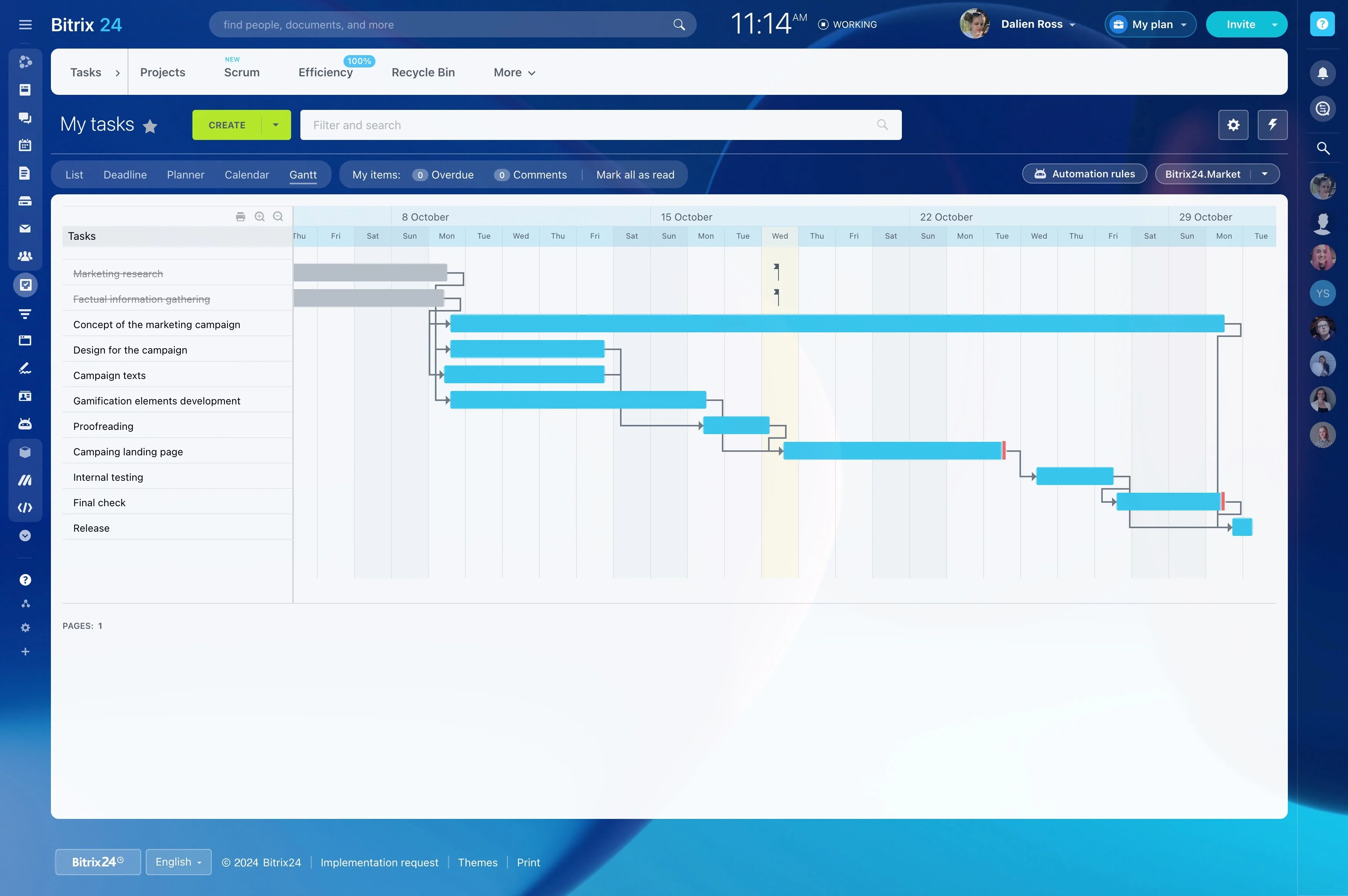
Risks and Blockers, Not Just Percentages
The app flags what needs attention and links each point to the tasks behind it.
- Overdue tasks and tasks near the deadline without progress.
- Work blocked by dependencies.
- Suggested actions written by AI.
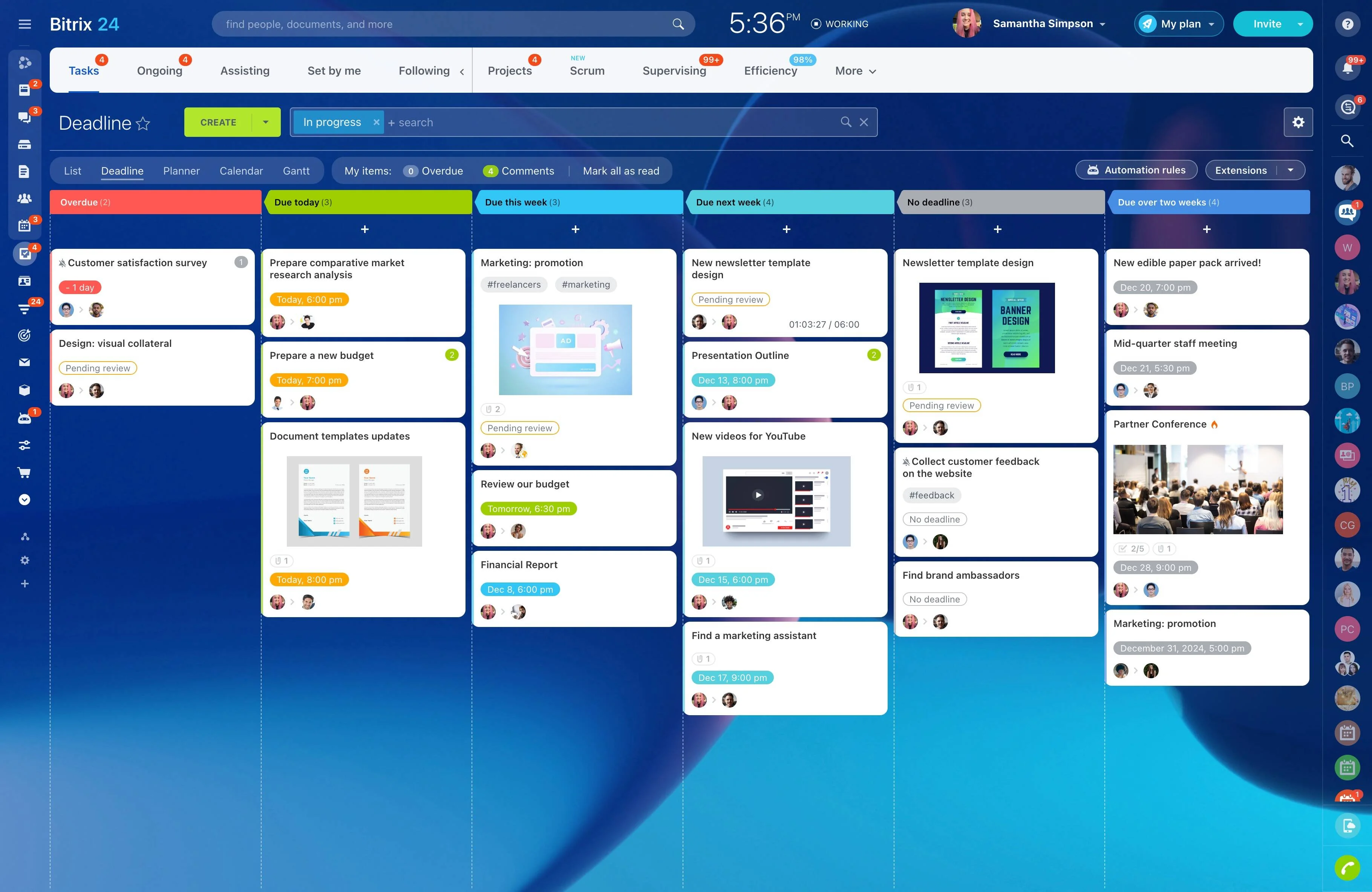
Decisions in One Place
Projects stall when decisions are pending. Vibecode's ready-made Decision Doc Generator prompt can turn larger ones into a one-pager.
- Collect items marked as needing a decision.
- Add context from task comments.
- List them clearly for leadership.
Build the Status Report Generator With Vibecode
Describe your report, and AI builds the generator. See how teams use it in real-world AI use cases.
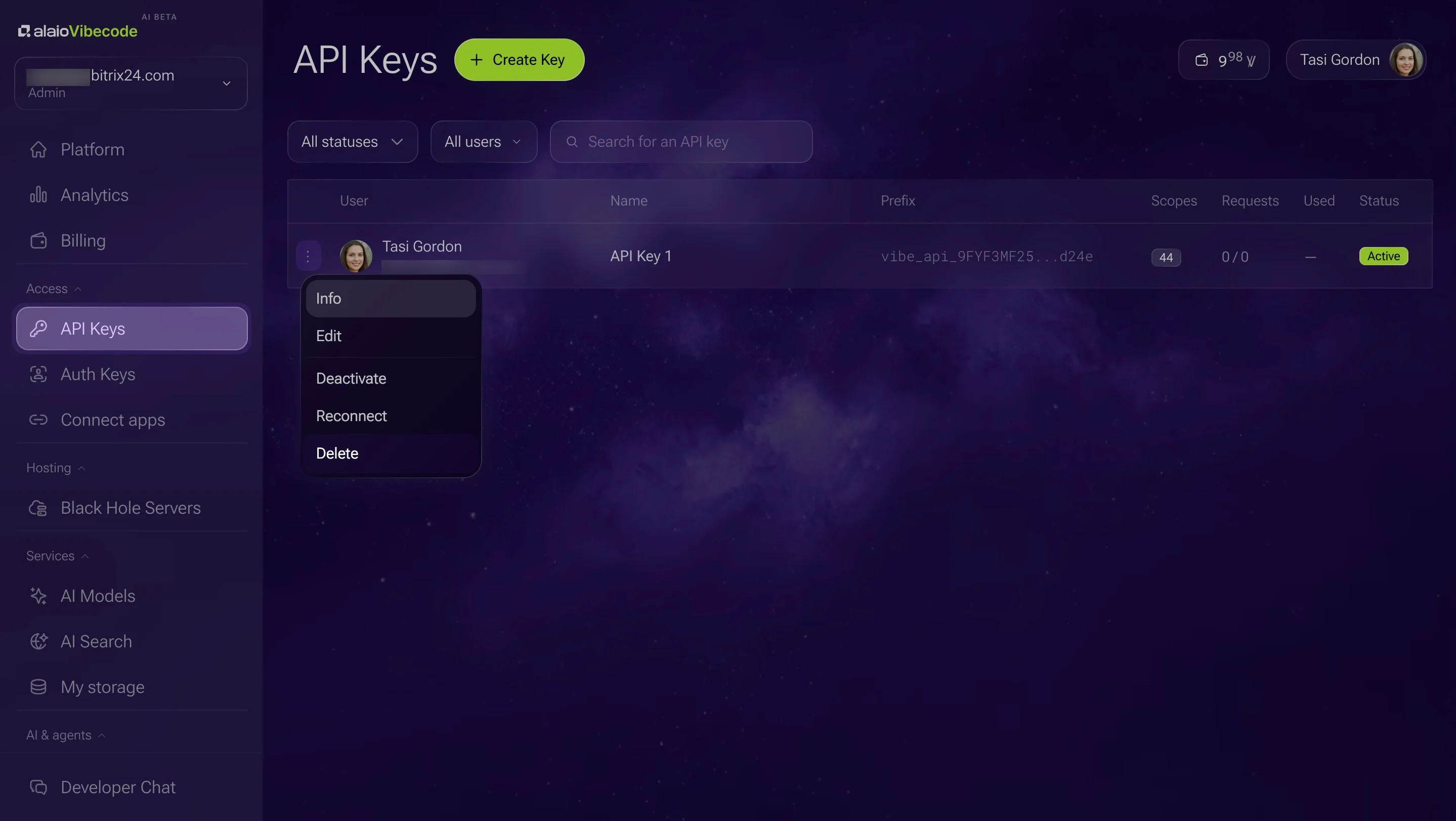
- Create an API key with tasks and workgroup access.
- Describe it: "Every Friday, generate a status report for each active project and post it to the project's feed."
- Compare the first report with your manual one.
- Adjust sections in plain language.
Read-Only Reporting
Reporting never needs to change your tasks.
- A read-only key is enough.
- API access and built-in AI models come with Vibe+ plans, up to the plan's monthly AI allowance.
- Vibecode is in AI Beta, so plans and pricing may change.
For more information about Bitrix24, head over to our training courses.
We also have a great YouTube channel that covers every aspect of Bitrix24, from sales and planning to document management and company internal communication tools.
To download the self-hosted edition of Bitrix24 that can be installed on your own server and give you access to open source code, please visit the Bitrix24 Self-Hosted page.
Be sure to check out other Bitrix24 tools:
15,000,000+ organizations have chosen Bitrix24