CRM Data Migration: Move Your Customer Data Without Losing What Matters
You’ve already made the tough call to leave your current CRM. Now the real anxiety kicks in: what happens to the years of context your team depends on? It’s not just contacts and companies — you’re worried about every note, email thread, call log, attachment, pipeline stage, and custom field that tells the story of each deal. If any of it disappears or comes across scrambled, your pipeline stalls and your team scrambles.
The cost of a shaky migration is real. Sales reps lose history and start guessing. Renewals slip because key activities aren’t visible. Leaders stop trusting forecasts. Ops spends weeks triaging duplicates and fixing broken references. Meanwhile, you keep paying for a system you’re leaving — plus the opportunity cost of delaying better processes and faster growth.
Bitrix24 turns CRM migration from a high-stakes gamble into a guided, verifiable process. You get a purpose-built migration toolkit, step-by-step checklists, and safe testing environments so you can migrate contacts, companies, deals, histories, and files with integrity. You map custom fields, maintain relationships, validate every count — and cut over with confidence, not crossed fingers.
With Bitrix24, you can: preserve the data that matters, prove it before you go live, and keep sales moving throughout the switch. The result is a controlled transition that feels uneventful — in the best possible way.
Zero Downtime, Clear Cutover
Revenue can’t pause for a migration.
A simple, proven communication blueprint:
- Parallel run: Stand up Bitrix24 while your current CRM remains active. Import a representative sample and let power users validate day-to-day workflows — creating deals, logging…
- Delta syncs: If source data keeps changing, schedule a final delta import right before cutover so late-stage edits, new leads, and ownership changes are captured.
- Structured freeze: Communicate a short, read-only window (often 1–4 hours) for the final import. Reps can still prospect, have conversations, and prep proposals; they’ll enter new…
- Rollback plan: Keep pre-import backups and a documented fallback. You likely won’t need it — but having it lowers risk and increases stakeholder confidence.
Your Data, Intact: What ‘No Loss’ Really Means
“No data loss” isn’t a slogan — it’s a standard you can verify.
The risk of getting this wrong is high.
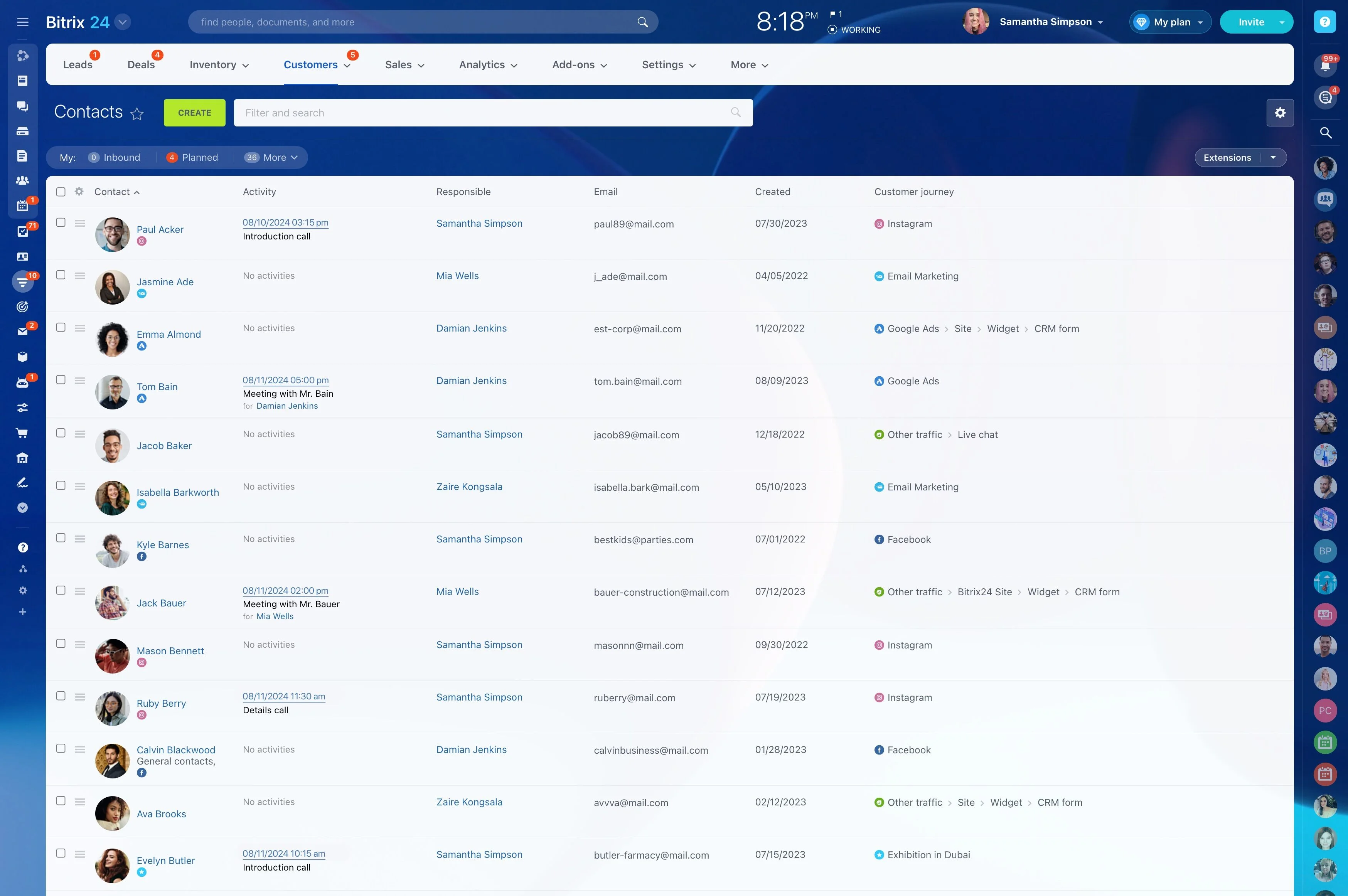
- Core records: Contacts, companies, leads, and deals — imported with owners, sources, dates, and statuses intact.
- Relationships: Company-to-contact links, contact-to-deal links, and record ownership so every relationship chain remains navigable.
- History and context: Notes, tasks, and activity logs (calls, meetings, emails — metadata and content where exported from the source system), keeping your audit trail visible.
- Files and attachments: Documents brought over and re-linked to the correct records, using supported import methods (CSV plus file references or API/connector for binaries).
A Step-by-Step Migration Plan You Can Trust
No heroics, no midnight guessing — just a controlled migration with clear handoffs and exit criteria.
Your guided path, with practical detail: 1) Inventory and scope: Catalog every object (contacts, companies, leads, deals, activities, emails, files, products, quotes, invoices).
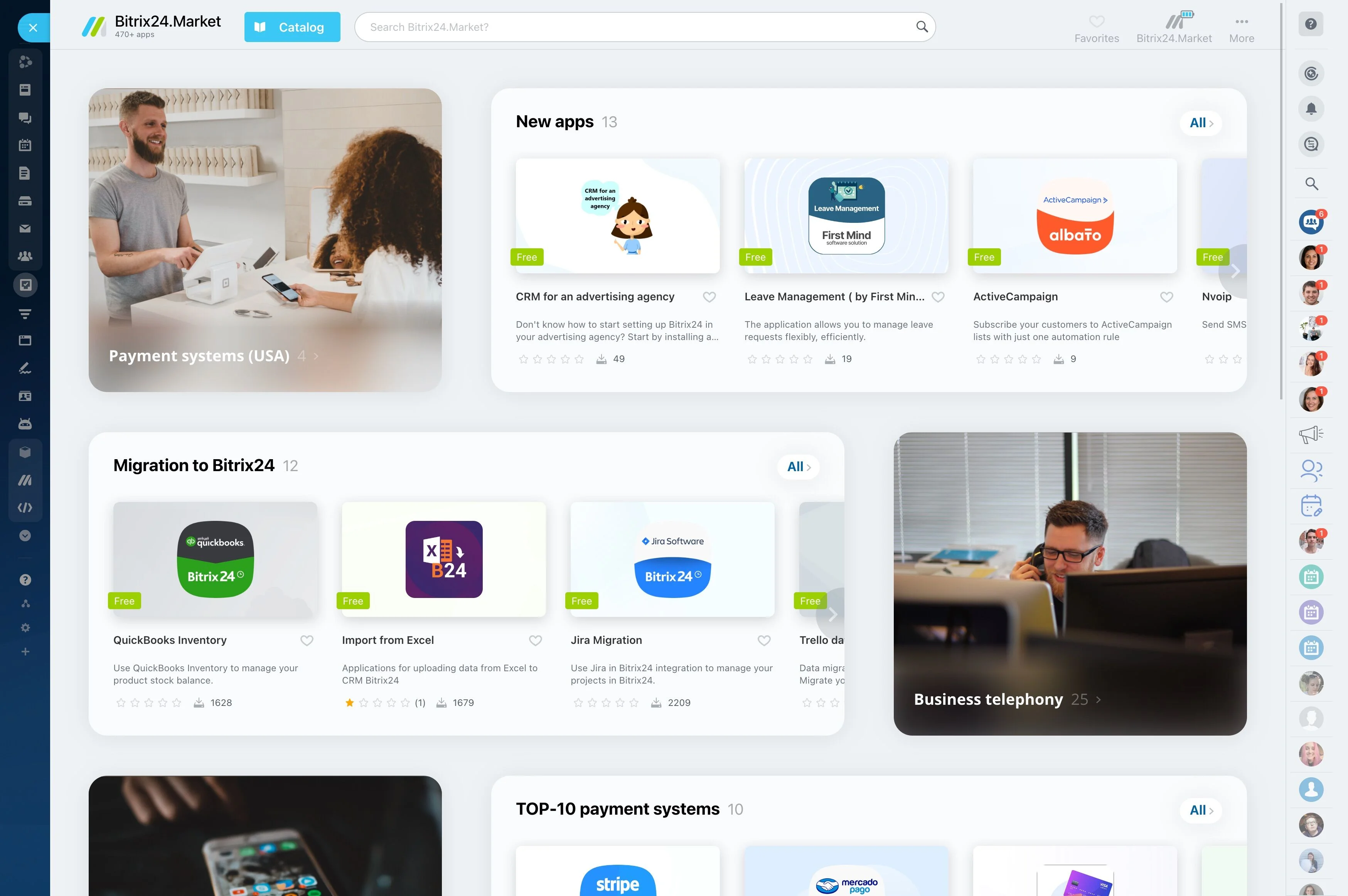
From Any CRM to Bitrix24: Flexible Import Options
No two stacks look alike.
Three proven ways to move, with when to use each:
- CSV/Excel import wizard: Fastest for small to mid-size datasets or phased approaches. Upload contacts, companies, leads, deals, products, quotes, invoices, and activities. Map…
- API-driven migration: Use Bitrix24’s REST API or Marketplace connectors when you have high volume, attachments, email content, or complex relationships. Recommended for 100k+…
- Partner-assisted projects: Certified Bitrix24 partners provide white-glove execution for bespoke models, intricate reporting dependencies, and heavy customization. Good for…
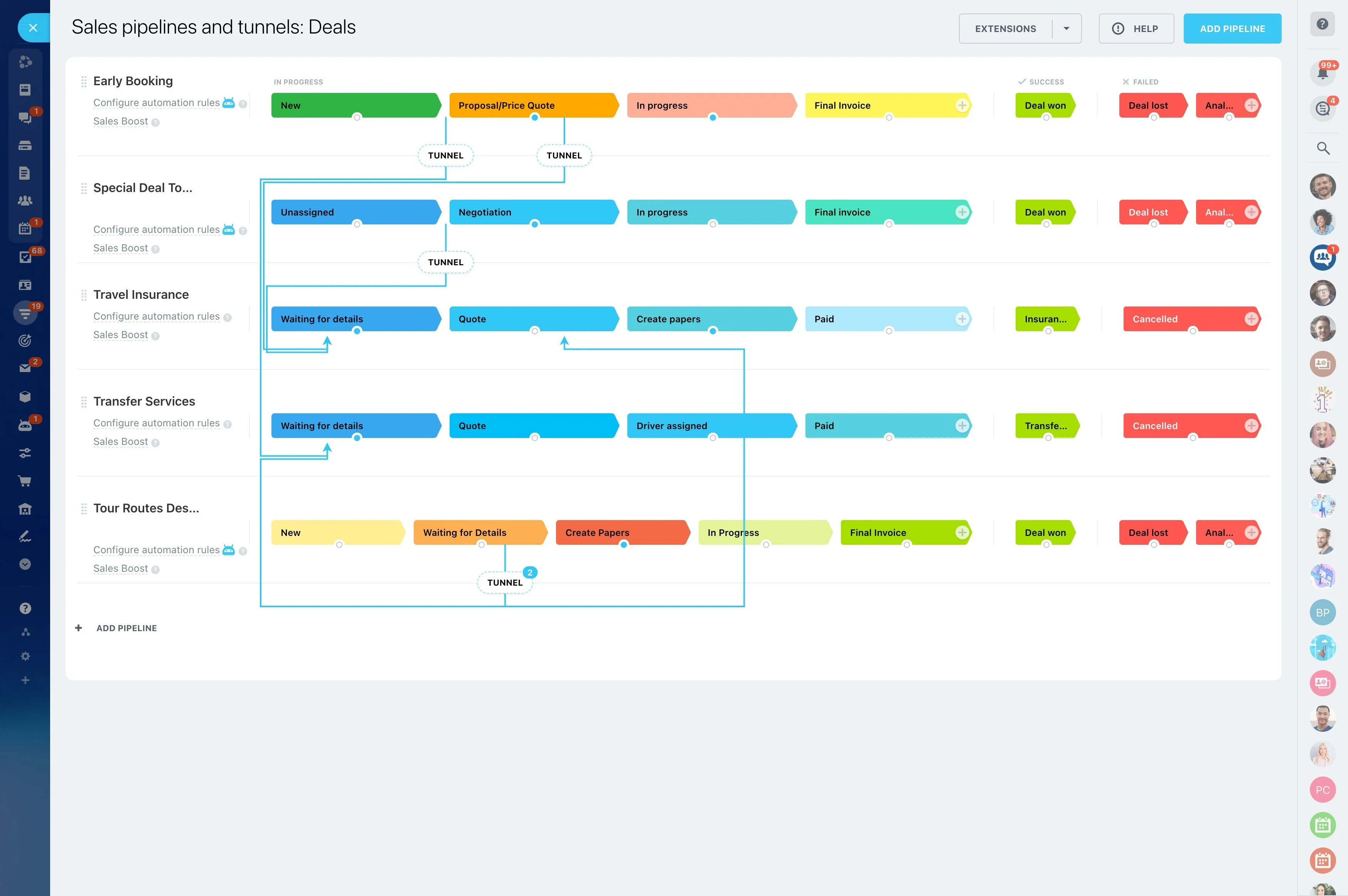
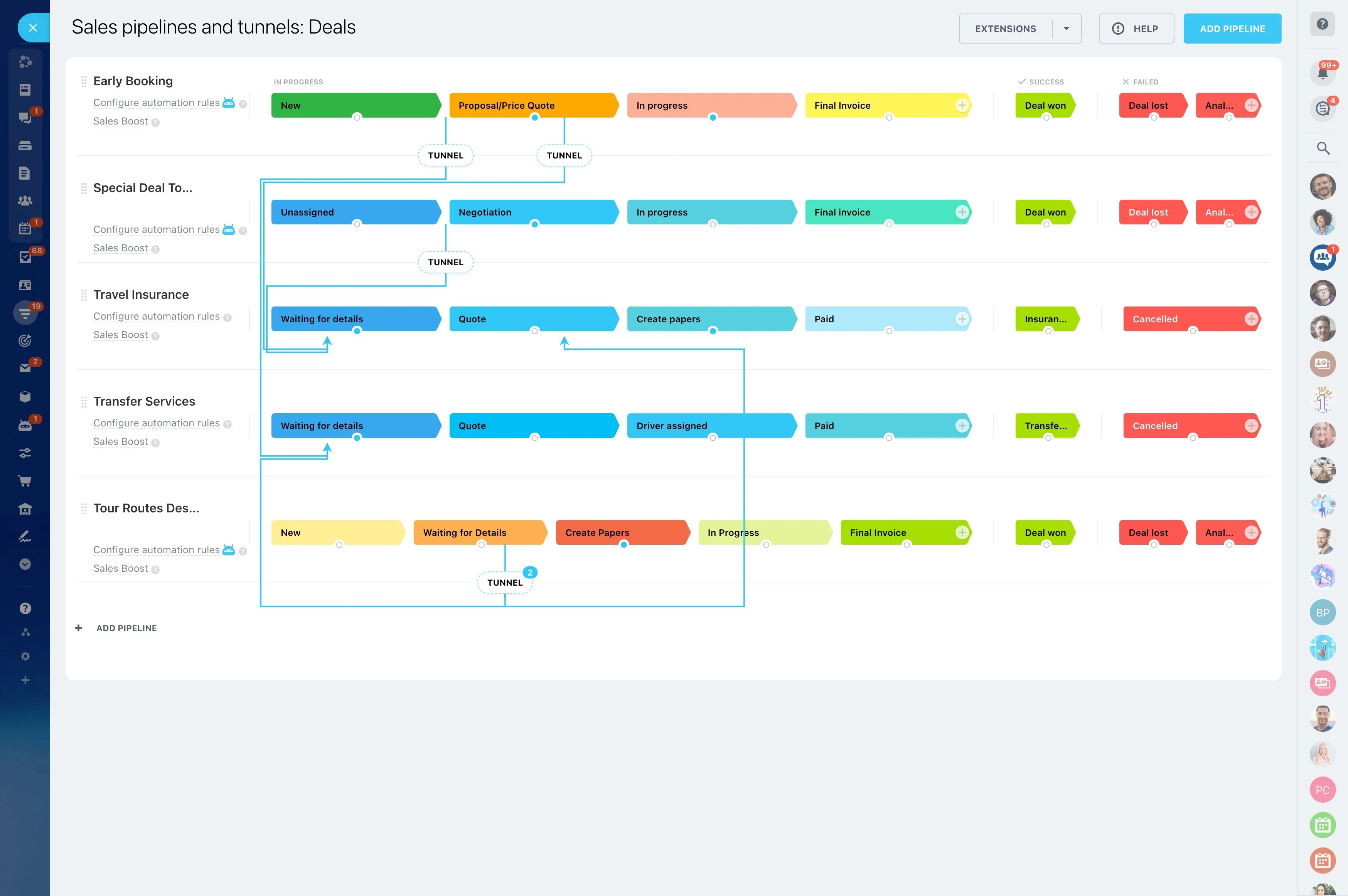
- Core: Contacts, companies, leads, deals, pipelines, stages (ensure one-to-one or define transformation rules for retired stages).
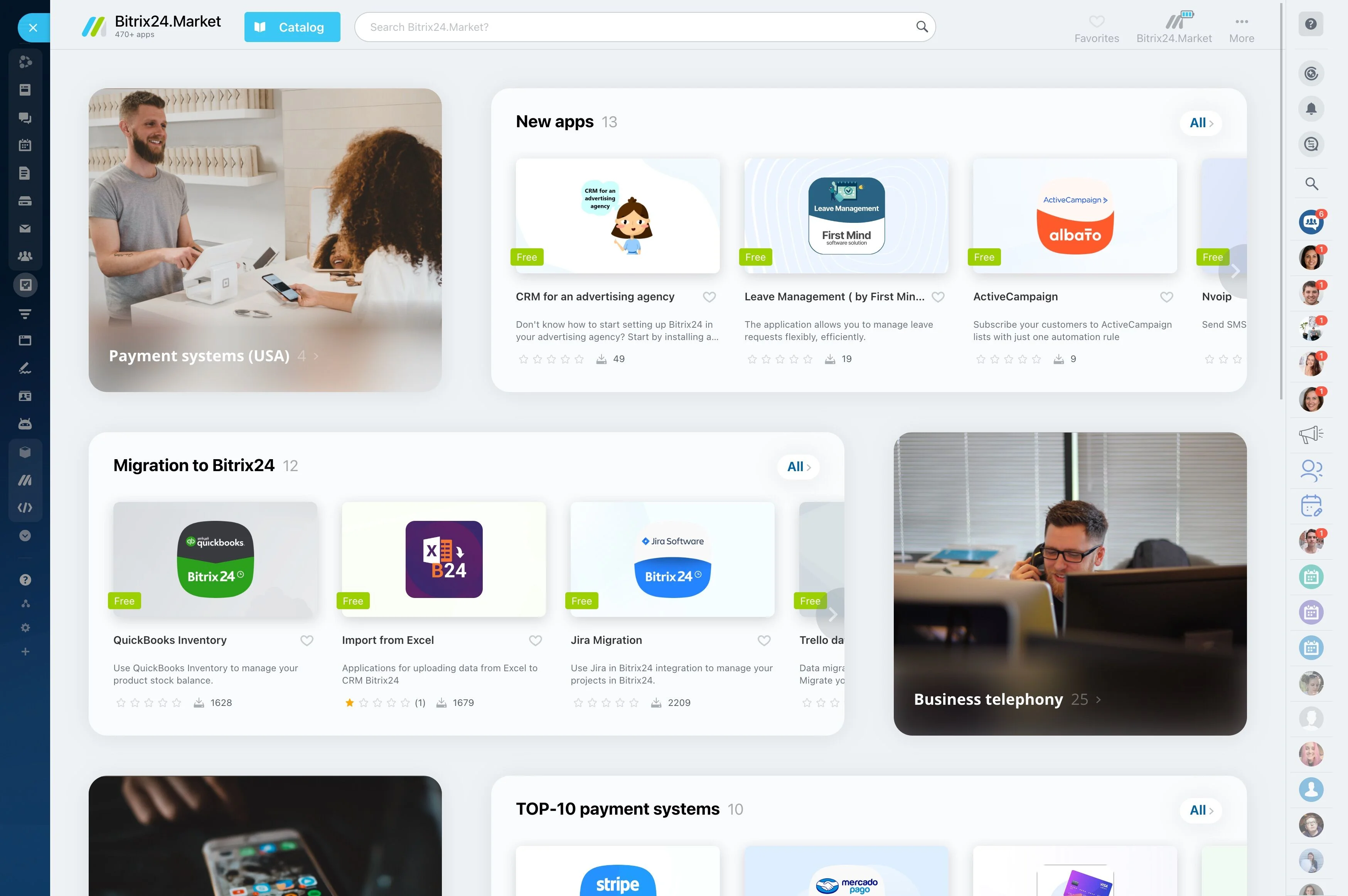
Clean As You Move: Deduping and Data Quality
A migration is the best time to stop hauling yesterday’s messy data into tomorrow’s pipeline.
Built-in quality controls that matter:
- Deduplication rules: Match by email, phone, company name, domain, or custom keys. Use exact or fuzzy matching (e.g., normalizing punctuation and case) to catch variations like “Acme…
- Merge logic: Decide the system of record by rule — “new wins,” “old wins,” or field-level preferences (keep the most recent phone, preserve longest notes). Preview merges before…
- Normalization: Standardize phone numbers to E.164, unify country and state codes, align picklists to your target taxonomy, and clean owner/stage values.
- Validation: Catch required-field gaps, invalid emails, and type mismatches pre-import with clear error messages.
Security, Compliance, and Control
Moving customer data is a trust exercise.
Operational assurance during cutover:
- Encryption in transit: Data moves over industry-standard TLS to protect it on the wire during exports, imports, and API calls.
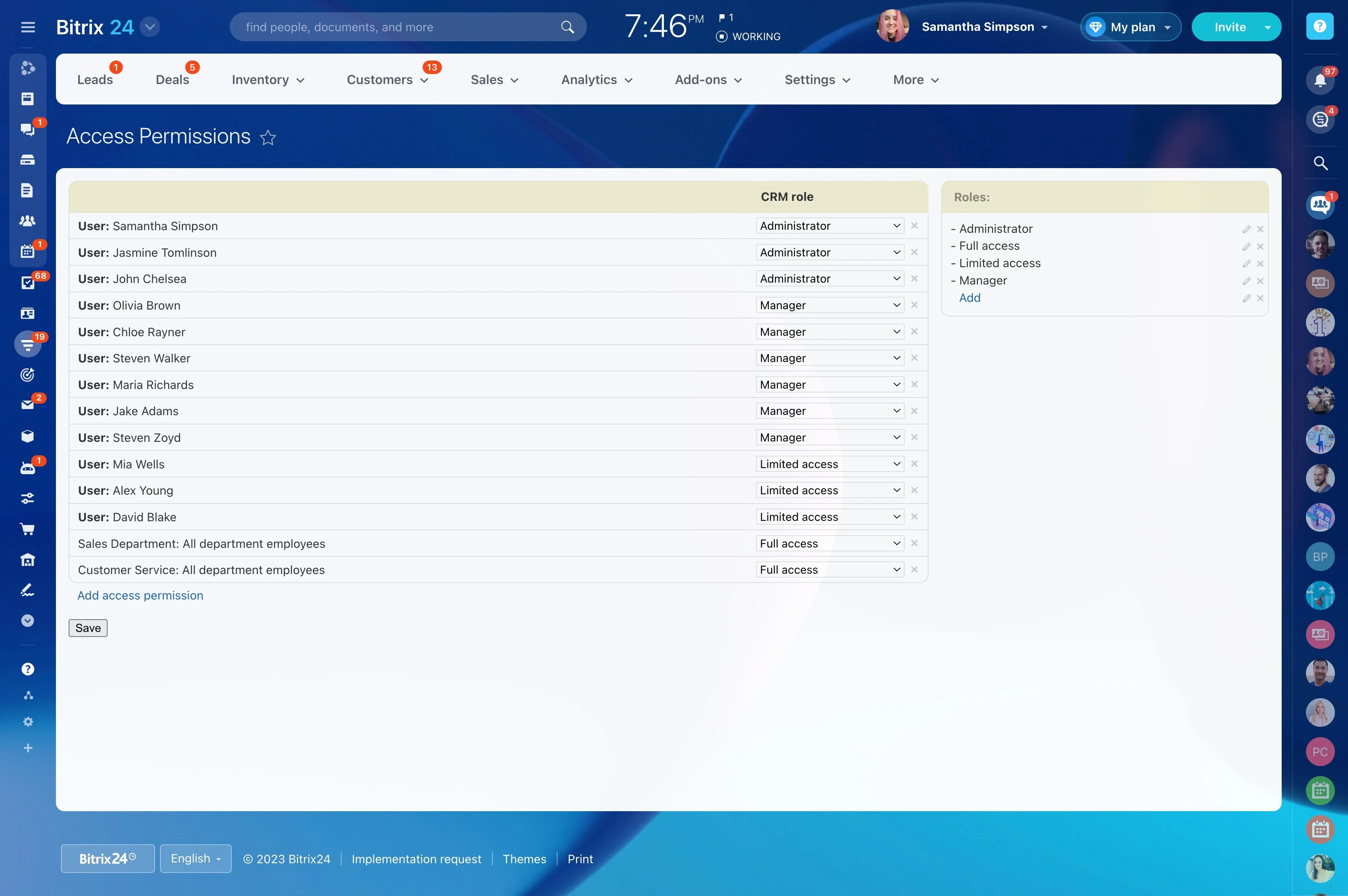
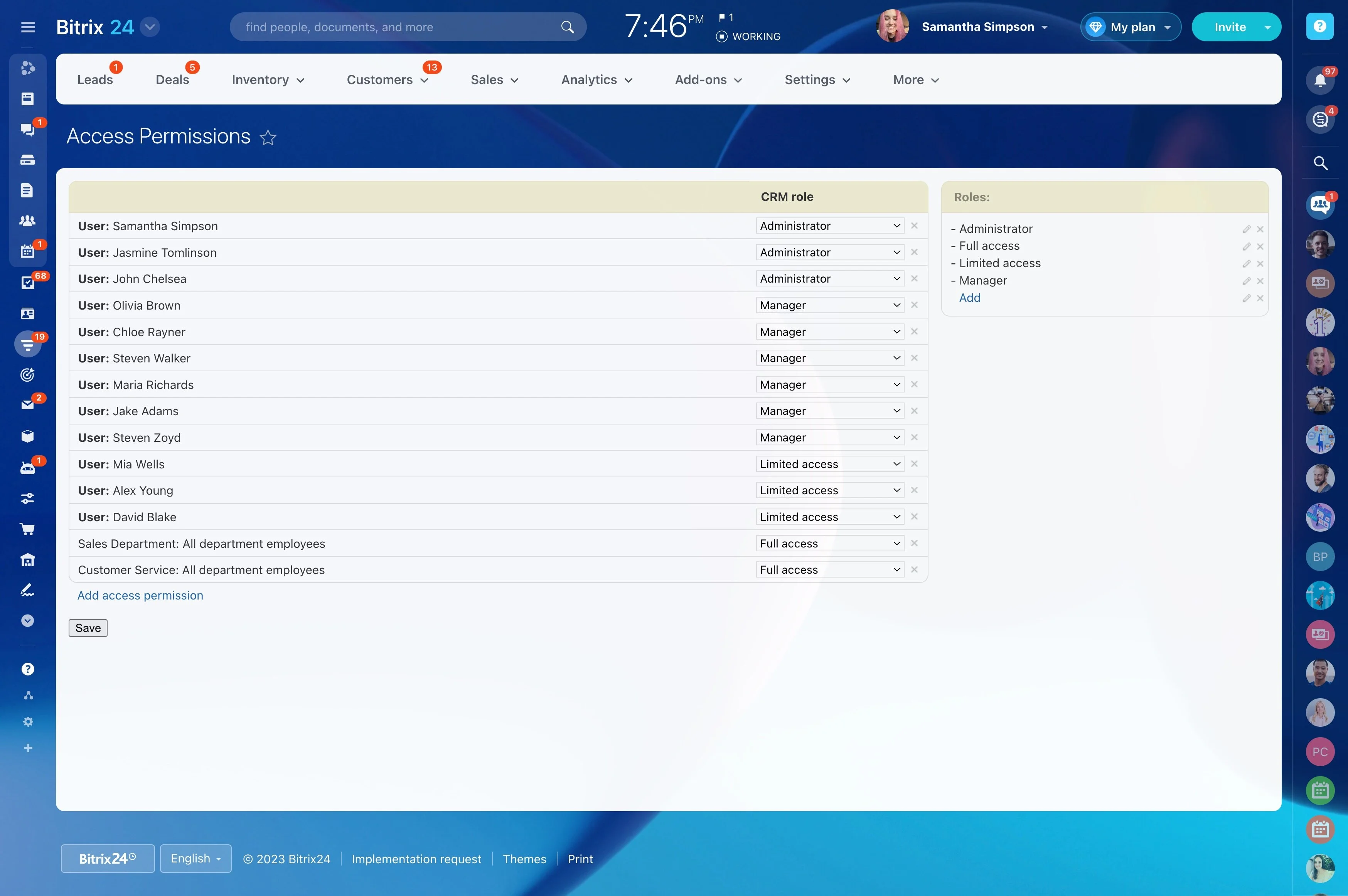
- Role-based access control: Define who can view, edit, export, or delete CRM records. Apply least-privilege access and restrict sensitive objects to specific teams.
- Two-factor authentication: Add a second layer of protection for user logins to reduce account takeover risk.
- Auditability: Import operations and record changes are logged, so you can answer “who changed what and when.”